CrowView Note 15.6 review
By Phil King. Posted
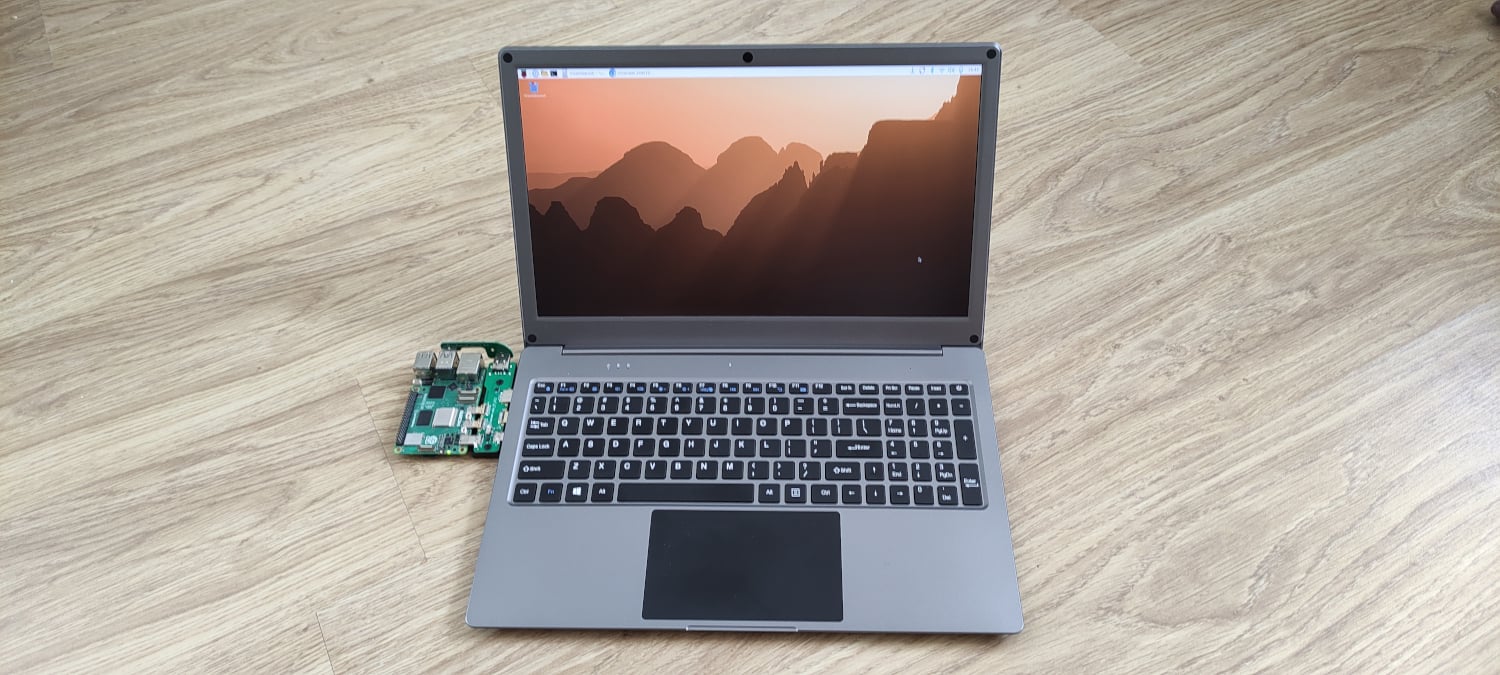
We reviewed the original 14-inch CrowView Note a while back, but there’s now a new model (£160/$167) available with a larger 15.6-inch screen, extended keyboard, and a few other improvements.
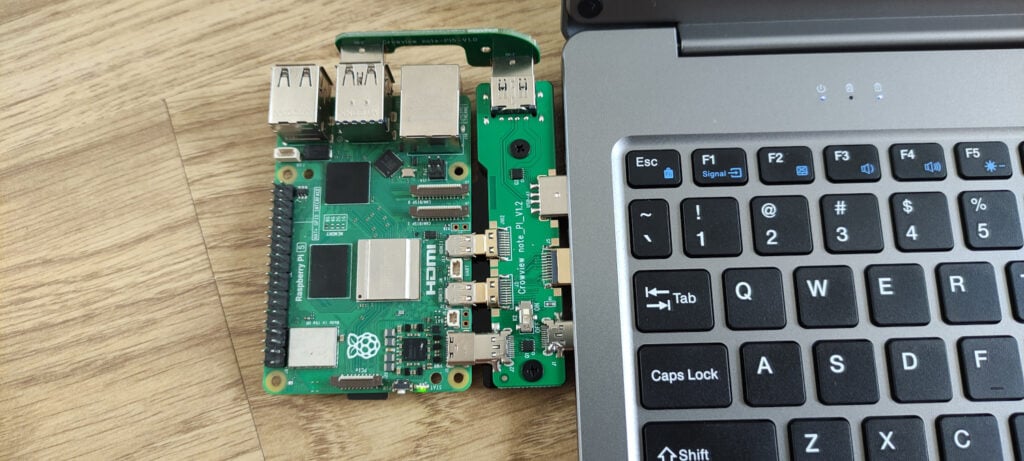
As before, you can attach a Raspberry Pi 5 to the left-hand side of the device via an optional ($7) bridge board. As well as back-powering Raspberry Pi, this routes its video output to the Note’s screen, and audio to mini speakers. An extra USB extender from one of Raspberry Pi’s USB 3.0 ports enables the keyboard and touchpad functionality. It’s a neat plug-and-play solution, even if it does stick out quite a bit from the side. There’s no room underneath for a Raspberry Pi case, either, although you can still attach an Active Cooler or heatsink.
You could also connect any other Raspberry Pi model, powered separately, to the Note using USB and HDMI cables (the Note has a mini HDMI port).
On the big screen
The most appealing feature of the new model is its large 15.6-inch display. While offering the same 1920 × 1080 resolution as the 14-inch model, which some may find disappointing, we found it to be sharp and detailed with vivid colours and good brightness (300 nits) on the default settings – you can adjust them using an on-screen menu.
The main chassis lacks a premium feel, being ABS plastic, but there’s now room for a full keyboard layout with 101 keys, including a numerical keypad on the right. The downside is that the other keys are shifted to the left, which takes a bit of getting used to. The typing action feels fine, however, and there’s a full row of function keys which double as system / media controls.
The touchpad is large and responsive, although we found the desktop cursor speed a little slow until we upped the Mouse Speed setting in Raspberry Pi OS’s Control Centre. Only the middle/lower section can be used for left- and right-click. As well as pinch/spread to zoom, two fingers are used for scrolling; three to switch applications in Raspberry Pi OS.
Listen up
For audio output, there are two mini speakers on the underside. As well as lacking bass, they’re a little quiet by default (even with the Note’s own system volume turned up) and we needed to turn the volume up to 100 in Raspberry Pi OS to achieve a reasonable loudness.
You may prefer to use the 3.5mm headphone jack on the right-hand side, which is a nice bonus. There’s also a built-in microphone, but no webcam, although you could easily add a USB one (or use a Camera Module attached to Raspberry Pi).
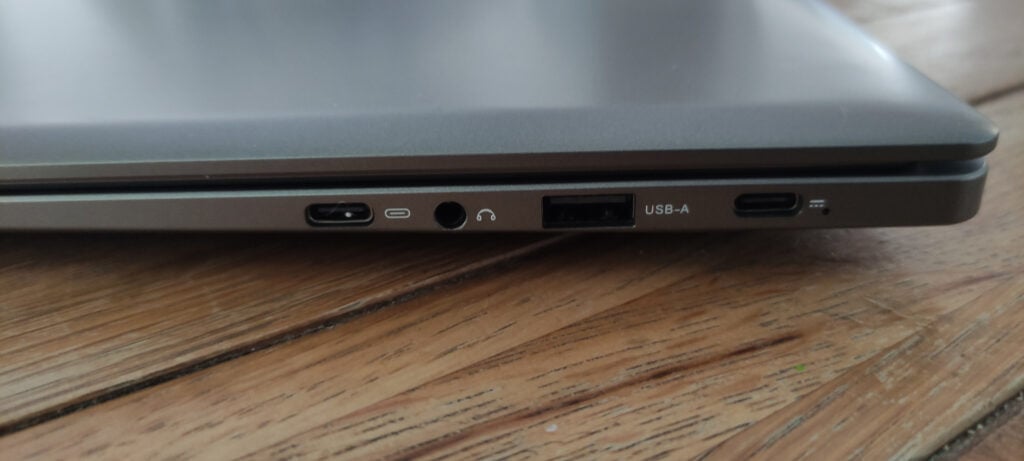
The device feels fairly hefty, weighing just over 1.5kg, part of that being down to the inclusion of a larger 6000mAh battery. According to Elecrow, this will typically last 2–3 hours, depending on the screen brightness and Raspberry Pi workload. You can check the rough battery level using a function button. It can be recharged by connecting the supplied 65W PSU to a USB-C port on the right-hand side.
The CrowView Note 15.6 is a convenient solution for plugging your Raspberry Pi 5 into a laptop keyboard and screen while out and about. There’s also a full-featured USB-C port on the right for connecting a smartphone or other device, so you can use it as a standard lapdock.
Verdict
8/10
A handy plug-and-play solution that doubles as a standard lapdock.

When not editing books and contributing to The MagPi, Phil enjoys playing the piano (badly), astronomy, and watching classic sitcoms.
Subscribe to Raspberry Pi Official Magazine
Save up to 37% off the cover price and get a FREE Raspberry Pi Pico 2 W with a subscription to Raspberry Pi Official Magazine.
More articles
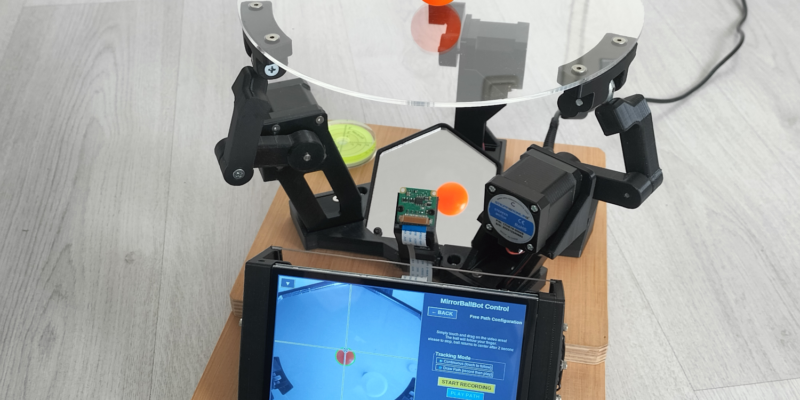
MirrorBallBot
This trick uses no smoke but it does use mirrors
Read more →
Digital Displays in Raspberry Pi Official Magazine 170
Some projects seem more like magic to us than anything else; here’s one of them. This robot by Italian engineer/magician Andrea Favero uses a mirror to widen the field of vision of a Raspberry Pi Camera Module 3, the input from which is processed by Raspberry Pi 4 and used to control three legs to […]
Read more →
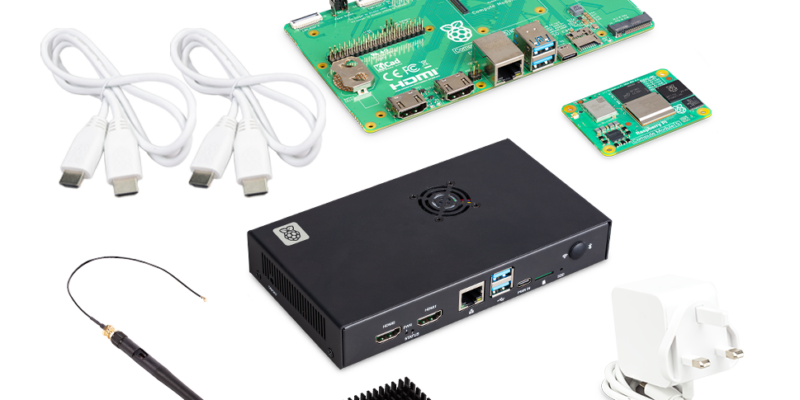
Win a Development Kit for Compute Module 5
Make CM5 development easier with our competition
Read more →