CutiePi review: a Raspberry Pi 4 tablet
By Rob Zwetsloot. Posted

Raspberry Pi-based tablets are a bit of an untapped market in our opinion. While it’s definitely fun to make your own, having one prebuilt and ready to go means you can immediately get to work on any number of coding projects. And even if you don’t quite want it for digital making, it could make for a fun tablet. CutiePi (£176/$229) here is a bit of a balance of both.
While one of its headline features is that it’s very thin (14mm thin to be exact, thinner than a Raspberry Pi 4), it doesn’t skimp on screen size with an 8-inch IPS LCD touchscreen running at 1280×800. It’s bright and very responsive, the latter thanks to a Compute Module 4 being built into the tablet – in fact this is how it can be so thin while still having the power of Raspberry Pi 4.
There are some sacrifices made to the input and output ports because of this. There’s only one USB port, one micro HDMI out port, and no GPIO or headphone ports. While USB ports can be extended with a hub, this adds extra space to something you’d want to be compact. A camera is installed on the rear though, much like other tablets, and you can easily access the microSD card to update the operating system from another computer.

On a final hardware note; we adore the handle on it. And it’s not just a handle, it’s a stand in a similar way to smart covers. You can have it propped up near vertical in landscape to use like a display with keyboard attached, or raised at a 30 degree angle to peer down on. It can also be used to prop it up in portrait orientation, and is just nice to use to carry it around with.
Interfacing
CutiePi uses its own custom graphical interface, known as CutiePi Shell. It’s based on a browser, and allows for easier use of the tablet as a touchscreen computer – much in the way that an iPad or other tablet has its own custom display. The onscreen keyboard is very good and responsive, and the orientation of the screen will change as you move it. It’s a really nice and clean experience, and has the usual trappings you’d expect, like the ability to turn off the display with a button, a lock screen, and a rotation lock.
You can also press a button and return to Raspberry Pi OS’s default desktop, where it will function just like any other Raspberry Pi.

A lack of GPIO pins does mean you’re limited in the digital making you can do either way. For pure code it’s great, and far more hackable than any other tablet, however if you want to connect it to the real world it’s a bit trickier.
For what it may lack in GPIO it makes up for in media playing. YouTube and other video services run great, and the speaker is decent. With a few parental controls this could be a great budget tablet for younger people wanting to explore coding.
Verdict
8/10
While lacking in ports it makes up for a lot with its user-friendly design and interface. Great for younger makers.
Specs
Processor: BCM2711, Quad-core Cortex-A72 (ARM v8) 64-bit SoC @ 1.5 GHz (Raspberry Pi Compute Module 4, Wireless, 2GB Lite (CM4102000))
Display: 8” IPS LCD (1280×800)
Connectivity: WLAN 2.4 GHz, 5.0 GHz IEEE 802.11 b/g/n/ac, Bluetooth 5.0, BLE, 1x USB type-A, USB type-C, 1x micro HDMI 1x microSD slot
Dimensions: 206(W) x 134(H) x 14(D) mm

Rob is amazing. He’s also the Features Editor of Raspberry Pi Official Magazine, a hobbyist maker, cosplayer, comic book writer, and extremely modest.
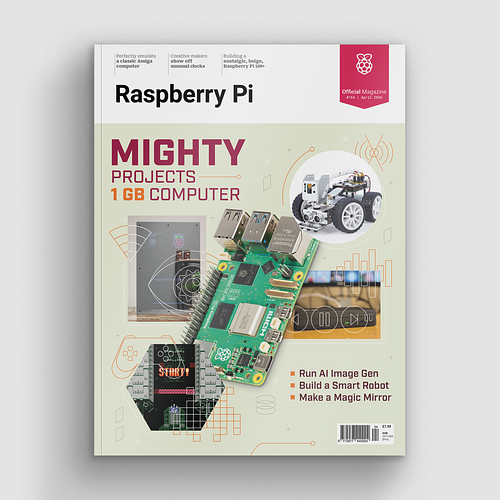
Subscribe to Raspberry Pi Official Magazine
Save up to 37% off the cover price and get a FREE Raspberry Pi Pico 2 W with a subscription to Raspberry Pi Official Magazine.
More articles
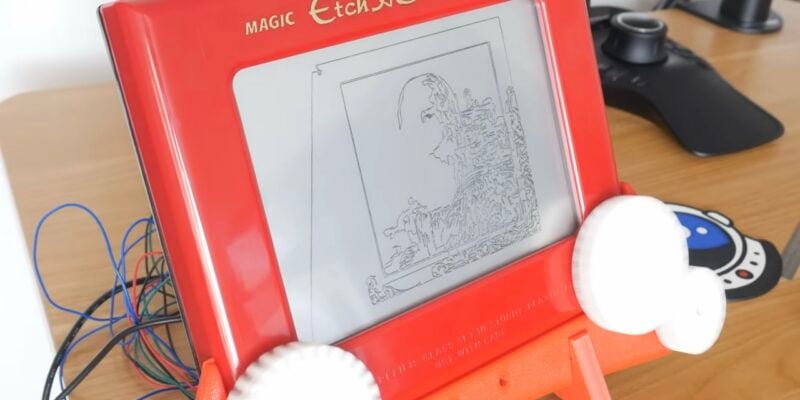
Etch A Sketch CNC machine
The software controlling the Etch A Sketch logs the image, turns it into vectors, turns the vectors into G-code, then sends the G-code to the Etch A Sketch – and it was all written by AI
Read more →
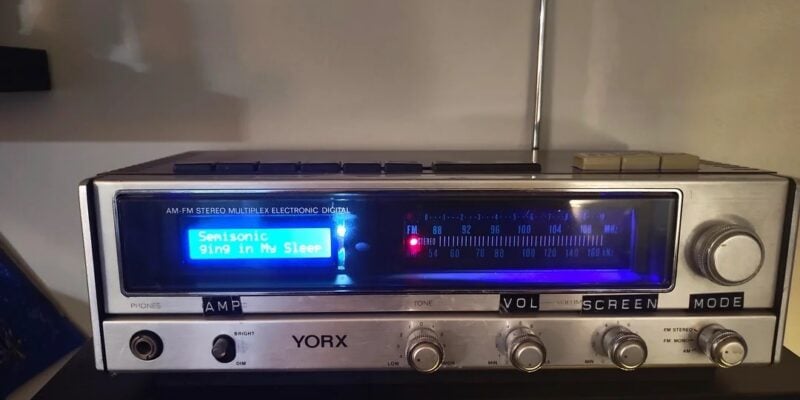
Vintage Radio Plex Server
There’s an antenna sticking up on this build, but it’s just for show
Read more →
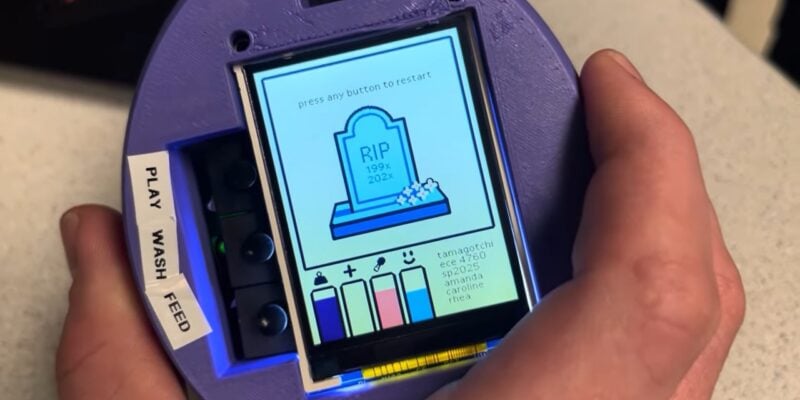
Cyber Pet Tumbler
This virtual pet can be thrown around its plastic case. Rob Zwetsloot tries to keep it alive
Read more →