GBA Remote Play
By David Crookes. Posted

Moddding retro consoles is nothing new, but it can leave the original machine feeling a little bruised and battered.
With Rodrigo Alfonso’s project, however, no classic console has to suffer harm. Instead, it’s possible to take a handheld Game Boy Advance (GBA), run PlayStation games on it, and not so much as take a screwdriver to the device itself.
Rodrigo has achieved this by creating a custom cartridge with a Raspberry Pi 3 computer tucked neatly inside. By installing and running the RetroPie emulator on the cart and engaging in a bit of jiggery pokery with the GBA’s Link Port, Rodrigo has been able to stream PSOne games on the Nintendo handheld.
“What inspired me the most was the fact that the whole project seemed impossible to achieve,” he says. “But I talked with a friend called Lucas Fryzek who knows a lot about embedded systems and he helped me figure out how to start.”
With great power
At that point, Rodrigo says he didn’t even know what a Serial Peripheral Interface (SPI) was, but he soon learned and realised its potential. The idea was to stream video from the cart at 240×160 resolution and send button-press inputs to it through the GBA’s Link Port. Nintendo included this interface so that two handheld consoles could be connected together for multiplayer gaming, but it has definitely come in handy here!

“My first step was to solder Raspberry Pi’s SPI0 ports to a GBA Link Cable, then test a multiboot tool to send a ROM [a file containing the game] to the Game Boy Advance,” Rodrigo explains. “I then ran a quick benchmark to see how packets could be transferred per second, though after optimising the code, the final transfer rate ended up being considerably higher.”
Rodrigo’s motivation was to create an impressive “superpowered” cartridge – “something you could take to a party and blow your friends’ minds with,” he says. He’d played lots of GBA games as a child and he still loves to check out new non-commercial releases for it. “But PlayStation was my first home console and I didn’t have too many games for it at the time.”
3D or not 3D
The project involved lots of trial and error. “I started to learn about bitmap modes on the GBA and frame buffers on the Raspberry Pi side and I tried to send a small image,” Rodrigo says. “After some trial and error time, the result was the GBA displaying one frame of Raspberry Pi OS’s desktop. Once I had that working, the remaining tasks were creating a virtual gamepad mapped to the GBA keys and improving the transfer rate.”

Rodrigo says there are limits. It’s not possible to transfer more than 1.6Mbps bi-directionally, for example, otherwise Raspberry Pi starts to receive “garbage” from the GBA. There’s also a one-way limit of 2.6Mbps, or 4.8Mbps if overclocked. Yet a better frame can be achieved if you forgo image quality by lowering the GBA’s native resolution from 240×160 to 120×80. Most games run smoothly.
Gamers are not limited to PlayStation games either. You could try SNES and Mega Drive, for instance, but Rodrigo says the whole point was to play 3D games. Ideally, he would have run Nintendo 64 games. “That was the original idea, but it requires more processing power and fine-tuning to get it working well.” He’s achieved his main aim, though. “There are several mods out there based on Raspberry Pi [boards] inside Game Boy Advance shells, but this is proper expandability,” he says.

Subscribe to Raspberry Pi Official Magazine
Save up to 37% off the cover price and get a FREE Raspberry Pi Pico 2 W with a subscription to Raspberry Pi Official Magazine.
More articles
Make a Smart Home in Raspberry Pi Official Magazine issue 167
The dream of smart, connected devices controlling your home automatically, is especialy appealing on a lazy day when we’re trying to get work done in a heatwave. Maybe this will be the year we finally integrate temperature sensors with fans and a drinks dispenser to keep us cool, or maybe not, but we do know […]
Read more →
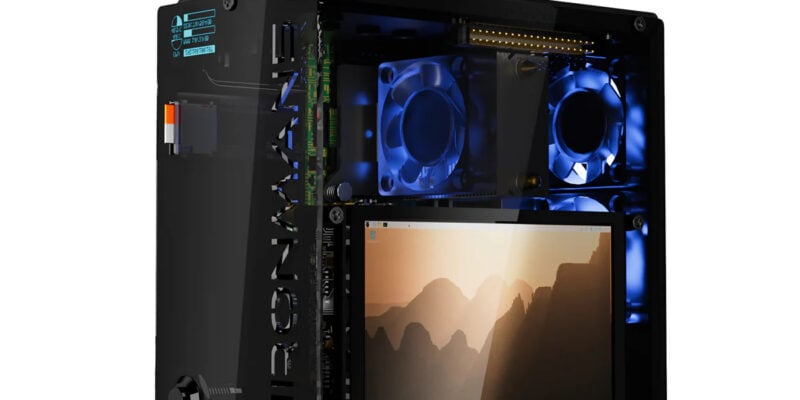
Win 1 of 3 Pironman 5 Pro Max cases!
Transform your Raspberry Pi with this amazing case
Read more →
Learning to code in an AI age
A new Raspberry Pi Foundation course helps young people learn to code.
Read more →