HyperPixel 4.0 review
By Rob Zwetsloot. Posted

We looks at this bigger touchscreen for your Pi that is still palm-sized
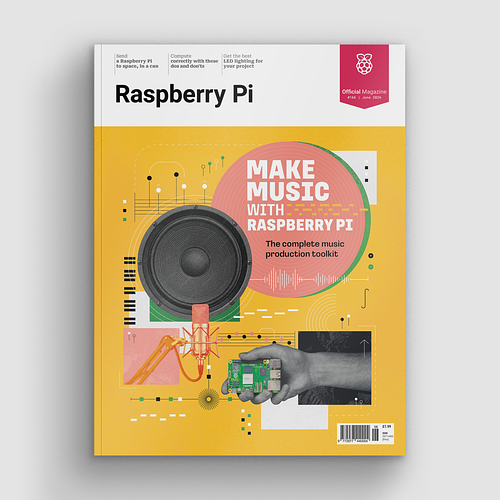
Make beautiful beats with the complete Raspberry Pi music production toolkit.
It was only last year that we reviewed the 3.5-inch HyperPixel from Pimoroni, itself a fantastic touchscreen offering great pixel density in a diminutive, Pi-sized form factor. This new, bigger HyperPixel model keeps the same high-quality parts but gives you more screen real estate to work on.
The larger size does mean that it doesn’t fit within the confines of the (standard) Raspberry Pi form factor, with a good chunk of the screen hanging off the SD card side of the board. It’s really not that bad, but it does mean if you have any cases that previously allowed you to squeeze in the 3.5-inch HyperPixel or other displays, it likely won’t work with the new HyperPixel. It’s an interesting dilemma as, due to the existence of stuff like the A+ and the Pi Zero, the standard Model B form factor is not as ubiquitous as it once was. If the old 3.5-inch screen would outsize a Pi Zero, then why not make it a little bit bigger anyway?
One-line install
As usual, this bit of Pimoroni kit is really simple to install. All you need to do is attach the screen to a Pi, hook the latter up to the usual monitor and keyboard arrangement before turning it on, and then enter a one-line command in the Terminal to get all the software properly installed. It doesn’t take long and you’ll then be immediately ready to go!
The screen is super-lovely once working – crisp and clear visuals thanks to the pixel density, with responsive touch controls and wide viewing angles due to the display tech used. It’s basically everything you’d want from a screen, and the Raspberry Pi can handle it just fine.
If the touchscreen controls aren’t a necessity, you can get a HyperPixel without them and save a few quid (and probably a bit of power draw). Either way, it’s another top Pimoroni product.
Last word
5/5
A beautiful screen that’s easy to install with a responsive touchscreen perfectly suited for every Pi with 40-pin GPIO. What more could you ask for?

Rob is amazing. He’s also the Features Editor of Raspberry Pi Official Magazine, a hobbyist maker, cosplayer, comic book writer, and extremely modest.
Subscribe to Raspberry Pi Official Magazine
Save up to 37% off the cover price and get a FREE Raspberry Pi Pico 2 W with a subscription to Raspberry Pi Official Magazine.
More articles
Make Music With Raspberry Pi in Official Raspberry Pi Magazine issue 166
Music production is an esoteric world of chin stroking and arguing over what kind of valve makes the best sound in a guitar amplifier – at least, it can be. Load up on software, bring your friends, and record your latest masterpiece on Raspberry Pi. We bring news from the world of 3D printing, where […]
Read more →
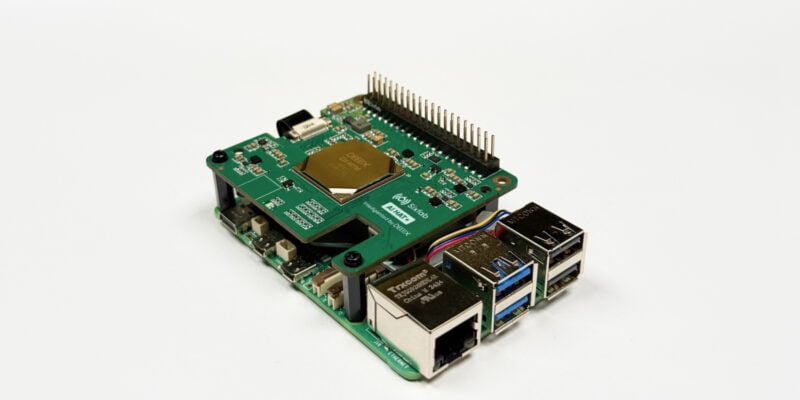
Win one of ten Sixfab AI HAT+
The new add-on could be yours
Read more →
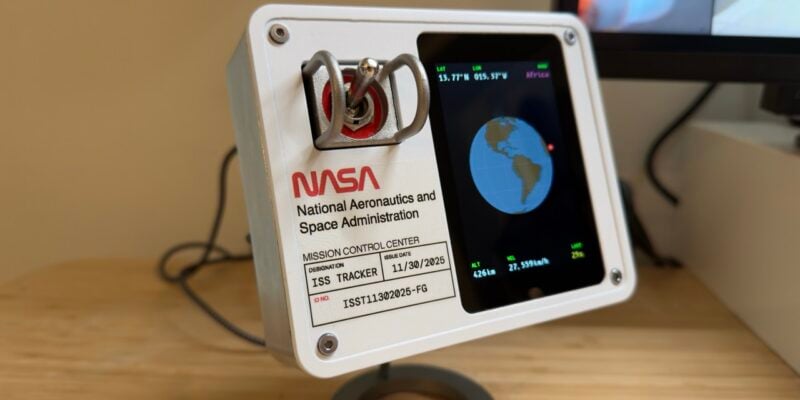
ISS Tracker
Space age is no longer a synonym for futuristic; space age means things that originated in the last millennium.
Read more →