LEDWeatherBoard
By Rob Zwetsloot. Posted
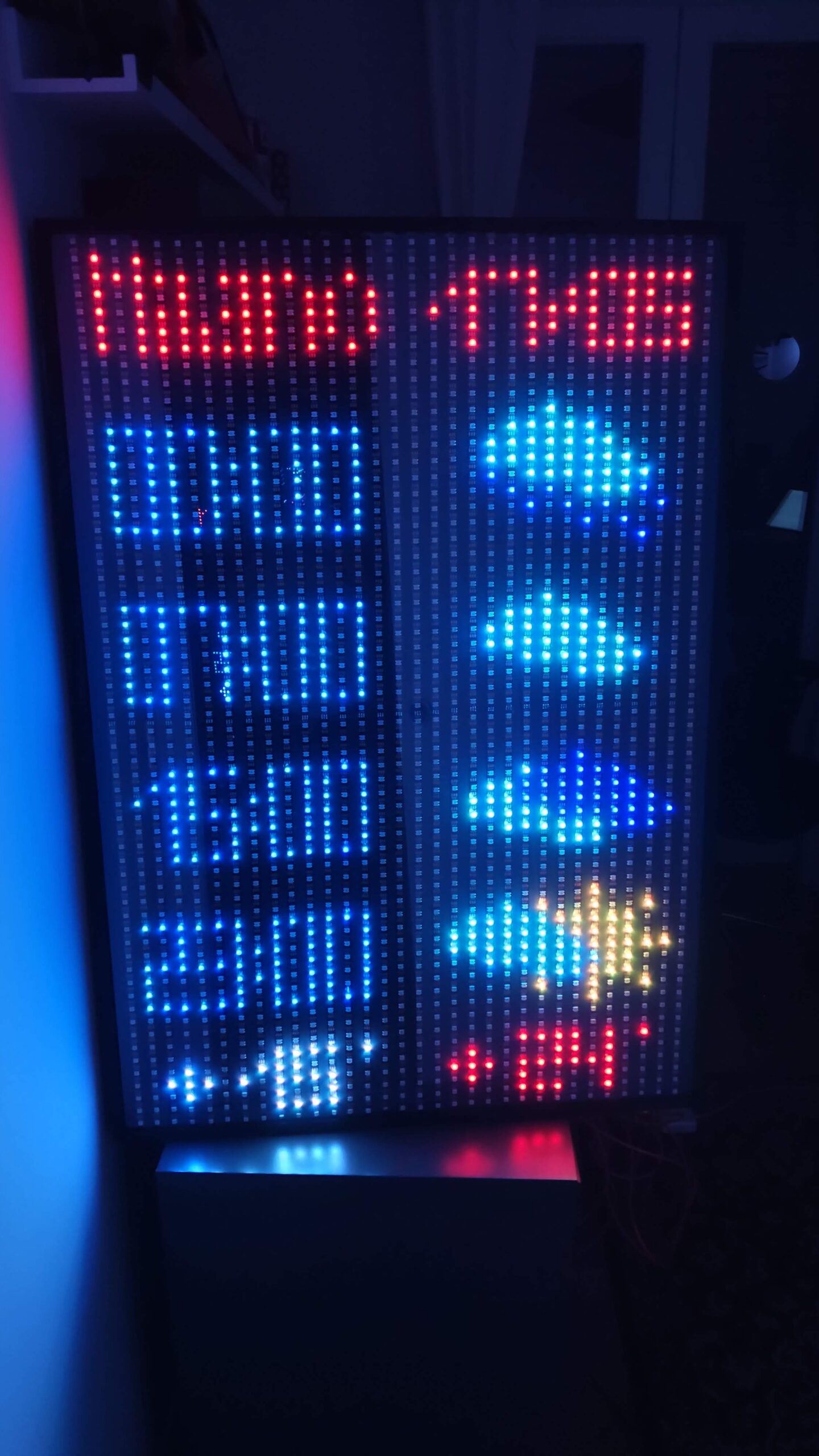
The weather. It’s a stereotypical, and very real part, of British conversation, and a classic example of using online information in your programming. Keeping the classic idea in mind, Diego Braga paired the concept with a giant board full of LEDs.
“I had the idea talking with some friends that are always checking the weather forecast,” Diego tells us. “My idea was to create something that could be even [as] good-looking as a piece of furniture, something that reminds of an 8-bit era, but with a simple layout that could fit any wall in any situation.”
What Diego ended up with was a 70×100 cm board, with 1920 RGB LEDS split up over 32 LED strips. Each individual LED is controllable, including what colour it displays as.
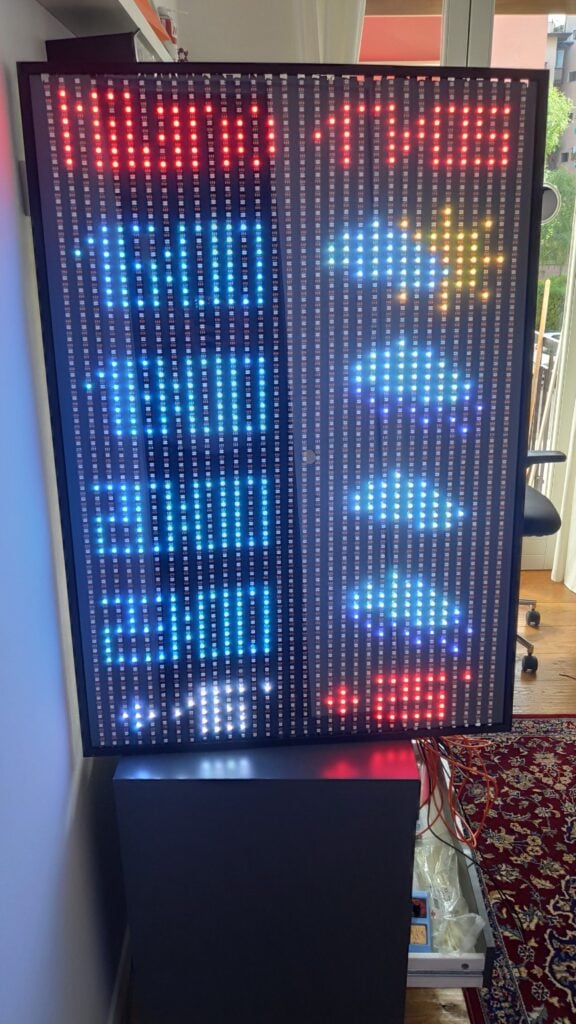
Today’s forecast
“Raspberry Pi is the perfect device to both call a public API for weather forecast and drive via GPIO the 32 metres of LED strips,” Diego explains. “I can access my Raspberry Pi via SSH and control the logging of the workflow that I implemented using Node-RED and Docker, in order to have a repeatable and consistent environment to provide to anyone interested in using my Docker image.”
While it may look and sound a little simple, Diego did have a few issues with ensuring enough current can be supplied to the LEDs. “If all the 1920 LEDs are set to white, then I need to provide two power supplies, each providing 5 V 50 A 200 W,” he says. “I chose the WS2812B-eco LEDs strips that require less current but are more sensitive to bad connections, so I had to use a resistor between the initial input of the 32 LED strips and the pin of the Raspberry Pi.” He even had to use a level-shifter to boost the signal from the GPIO pins to the input of the LED strips.
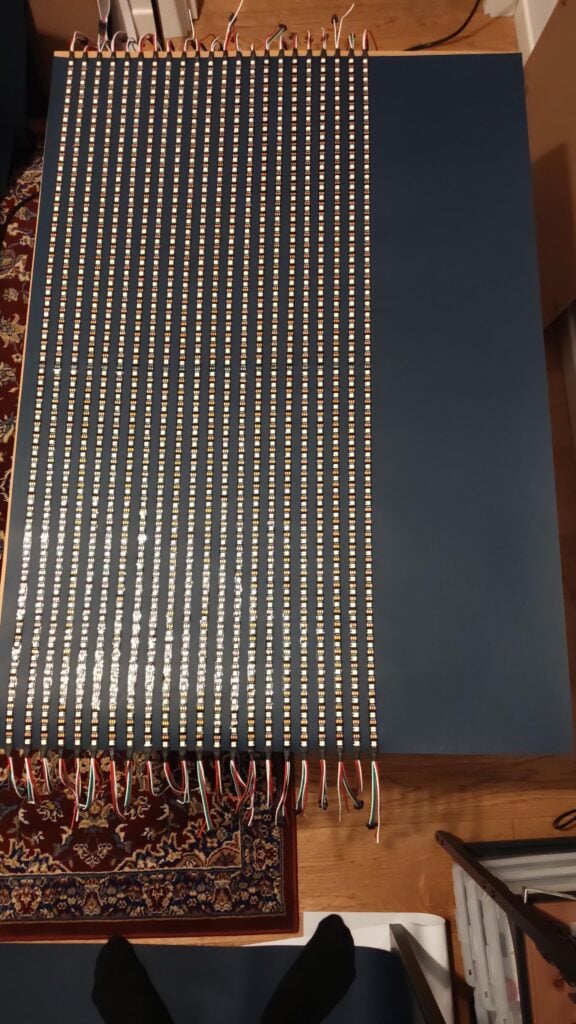
“I had to try different libraries to drive the LEDs because initially I experienced the flickering of the LEDs,” he adds. “Raspberry Pi has the capability to drive two PWM pins, so I had to split the 32 metres in two segments. After all this hardware setup, now the LEDWeatherBoard is a working project with the level of perfection that I require from my projects!”
Predicting tomorrow
Diego isn’t quite finished with the project yet, wanting to add positioning hardware and interactivity.
“I also programmatically change the LED brightness if the request to the weather API is made after sunset or after sunrise,” he reveals. “I would like to change this last hard-coded logic using a photoresistor that can read the environmental brightness and adjust [it] accordingly.”
We think it’s a great project, and it turns out his friends agreed – one of whom had it installed in his hotel lobby in the centre of Milan, near the Duomo (cathedral). Make sure it’s not raining before you head out.

Rob is amazing. He’s also the Features Editor of Raspberry Pi Official Magazine, a hobbyist maker, cosplayer, comic book writer, and extremely modest.
Subscribe to Raspberry Pi Official Magazine
Save up to 37% off the cover price and get a FREE Raspberry Pi Pico 2 W with a subscription to Raspberry Pi Official Magazine.
More articles
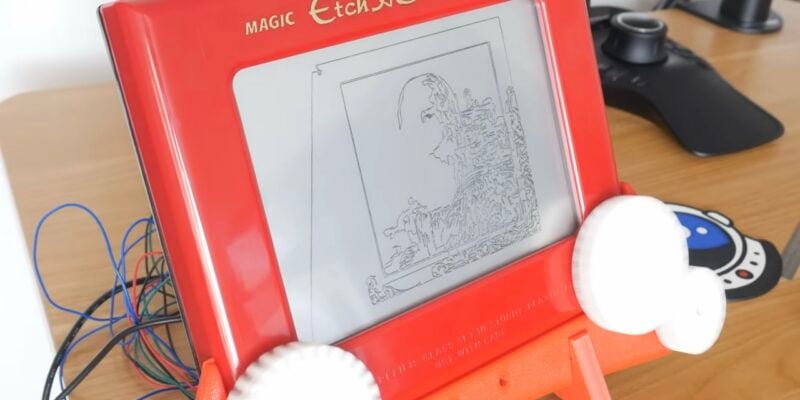
Etch A Sketch CNC machine
The software controlling the Etch A Sketch logs the image, turns it into vectors, turns the vectors into G-code, then sends the G-code to the Etch A Sketch – and it was all written by AI
Read more →
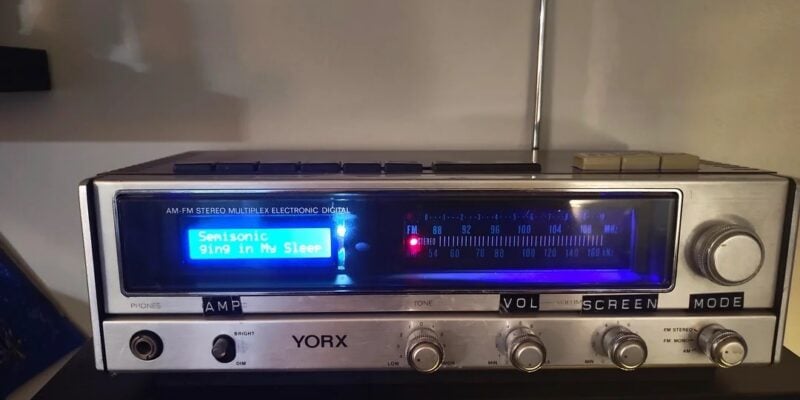
Vintage Radio Plex Server
There’s an antenna sticking up on this build, but it’s just for show
Read more →
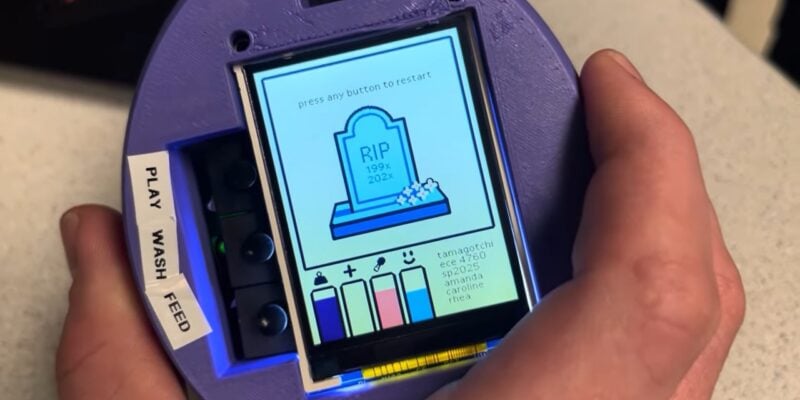
Cyber Pet Tumbler
This virtual pet can be thrown around its plastic case. Rob Zwetsloot tries to keep it alive
Read more →