NVIDIA Jetson Nano 2GB review
By Ben Everard. Posted
This article was originally published as part of HackSpace magazine, which has since been incorporated into Raspberry Pi Official Magazine.

One problem with reviewing small computers is the huge range of things they can be used for. Should we evaluate its ability to be used as a desktop, as a robot’s brain, or as a server? In many cases, these are all common uses. With the NVIDIA Jetson, this isn’t a problem. While it runs Linux and can be used for a wide range of purposes, really, it’s a machine for one thing and one thing only: Artificial Intelligence. This is even printed on the box with the palindrome I AM AI.
There are a few things that make it really suitable for this, and the most obvious is the 128-core Maxwell GPU. GPUs are traditionally used for creating flashy graphics, but it turns out that exactly the same processing power is useful for some other things, including running neural networks.
As well as this, there’s a quad-core ARM CPU running at 1.4GHz. This new version comes with 2GB of RAM. While this is less than the 4GB on the previous version, the drop in RAM does come with a hefty drop in price – the Jetson Nano 2GB is just $59 (the 4GB version is $99). Another difference between this and the previous version is that there are now only three USB ports.
As well as processing power, there’s plenty of connectivity, including a camera port (compatible with Raspberry Pi Camera Modules), and a 40-pin GPIO header. There is an Ethernet port, but no WiFi (though you can add a wireless dongle).
Take back control of your online data, with Raspberry Pi.
The NVIDIA Jetson Nano 2GB SD card image boots into Ubuntu running the stripped-down LXDE desktop environment. This is fine for basic use and doesn’t hog too much memory. However, machine learning can be a bit of a memory hog itself. If you boot up without a display attached, this desktop environment isn’t started and you have more memory at your disposal.
There is a second problem with running the desktop environment – since most of the machine learning tutorials work on image recognition (though you can use many other sources of data and input for your AI), if you use a USB webcam, keyboard, and mouse, then there’s no space for a WiFi dongle.
Fortunately, the software has great support for working remotely. You can set up and run your Jetson Nano without needing a display at all, and much of the programming is done through the Jupyter web-based interface, so it really doesn’t matter if you’re working directly on the machine itself or another computer attached to the same network. Alternatively, you can use a camera connected to the ribbon connector – Raspberry Pi cameras are compatible, so you can use either the standard Camera Module or High Quality Camera to free up a USB port.
Perhaps the stand out feature of the Jetson Nano 2GB isn’t the hardware at all, but the learning system that NVIDIA has put together to help you get started with machine learning. There’s a software bundle that downloads and installs everything you need to use some popular machine learning toolchains, including TensorFlow and PyTorch. Alongside this, there’s a series of free online courses to help you learn how to use this software. Of course, it’s not just about doing code running on the machine. The advantage of small computers is that you can embed them in robots, machines, and other projects. The 40-pin connector isn’t necessarily compatible with Raspberry Pi HATs, but if you’re looking to expand the functionality of a Jetson Nano, there is some hardware designed specifically for this board, particularly the range of JetBots (see hsmag.cc/e15q7e), which are wheeled robots designed to help you learn about machine vision with self-driving. Alternatively, you can build directly off the GPIO pins.
The hardware and software for the NVIDIA Jetson series really do make an excellent platform for learning about AI. It’s easy to install and learn a vast range of industry-standard software, and the GPIOs mean that your machine can interact with the real world. Couple this with the learning resources to help you actually use the available machine learning software, and you have got a great platform for people getting started with AI. Whether you want to make a self-driving car, a vision-based object sorter, or any other camera-based AI.
The fact that they’ve been able to squeeze the price down to $59 is a real achievement that makes it accessible to many more makers.
VERDICT
A fantastic introduction to machine learning
9/10

Ben is the Editor of HackSpace magazine. When not wrangling words, he enjoys cycling, gardening, and attempting to identify wild mushrooms.
Subscribe to Raspberry Pi Official Magazine
Save up to 37% off the cover price and get a FREE Raspberry Pi Pico 2 W with a subscription to Raspberry Pi Official Magazine.
More articles
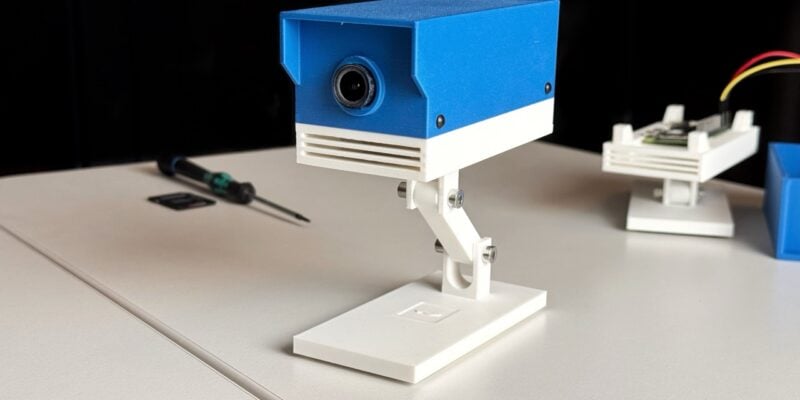
ROOT Observer: a privacy-focused security camera
Get AI features without having to share your data with gigantic corporations.
Read more →

8BitDo 64 Controller review
A near perfect replica of the original N64 controller, but laid out for modern sensibilities and comfort.
Read more →
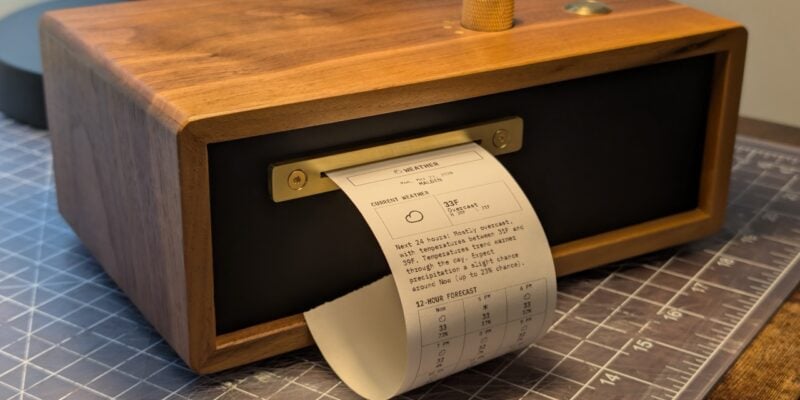
Paper console
Look at those physical controls! This device is built to be beautiful: it’s made out of walnut and brass.
Read more →