Print Editions of new MagPi Essentials books
By Russell Barnes. Posted

Each new MagPi Essentials print title costs just £3.99 and contains 100 pages of top-quality tutorials.

Four new MagPi Essentials books are now available as print editions.
These new books are now available to buy:
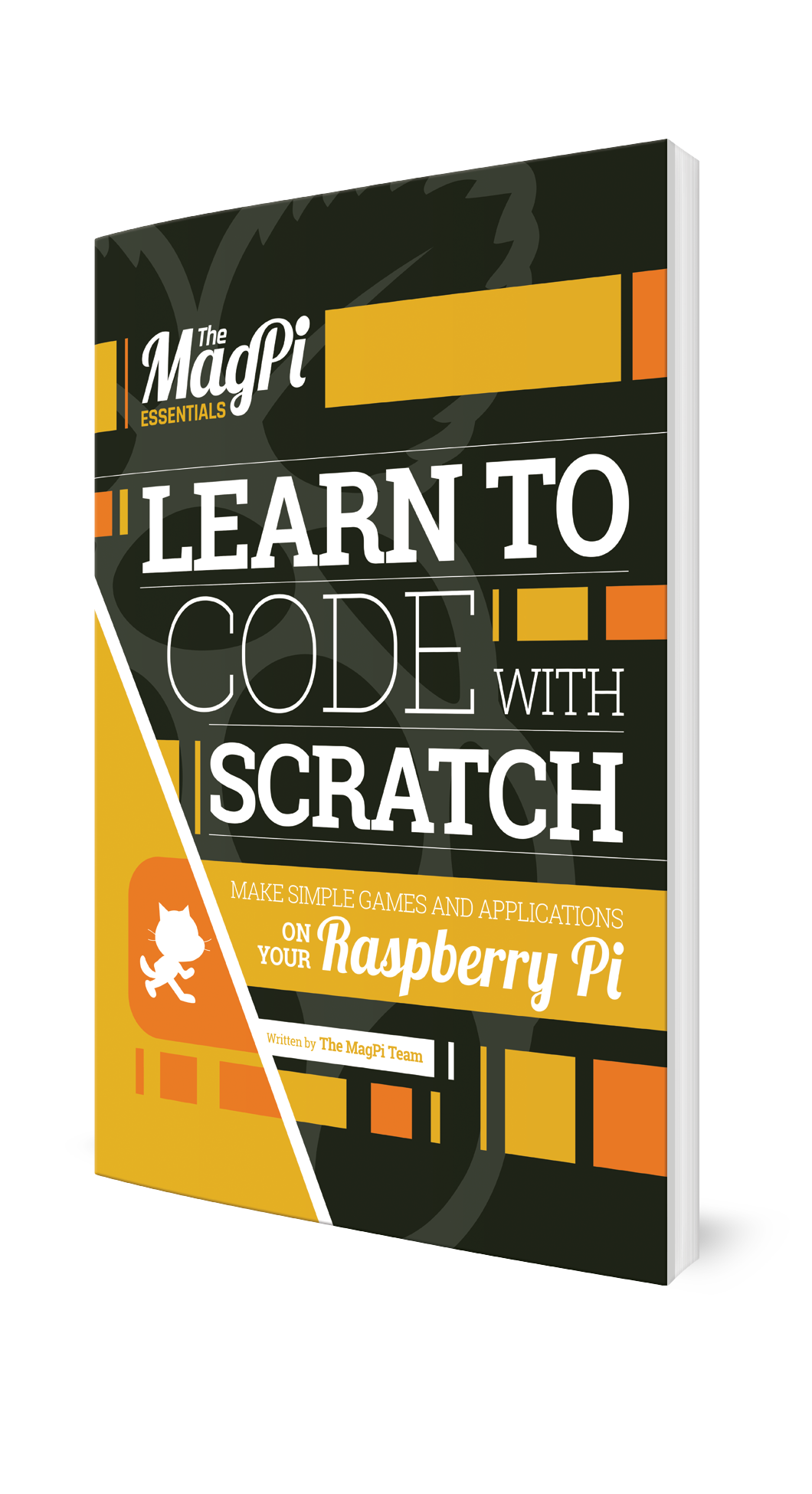
- Learn to Code with Scratch
- Hacking and Making in Minecraft
- Simple Electronics with GPIO Zero
- Learn to Code with C
In the spirit of Raspberry Pi, we're making these books as widely available as possible.
Each new print title costs just £3.99 and contains 100 pages of top-quality tutorials.
MagPi Essentials books in print
The new books join our current range, making for eight titles in total. Each title offers a comprehensive look at an aspect of coding, hacking and making with the Raspberry Pi.
Here is what you can expect to find inside each book:
MagPi Essentials: Learn to code with Scratch
Learn to code on your Raspberry Pi with Scratch, the world's leading visual programming language, and the team behind the official Raspberry Pi magazine. Created by the boffins at MIT, Scratch enables children and adults without any prior knowledge to start programming within minutes. In this book, we'll help you get started and guide you step-by-step through the process of creating all sorts of projects: games, animations, quizzes, electronics circuits, and more. With our help, we think you'll find that Scratch isn't just a great way to learn to code, but lots of fun too!
MagPi Essentials: Hacking and Making in Minecraft
Learn to build your own virtual worlds with Minecraft: Pi Edition, on the Raspberry Pi, the only version that actively encourages you to hack and make with Minecraft. Minecraft: Pi Edition is entirely free, and it comes with a powerful API, which allows you to hack and make entire virtual worlds with a few simple lines of code. In this book, you'll learn to do just that across 13 packed chapters.

MagPi Essentials: Simple Electronics with GPIO Zero
Learn how to create stunning electronics projects with your Raspberry Pi using our 100 page GPIO Zero Essentials guide. Using the GPIO pins on your Raspberry Pi opens up a whole new world of possibilities. While it might seem daunting at first glance, with our help, you'll be creating electronic circuits and controlling them with the Python programming language within minutes. Grab your breadboard and start taking control of the real world with your Raspberry Pi today!

MagPi Essentials: Learn to Code with C
Learn to program C, with the world's most popular language, using your Raspberry Pi. The C programming language is used to program everything from the tiny microcontrollers used in watches and toasters up to huge software systems – most of Linux (and Raspbian itself) is written in it. Learn to code with C is the perfect introduction to the language and is easy to follow with your Raspberry Pi (or any other hardware format).


Russell runs Raspberry Pi Press, which includes The MagPi, Hello World, HackSpace magazine, and book projects. He’s a massive sci-fi bore.
Subscribe to Raspberry Pi Official Magazine
Save up to 37% off the cover price and get a FREE Raspberry Pi Pico 2 W with a subscription to Raspberry Pi Official Magazine.
More articles

Raspberry Pi Official Annual 2027 is out now!
New name, same fantastic content
Read more →

Robot arm lamp
This won’t be jumping on any animation studio logos
Read more →

Sage Cadence interview
An electrical engineering student trying to provide the educational content she would have wanted
Read more →