Printing with metal and stone
By Ben Everard. Posted
This article was originally published as part of HackSpace magazine, which has since been incorporated into Raspberry Pi Official Magazine.
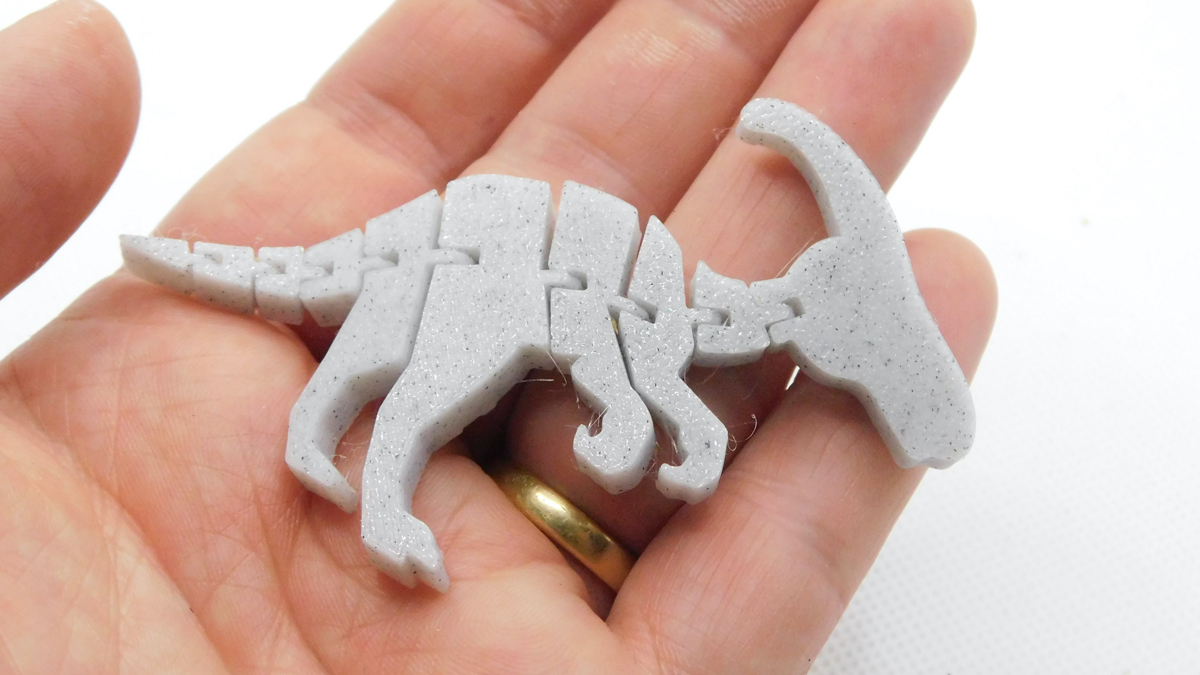
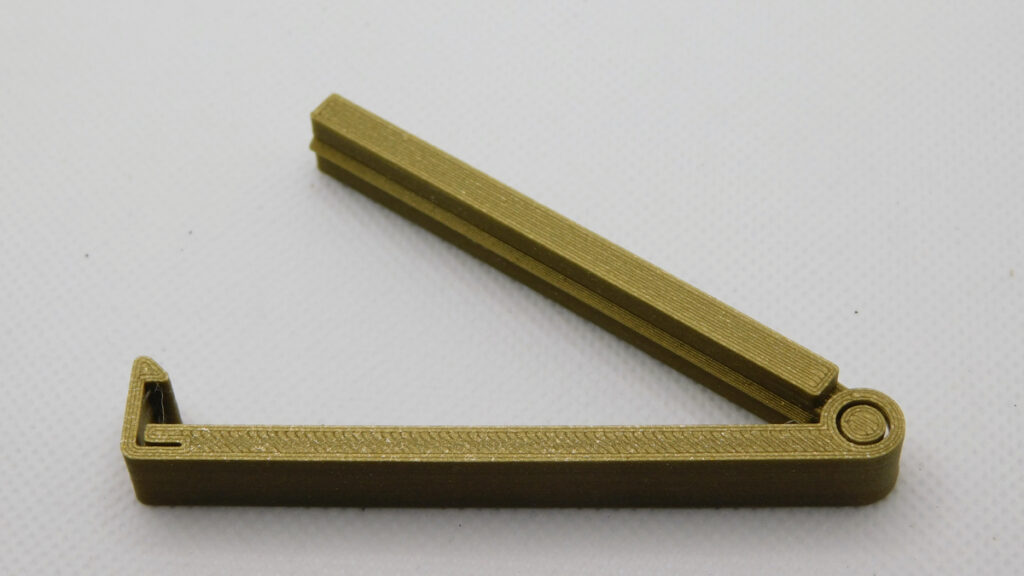
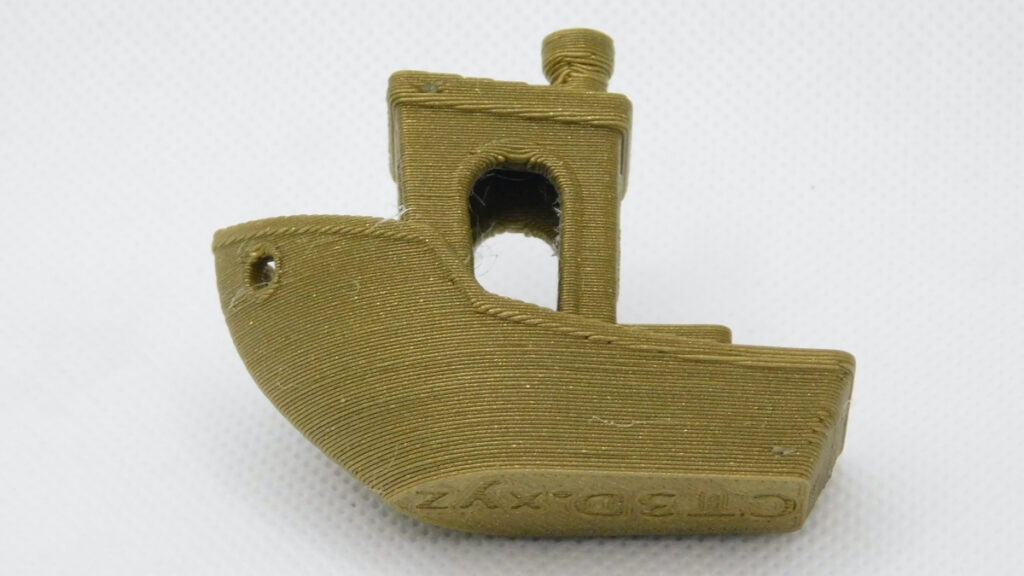
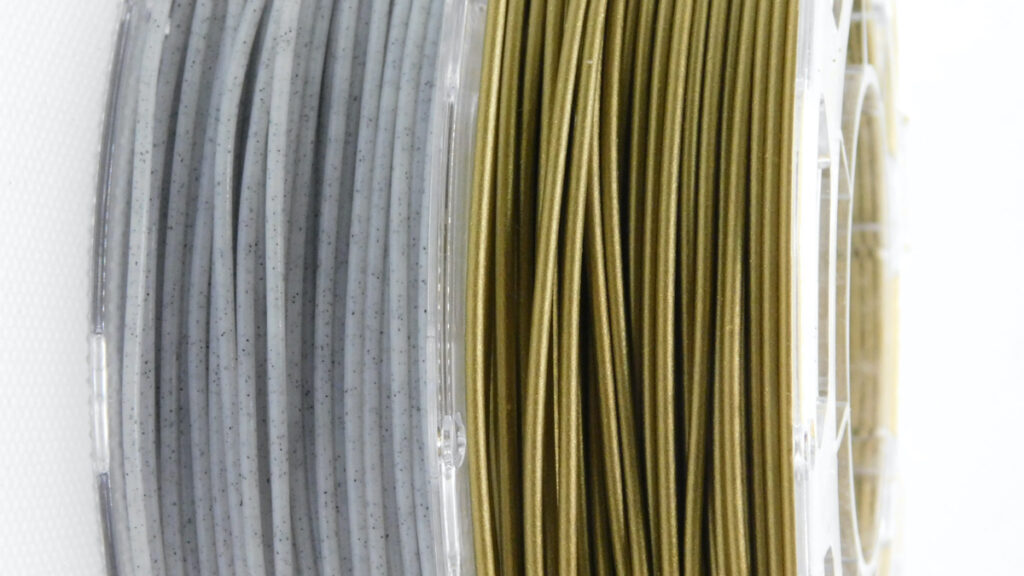
Wood-filled filament (which we looked at in issue 29) is the most popular type of filled PLA, but it’s not the only option to give your prints a less plasticky look. This issue, we’re going to take a look at a couple of other options: metalfil and stonefil. These are, as you might expect, PLA with added metal or stone. These additives can lead to really good-looking prints with some of the visual appeal of another material. For this article, we tested bronze filament and marble filament. Both can create great-looking prints, but neither is the same as the original metal.

Bronze filament retains the colour and lustre of the original metal, but doesn’t have the same shine that you can get from pure metal.
The end effect from marble filament isn’t really much like marble at all. It doesn’t have the sweeping patterns caused by mineral impurities. Instead, it has dots of black in a slightly off-white, translucent plastic. Dots at different depths show up as different shades of grey, which does give a pleasant natural stone effect.
Printing problems
While these filaments are mostly PLA (with a few bits added in for effect), they do print a little differently from pure plastic.
The particles in them are much harder than plastics, so you need to use a wear-resistant nozzle. The most common of these nozzles are the hardened steel nozzles, but you can also get more exotic options, such as those made from ruby.
You’ll need to adjust your slicer settings. While these filaments are mostly made from PLA, they do need to be printed a little differently. There are four things that you might need to adjust:
• Temperature You’ll probably find that you need to increase the temperature by 5/10 degrees (but no hotter than 220 °C), compared to regular PLA.
• Flow-rate (or extrusion multiplier) Increasing this pushes more filament out of the nozzle. Going to 1.1 or even higher can improve prints.
• Fan Turning down the fan helps layers stick together better.
• Print speed As more delicate than regular PLA, you may find that you have to slow the speed.
You should also be aware that most filaments are sold by weight, and filled filaments are typically heavier than regular PLA, so you’ll get less volume for a given weight.
UNCLOGGING
These materials are quite prone to clogging the printer nozzle. Most printers come with a 0.4 mm nozzle, and this should work with most filled filaments, but a 0.5 mm or larger nozzle will be less likely to block (you will need to adjust your printer settings accordingly).
If you do block your nozzle, the first thing you can try to unblock it is a cold pull. Check your printer’s documentation for how to do this, as it can be a little different depending on how the extruder is set up, but basically, the approach is to use filament to stick to any clogs and pull them out of the top of the extruder.
You’ll need some non-filled filament, and you insert it into your extruder as normal. The filament will melt around any small blockages in the nozzle. Once it’s in, you then drop the hot-end temperature down to about 120 degrees. At this point, the filament will still be pliable, but will be fairly solid, and any particles blocking the nozzle should be stuck to the filament. You can then pull the filament out of the top of the extruder.
You may need to repeat this procedure a few times to get all the clogs out. White filament is particularly good for this, as this will show up any bits of clogs, so you can repeat the procedure until there are no discoloured bits on the filament, post cold pull.

Ben is the Editor of HackSpace magazine. When not wrangling words, he enjoys cycling, gardening, and attempting to identify wild mushrooms.
Subscribe to Raspberry Pi Official Magazine
Save up to 37% off the cover price and get a FREE Raspberry Pi Pico 2 W with a subscription to Raspberry Pi Official Magazine.
More articles

Raspberry Pi Official Annual 2027 is out now!
New name, same fantastic content
Read more →

Robot arm lamp
This won’t be jumping on any animation studio logos
Read more →

Sage Cadence interview
An electrical engineering student trying to provide the educational content she would have wanted
Read more →