Breakout Garden HAT review
By Rob Zwetsloot. Posted

With no soldering or wiring required, this offers an easier way to grow your projects.
For those digital makers who want to get straight down to coding and creating, without having to first fiddle around with soldering and/or complex wiring, the Breakout Garden HAT should prove a real boon.
This article first appeared in The MagPi 80 and was written by Phil King
Akin to other ‘connector’ systems, such as Grove, it enables users to simply plug and play with various tiny breakout boards: at the time of writing, Pimoroni’s range is 13 strong, including sensors, cute mini displays, and even a thermal camera.
Just insert one or more boards into the six slots in the Breakout Garden HAT and you’re ready to go. The mini breakouts feel secure enough in the edge-connector slots and are very unlikely to fall out, although there is a bit of back/front wobble if you touch them – particularly on the larger ones like the OLED display.
Reverse polarity protection is provided in case you accidentally insert a board the wrong way round. Also, it doesn’t matter which slot you use for each breakout, as the latter’s fixed I2C address will be recognised by the software, so it’ll detect them correctly even if you move them around. And, since they use a shared I2C bus, this leaves plenty of spare GPIO pins, the most useful of which are broken out by a 20-pin strip of holes – a male header is supplied, which, due to the slightly offset alignment of the holes, fits firmly into place (or you could solder it).
Plant the software
Installing the necessary software is also easy enough. While, at the time of writing, the usual Pimoroni one-line curl installer wasn’t working, it’s easy enough to download and unzip the Breakout Garden GitHub repo. After inserting one or more breakouts into the HAT slots, you then just use a sudo ./install.sh command to automagically install the required software for them. The one exception to this was the 5×5 RGB matrix we tested, which required its library to be installed manually.
The GitHub repo features several Python examples to get you started. First, we tried out the weather project using the BME680 sensor and showing the results – including temperature and barometric pressure – on a neat 128×128 OLED mono display. Next, we used the LSM3030D 6DoF motion sensor with the OLED as a seismograph to detect ‘dino stomps’ – or, rather, us stamping on the floor! Another nice demo is using the laser-powered VL53L1X time of flight sensor as a mini car reversing indicator, showing the distance to the nearest object on the OLED. We also adapted this example to represent the distance with coloured squares on the 5×5 RGB matrix display.
Hanging baskets
While the HAT is great for prototyping software with mini breakouts, it’s not necessarily ideal for a final working project – for instance, you might well want to reposition a distance sensor, or move a temperature sensor away from the Raspberry Pi for a more accurate reading.
In this case, you could always solder pins (supplied along with right-angle headers) to the mini breakouts and connect them directly, or via a breadboard, to the Pi in a more permanent project. Alternatively, Pimoroni offers a Garden Extender Kit that enables you to extend the reach of your breakouts, so you could have them trailing like hanging baskets. Or, just using the Garden Extender parts and jumper cables, you could use any other I2C breakout with the HAT. So it’s very versatile.
If you prefer a smaller form factor, a Pi Zero-size Breakout Garden pHAT is also available, although it only has three slots.
Verdict
9/10
Providing plug-and-play prototyping, this stylish and practical HAT is a great way to get creative without getting your hands dirty with soldering and wiring.

Rob is amazing. He’s also the Features Editor of Raspberry Pi Official Magazine, a hobbyist maker, cosplayer, comic book writer, and extremely modest.
Subscribe to Raspberry Pi Official Magazine
Save up to 37% off the cover price and get a FREE Raspberry Pi Pico 2 W with a subscription to Raspberry Pi Official Magazine.
More articles
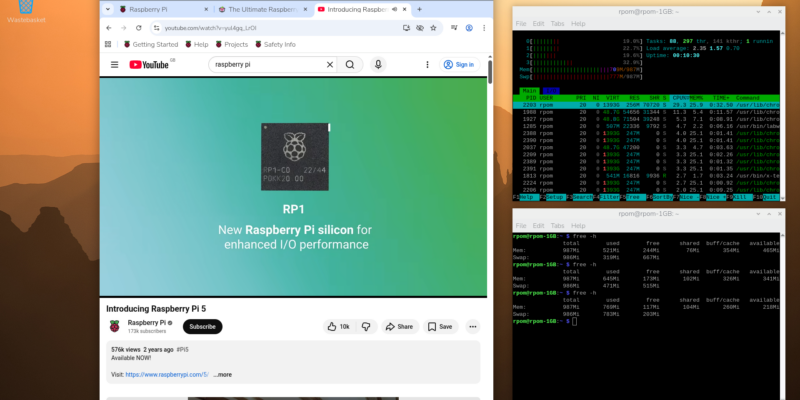
Make your RAM go further – Raspberry Pi OS memory optimisation tips
In issue 164 of Raspberry Pi Official Magazine we have been playing around with the new Raspberry Pi 5 1GB RAM. While the RAM shortage caused by the demands of AI infrastructure is annoying beyond belief, this has been a great chance for us to really get to grips with RAM. Generating images in Stable […]
Read more →
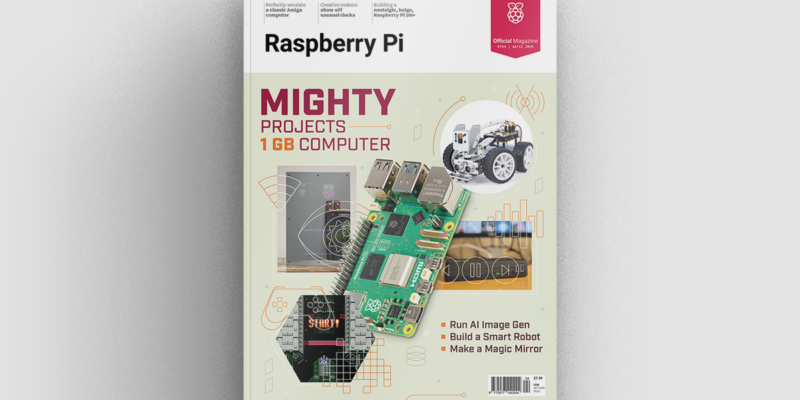
Mighty Projects – 1GB Computer in Raspberry Pi Official Magazine 164
It’s normal for computers to get faster and more pwerful, but the new-ish Raspberry Pi 5 1GB is a step in the other direction: it has all the processing power and the same GPIO pins of its more costly siblings, but with only 1GB of RAM it’s at a price that’s friendlier on the wallet […]
Read more →
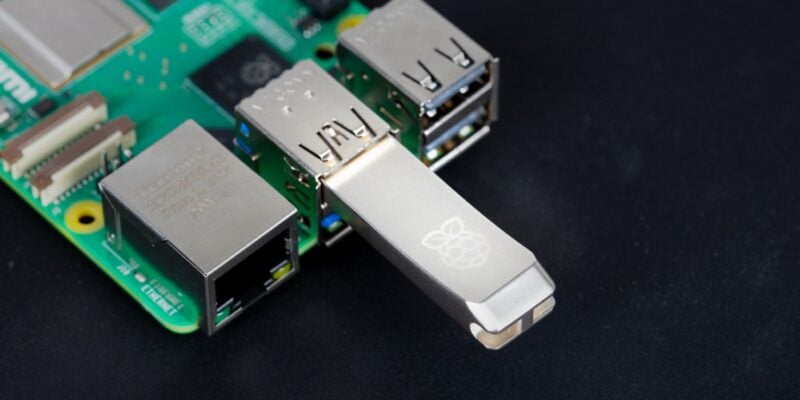
Win one of five 256GB Raspberry Pi Flash Drives
If you’ve been around long enough, you know that every Raspberry Pi accessory is top quality, and the latest Flash Drive is no different. Fancy a big one? We have five up for grabs, and you can enter below… Win 1 of 5 256GB Raspberry Pi Flash Drives
Read more →