Build a 4K media player in The MagPi issue 87
By Lucy Hattersley. Posted

Making a media player is one of our favourite makes here at The MagPi. This beginner-friendly project results in something practical and powerful that you can place underneath your television and use daily.
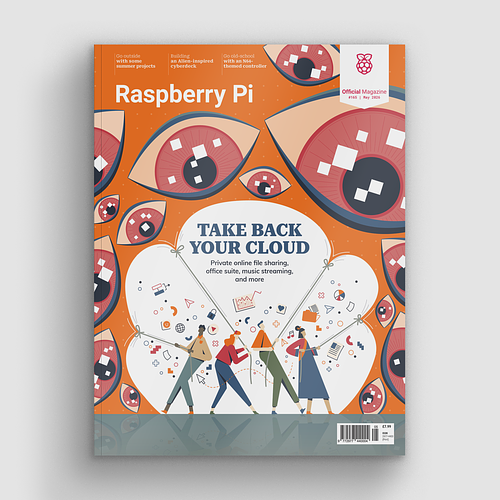
Take back control of your online data, with Raspberry Pi.
We asked Raspberry Pi specialist Wes Archer to run through the ideal build for a media player.
Wes shows us the right hardware to buy, including cases, cables, and remote controls. He then walks through the LibreELEC setup process.
Going above and beyond the basic setup, our Build a 4K Media Player feature demonstrates how to organise your media, add artwork, and automatically add information.
Click here to buy The MagPi magazine issue 87

Power up your kitchen with Raspberry Pi
Get ready for the holiday season with lots of projects designed to make the most of your kitchen. Build a smart temperature scale, discover a kitchen computer, control a microwave, and make the perfect cup of coffee. All with Raspberry Pi.

Use a UK train departure screen
When one The MagPi maker wanted to find out the UK train times, they used Raspberry Pi and a small OLED screen to build a mini timetable departure board. Tapping into the Transport API enables this system to display the latest train times for any station.

Make a cluster computer
What's better than a Raspberry Pi 4 computer? Four Raspberry Pi computers, of course! Raspberry Pi expert maker PJ Evans shows us how to wire multiple Raspberry Pi computers together to build a 'bramble' (a powerful cluster computer). Once it's made, you can learn supercomputing skills used by some of the world's most powerful supercomputers.

Hack a GraviTrax marble run
The MagPi hacker Mike Cook makes an amazing marble run with this GraviTrax hack. Add servos and light detectors to track a ball bouncing around your run, and trigger sounds and animations.

Learn to code with toys
We learn through play, and what better way to learn to code a computer than playing with toys designed to teach children just that? We've brought together a bunch of board games, electric gadgets, and low-tech toys that can be used to learn computational thinking skills. Sounds serious? Far from it. This is a fun way to learn computing (suitable for kids of all ages).

Plus! Win one of five SmartPi Touch 2 Touchscreen cases!
The MagPi is available as a free digital download, or you can purchase a print edition online or in stores.

Lucy is Editor of Raspberry Pi Official Magazine.
Subscribe to Raspberry Pi Official Magazine
Save up to 37% off the cover price and get a FREE Raspberry Pi Pico 2 W with a subscription to Raspberry Pi Official Magazine.
More articles
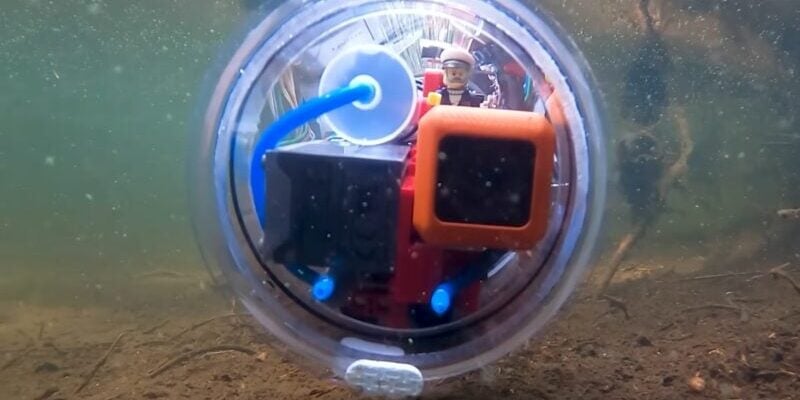
10 amazing Waterborne projects
Raspberry Pi can safely get wet, as a treat.
Read more →
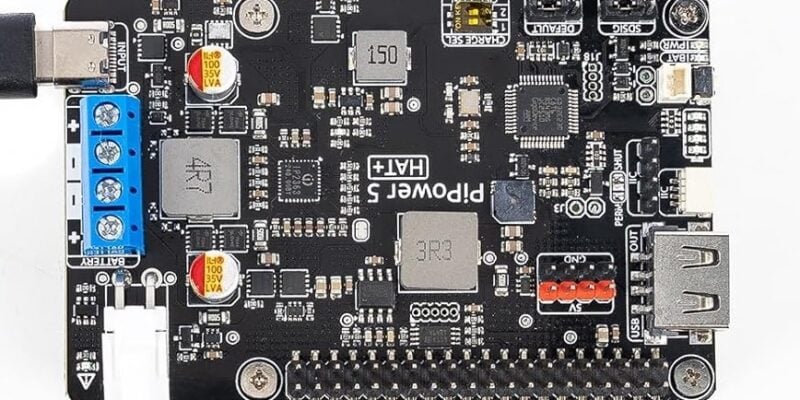
PiPower 5
Keep your Raspberry Pi powered up with this versatile UPS.
Read more →
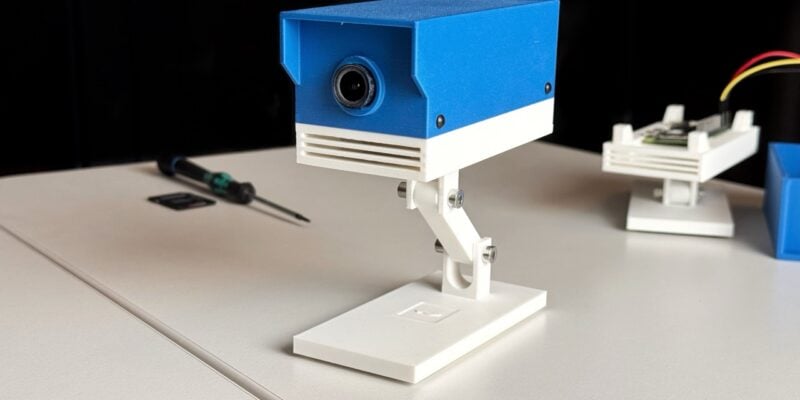
ROOT Observer: a privacy-focused security camera
Get AI features without having to share your data with gigantic corporations.
Read more →