ED-HMI3020 Pi 5 touchscreen review
By Phil King. Posted

Designed for industrial settings, the EDI-HMI3020 touchscreen panel (From £212 / $268) has a ruggedised housing with a well-protected Raspberry Pi 5 mounted on the rear, cooled passively with a heatsink. It comes in 7-inch (1024×600 pixels) and 10-inch (1200×800) variants with 4GB or 8GB or RAM. We tested out the 8GB, 10-inch model.
While there’s no direct access to Raspberry Pi 5’s GPIO header via the case, the four USB ports are exposed, along with the USB-C power socket, two micro-HDMI ports, microSD card slot, and an Ethernet port with optional PoE functionality.

Take back control of your online data, with Raspberry Pi.
An upgrade over the HMI3010 models, the HMI3020 adds RS232 and RS485 interfaces, as well as 3.5mm headphone and mic jacks. The key addition, however, is an M.2 socket. To access it, you’ll need to unscrew Raspberry Pi 5 and the case from the rear of the unit, then you can use the M.2 slot inside to add an NVMe 2230, 2242, or 2260 SSD.

Touch control
Our unit’s microSD card had Raspberry Pi OS Bookworm pre-installed with the drivers for the ten-point touchscreen, which worked instantly upon bootup. As we’ve found with other Raspberry Pi touchscreens, there’s no right-click functionality by default and we also couldn’t double-click files to open them (so had to enable one-click opening in the File Manager). There was no on-screen keyboard available either, though we managed to get one running with a workaround from the Raspberry Pi forums.
The EDI-HMI3020 also comes with an optional 8MP front-facing camera – a Camera Module V2 – for video conferencing and suchlike, making it a versatile touchscreen tablet.
Verdict
8/10
A robust touchscreen panel with well-protected Raspberry Pi 5 mounted on the rear and the option to add an M.2 SSD
Specs
Features: 10.1-inch screen with ten-point touch input, Raspberry Pi with 4GB or 8GB RAM, optional front-facing camera
Ports: 2 × USB 3.0, 2 × USB 2.0, 1 × USB-C power, 2 × micro-HDMi, Ethernet (with optional PoE), RS232 and RS485, M.2 SSD socket (internal)
Dimensions: 258 × 172 × 39.6mm; 1000g

When not editing books and contributing to The MagPi, Phil enjoys playing the piano (badly), astronomy, and watching classic sitcoms.
Subscribe to Raspberry Pi Official Magazine
Save up to 37% off the cover price and get a FREE Raspberry Pi Pico 2 W with a subscription to Raspberry Pi Official Magazine.
More articles
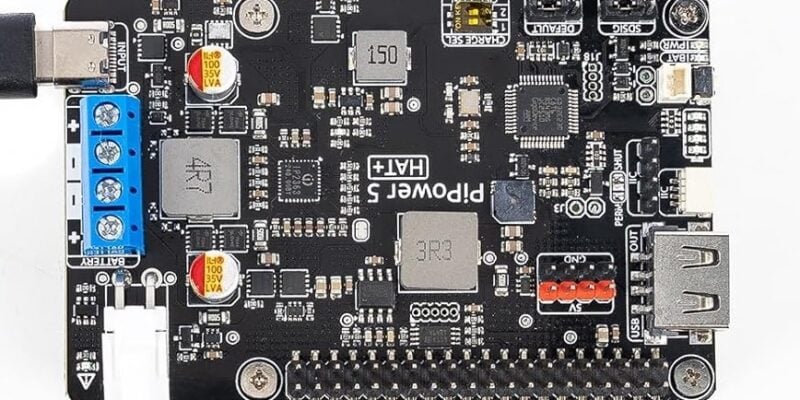
PiPower 5
Keep your Raspberry Pi powered up with this versatile UPS.
Read more →
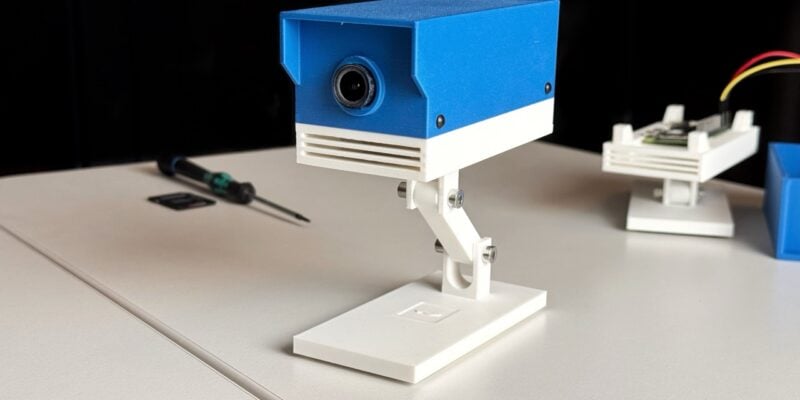
ROOT Observer: a privacy-focused security camera
Get AI features without having to share your data with gigantic corporations.
Read more →
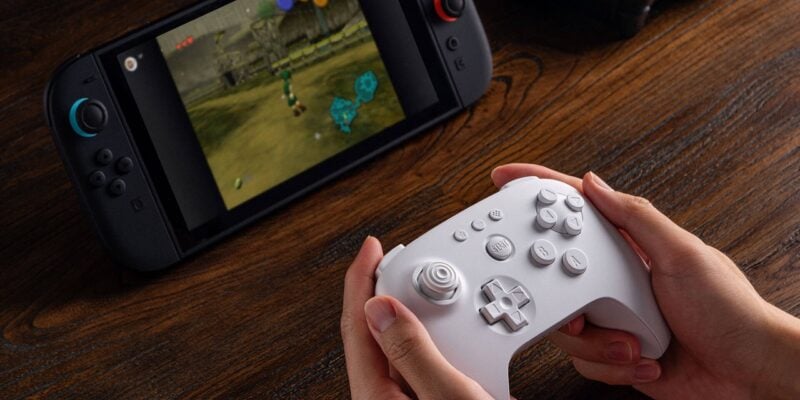
8BitDo 64 Controller review
A near perfect replica of the original N64 controller, but laid out for modern sensibilities and comfort.
Read more →