Jam HAT review
By Rob Zwetsloot. Posted
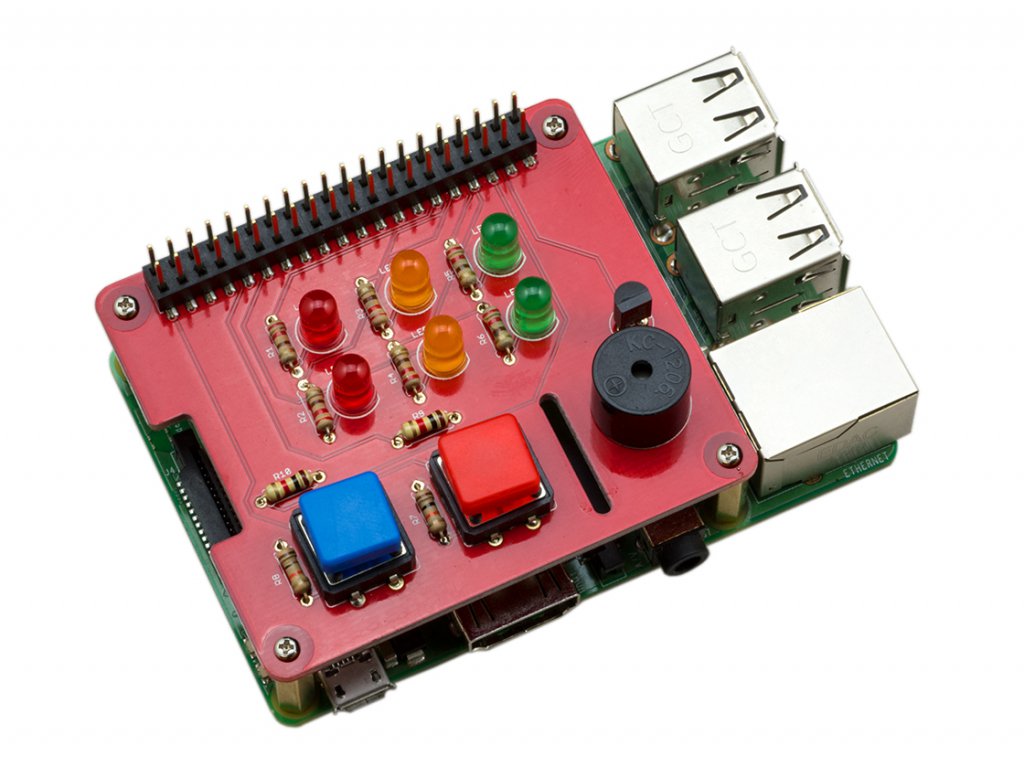
ModMyPi’s board for adding lights, buttons, and a buzzer to the Raspberry Pi is a great solution for newcomers.
Many Raspberry Pi starter projects involve LED lights, buttons, and buzzers. ModMyPi’s Jam HAT brings these components together into a single, simple board that slots neatly on top of the Raspberry Pi.
This article first appeared in The MagPi 81 and was written by Lucy Hattersley
On the board you’ll find six LEDs (two red, amber, and green), two ‘push to make’ buttons, and a single buzzer. These components lend themselves to many starter projects, and enable newcomers to explore the concepts of input (buttons) and output (LEDs). For instance, you can build a traffic light system with a button crossing.
Utilising Raspberry Pi’s HAT (Hardware Attached on Top) framework means all you need to do for setup is slot the Jam HAT on top of a Raspberry Pi. Four metal standoffs are used to secure the JAM HAT to the Pi, making for a secure teaching device for the classroom. ModMyPi has a guide to getting started, walking you through the assembly and setup process.
Code base
The JAM HAT works with Python or Scratch. In Python, it makes use of the new GPIO Zero 1.5 library, which makes it easier to connect buttons and LEDs together in Python. ModMyPi worked with the GPIO Zero code team to put together sample projects – you can find this selection of sample code on ModMyPi’s GitHub.
Users at home might get more from wiring LEDs, buttons, and the buzzer directly to the GPIO pins via a breadboard. However, we think Jam HAT will be ideal for teachers looking for a neat classroom solution. It even has a passthrough GPIO header, so doesn’t restrict students from attaching further components.
Verdict
9/10
It’s a neat solution to adding buttons, LEDs, and a buzzer to a Raspberry Pi. You lose some of the fun of wiring everything up manually, but it’ll be great for classroom environments.

Rob is amazing. He’s also the Features Editor of Raspberry Pi Official Magazine, a hobbyist maker, cosplayer, comic book writer, and extremely modest.
Subscribe to Raspberry Pi Official Magazine
Save up to 37% off the cover price and get a FREE Raspberry Pi Pico 2 W with a subscription to Raspberry Pi Official Magazine.
More articles
Make your RAM go further – Raspberry Pi OS memory optimisation tips
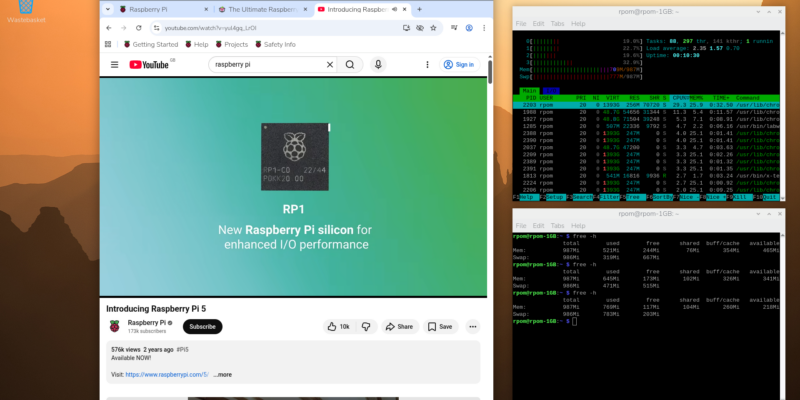
In issue 164 of Raspberry Pi Official Magazine we have been playing around with the new Raspberry Pi 5 1GB RAM. While the RAM shortage caused by the demands of AI infrastructure is annoying beyond belief, this has been a great chance for us to really get to grips with RAM. Generating images in Stable […]
Read more →
Mighty Projects – 1GB Computer in Raspberry Pi Official Magazine 164
It’s normal for computers to get faster and more pwerful, but the new-ish Raspberry Pi 5 1GB is a step in the other direction: it has all the processing power and the same GPIO pins of its more costly siblings, but with only 1GB of RAM it’s at a price that’s friendlier on the wallet […]
Read more →
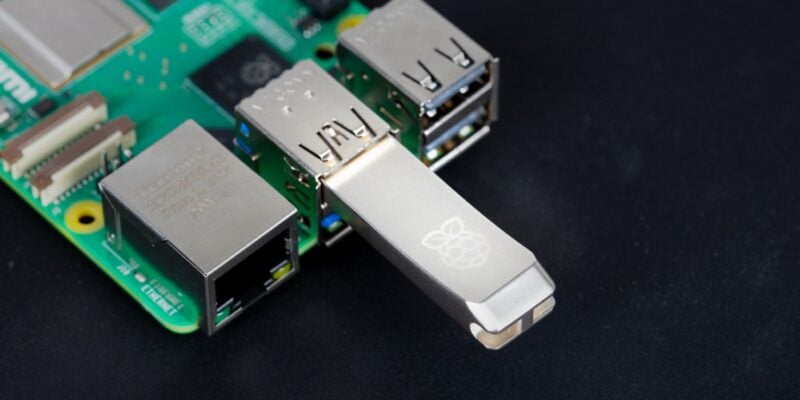
Win one of five 256GB Raspberry Pi Flash Drives
If you’ve been around long enough, you know that every Raspberry Pi accessory is top quality, and the latest Flash Drive is no different. Fancy a big one? We have five up for grabs, and you can enter below… Win 1 of 5 256GB Raspberry Pi Flash Drives
Read more →