Keybow 2040 review
By Rob Zwetsloot. Posted

Ever since the release of Raspberry Pi Pico, we’ve been interested in its ability to power keyboards, both standard and custom. We’ve seen a couple of DIY projects doing just this, and Pimoroni even released an add-on with a soft keys for Pico at its launch. It was only a matter of time before the RP2040 – the chip that powers Pico – would be used on its own dedicated keypad with real keys. This inevitable product ended up being another Pimoroni product: Keybow 2040(£50/$57).
It comes with one of three sets of key switch types depending on your preference: mechanical (clicky-clacky), linear (silent), and tactile (silent with some resistance). All versions have an LED in the switch which is fully programmable, and the keys are standard sized so you can easily swap them out for others if you’d like. There’s also a cheaper base kit for which you’ll need to provide your own switches and keycaps.
Lock on
Some construction is required, but it’s very minimal – add the switches, sandwich the layers together, and then put the keys on. We were done in a couple minutes, at which point you can actually start using the Keybow as a number pad by plugging it in.

Unlike a standard Pico, the Keybow is connected via a USB-C cable to your computer of choice. There doesn’t seem to be any technical advantage to having USB-C; however, it does mean the basic design has some forward compatibility for Pimoroni. Also, it’s nice to have more stuff making use of USB-C. A couple of hardware buttons are also included: one to reset the Keybow, and one to hold down to do the boot selection if you want to tinker with the code.
Custom combo
The code itself is written in CircuitPython, which is derived from the MicroPython – both can be used on a regular Pico and they’re largely similar as well. Whatever changes you need can be gleaned from the abundant example programs that are installed on Keybow 2040.

With little effort we were able to change the way the keys work – with constantly lit buttons that change when pressed, and passing along a specific combos of keys for when they’re pressed rather than a single numpad key. Due to the way it loads scripts, you can immediately test out your edits, making for very quick prototyping and bug fixing.
We’ve been using a linear version for weeks now during streams as a custom stream deck, and it works perfectly with our custom setup (the code for which we’ll drop on magpi.cc/github). It’s sturdy, turns on quickly, the LEDs are bright, and we’ve had no noticeable lag on a button press. With the removable caps, you can add custom ones with specific labels like a mute icon or specific scene modes, etc., making it perfect for this, and much cheaper and more hackable than some of the commercial alternatives.
Verdict
10/10
A premium-feeling product that is easily customisable and priced much more fairly than less-open alternatives.

Rob is amazing. He’s also the Features Editor of Raspberry Pi Official Magazine, a hobbyist maker, cosplayer, comic book writer, and extremely modest.
Subscribe to Raspberry Pi Official Magazine
Save up to 37% off the cover price and get a FREE Raspberry Pi Pico 2 W with a subscription to Raspberry Pi Official Magazine.
More articles
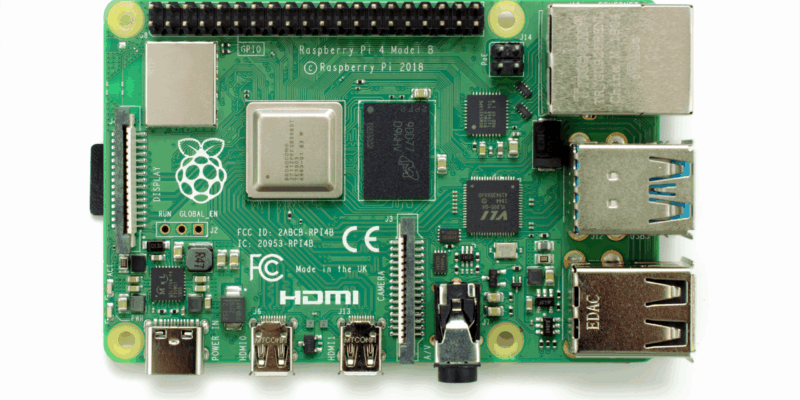
Win one of three Raspberry Pi 4 with 3GB RAM!
Raspberry Pi 4 is still a powerful piece of kit, and this new 3GB version is great for projects and builds that need slightly more than 2GB of RAM but don’t quite need 4GB. We have three to give away and you can enter below. Win 1 of 3 Raspberry Pi 4 3GB
Read more →
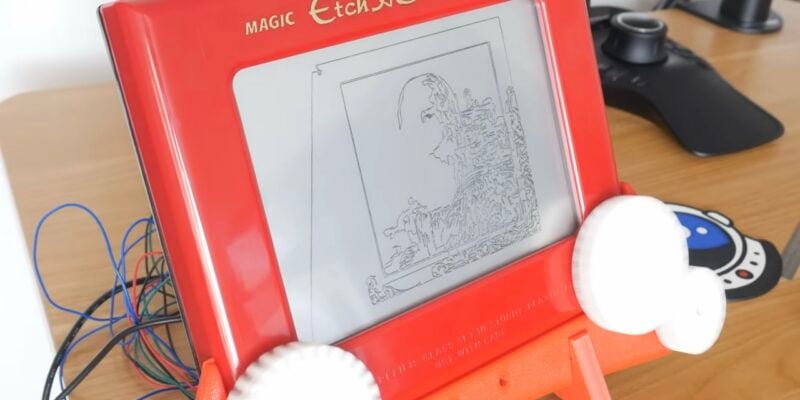
Etch A Sketch CNC machine
The software controlling the Etch A Sketch logs the image, turns it into vectors, turns the vectors into G-code, then sends the G-code to the Etch A Sketch – and it was all written by AI
Read more →

Vintage Radio Plex Server
There’s an antenna sticking up on this build, but it’s just for show
Read more →