Keybow review
By Rob Zwetsloot. Posted
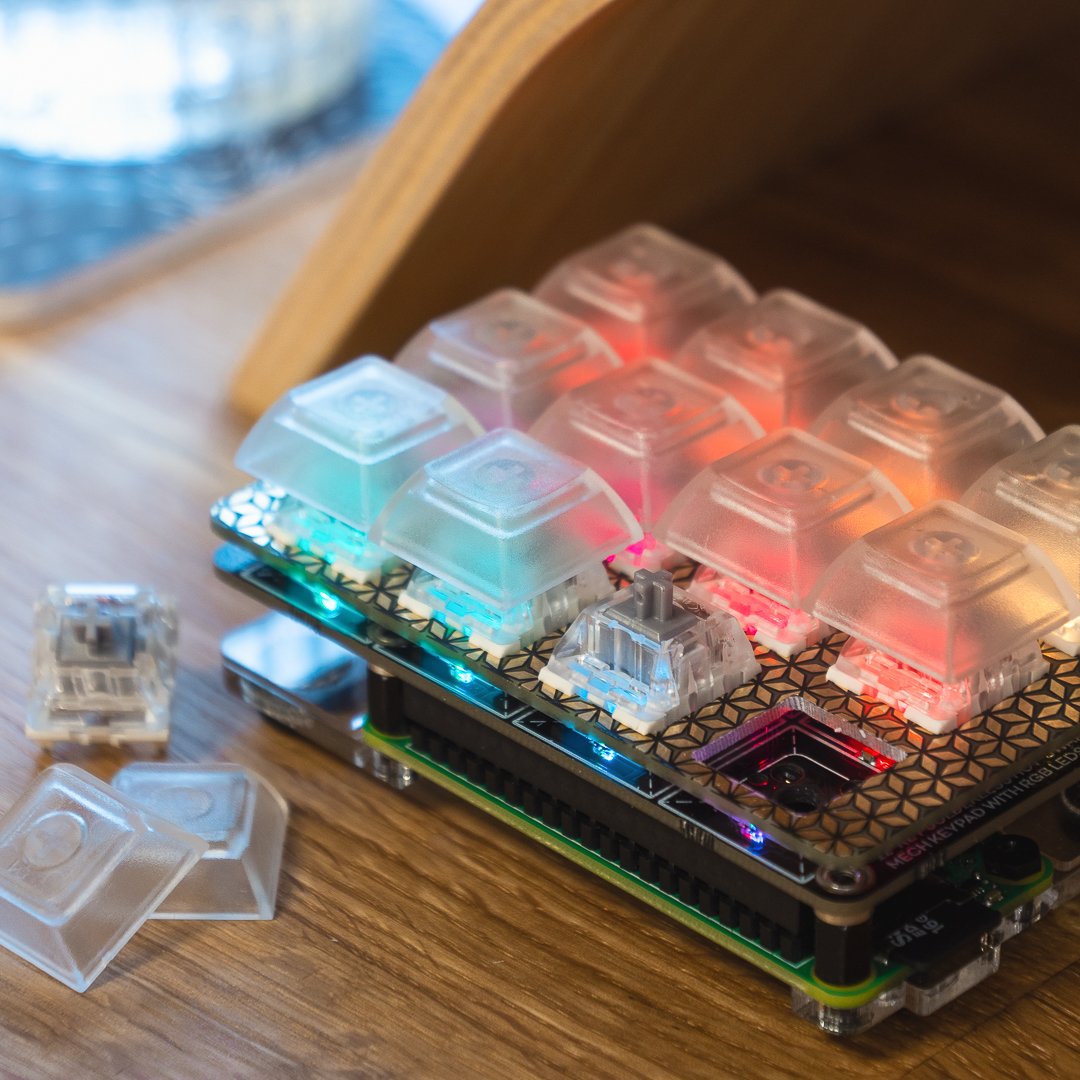
A mini mechanical keyboard with light-up keys.
With customisable key mapping, this DIY keypad could be used for a wide range of purposes, such as a games controller, hotkey pad for applications, or to insert text/code snippets with a single key press.
This article first appeared in The MagPi 79 and was written by Phil King
Solderless assembly takes around 20 minutes. After attaching the supplied Pi Zero WH to an acrylic baseplate and shim, you push-fit the twelve switches into a key plate, slot that into the PCB board, then mount it on the Pi’s GPIO header.
You do need to supply your own microSD card to hold the tiny (26.6MB) Keybow OS. Upon connecting the Keybow to a computer via the USB OTG cable, the OS is loaded into a RAM disk and it boots up in a mere 10–15 seconds.
One problem we encountered was getting the USB cable to insert fully into the Pi’s USB OTG port, as it was obstructed by a thin bar on the acrylic shim – breaking that off solved the issue.
Custom keys
Once connected, the keys light up in an animated rainbow pattern (determined by a PNG file). The default key mapping is a numerical pad.
To change lighting and key mapping, you need to slot the microSD card back into your computer – there’s no way to switch instantly between them. Editing a Lua file lets you select a sample key layout or your own custom one. An online tutorial explains how.
The real power of the Keybow lies in creating advanced macros to trigger a whole series of key combinations with just a single key press – ideal for repeated key-based tasks in applications.
Verdict
8/10
A little expensive and we had problems with the USB connection, but it looks cool when lit up, the key action is good, and it could prove handy for instant key sequences.

Rob is amazing. He’s also the Features Editor of Raspberry Pi Official Magazine, a hobbyist maker, cosplayer, comic book writer, and extremely modest.
Subscribe to Raspberry Pi Official Magazine
Save up to 37% off the cover price and get a FREE Raspberry Pi Pico 2 W with a subscription to Raspberry Pi Official Magazine.
More articles
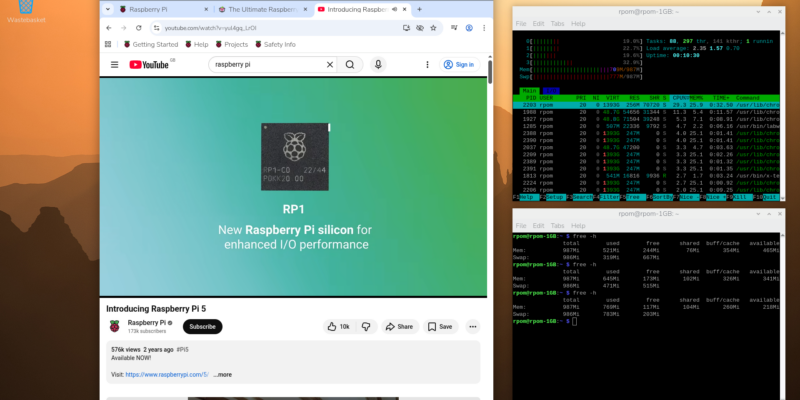
Make your RAM go further – Raspberry Pi OS memory optimisation tips
In issue 164 of Raspberry Pi Official Magazine we have been playing around with the new Raspberry Pi 5 1GB RAM. While the RAM shortage caused by the demands of AI infrastructure is annoying beyond belief, this has been a great chance for us to really get to grips with RAM. Generating images in Stable […]
Read more →
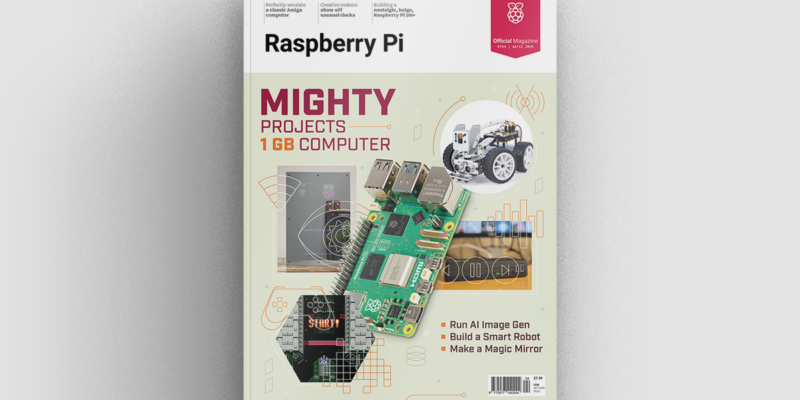
Mighty Projects – 1GB Computer in Raspberry Pi Official Magazine 164
It’s normal for computers to get faster and more pwerful, but the new-ish Raspberry Pi 5 1GB is a step in the other direction: it has all the processing power and the same GPIO pins of its more costly siblings, but with only 1GB of RAM it’s at a price that’s friendlier on the wallet […]
Read more →
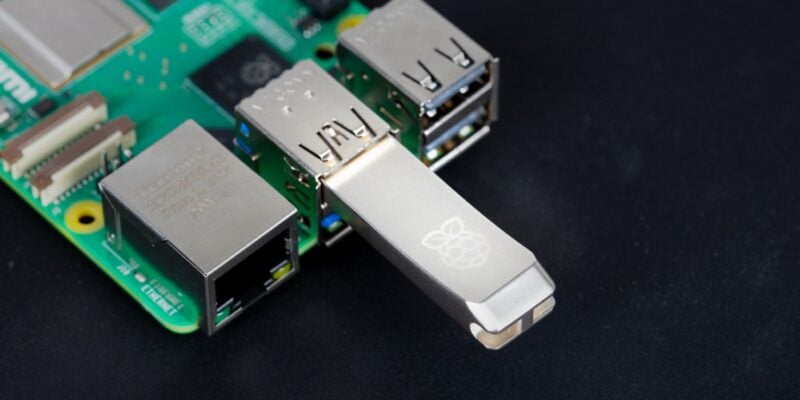
Win one of five 256GB Raspberry Pi Flash Drives
If you’ve been around long enough, you know that every Raspberry Pi accessory is top quality, and the latest Flash Drive is no different. Fancy a big one? We have five up for grabs, and you can enter below… Win 1 of 5 256GB Raspberry Pi Flash Drives
Read more →