Ocreeb MK2 macro keyboard
By Ben Everard. Posted
This article was originally published as part of HackSpace magazine, which has since been incorporated into Raspberry Pi Official Magazine.

Most people in the modern world use computers for their job – we spend hours every day interacting with our machines via a QWERTY keyboard – a Victorian design that was never meant to be used to program computers, control robots, manipulate enterprise resource planning software, or any of the myriad of other uses that we give it? Why do we stick with this input system designed in the time before computers?
Salim, for one, isn’t going to. He’s designed an adaptable system of modules that you can plug together to create whatever layout you want. You can add buttons, twiddly knobs, turn-y-handles, sliders, and more. Ocreeb MK2 runs the KMK keyboard firmware, so you can map whatever actions you want to the various buttons, knobs, and dials.

The Instructable guides you through how to assemble your own macropad, but it is quite an involved build including some surface-mount soldering. Nothing that should put off an experienced solderer, but probably not ideal for your first project.
We love the idea of having a reconfigurable workstation setup, and it helps that this one just looks gorgeous.

Ben is the Editor of HackSpace magazine. When not wrangling words, he enjoys cycling, gardening, and attempting to identify wild mushrooms.
Subscribe to Raspberry Pi Official Magazine
Save up to 37% off the cover price and get a FREE Raspberry Pi Pico 2 W with a subscription to Raspberry Pi Official Magazine.
More articles

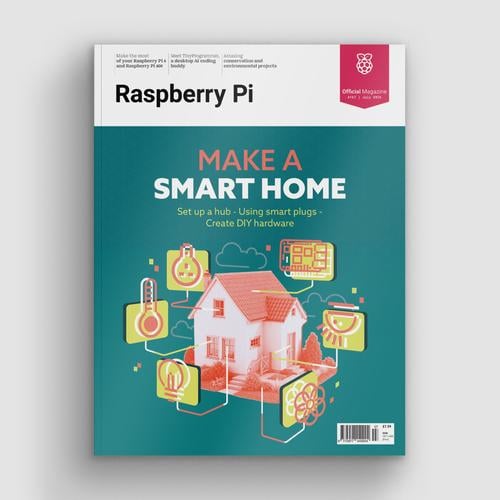
Make a Smart Home in Raspberry Pi Official Magazine issue 167
The dream of smart, connected devices controlling your home automatically, is especialy appealing on a lazy day when we’re trying to get work done in a heatwave. Maybe this will be the year we finally integrate temperature sensors with fans and a drinks dispenser to keep us cool, or maybe not, but we do know […]
Read more →
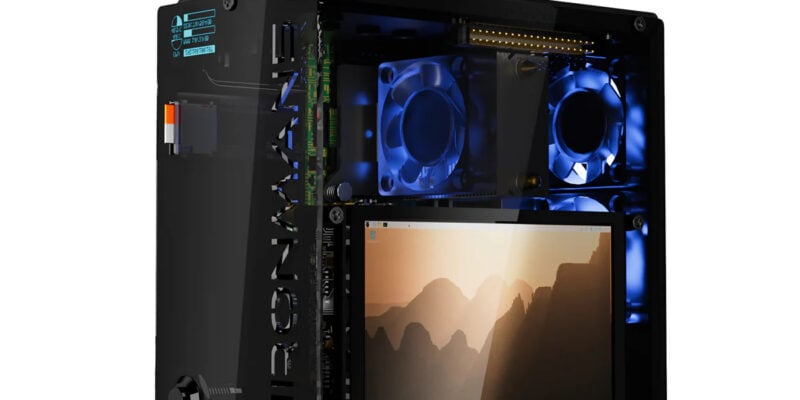
Win 1 of 3 Pironman 5 Pro Max cases!
Transform your Raspberry Pi with this amazing case
Read more →

Learning to code in an AI age
A new Raspberry Pi Foundation course helps young people learn to code.
Read more →