Pibo the bipedal robot review
By Rob Zwetsloot. Posted

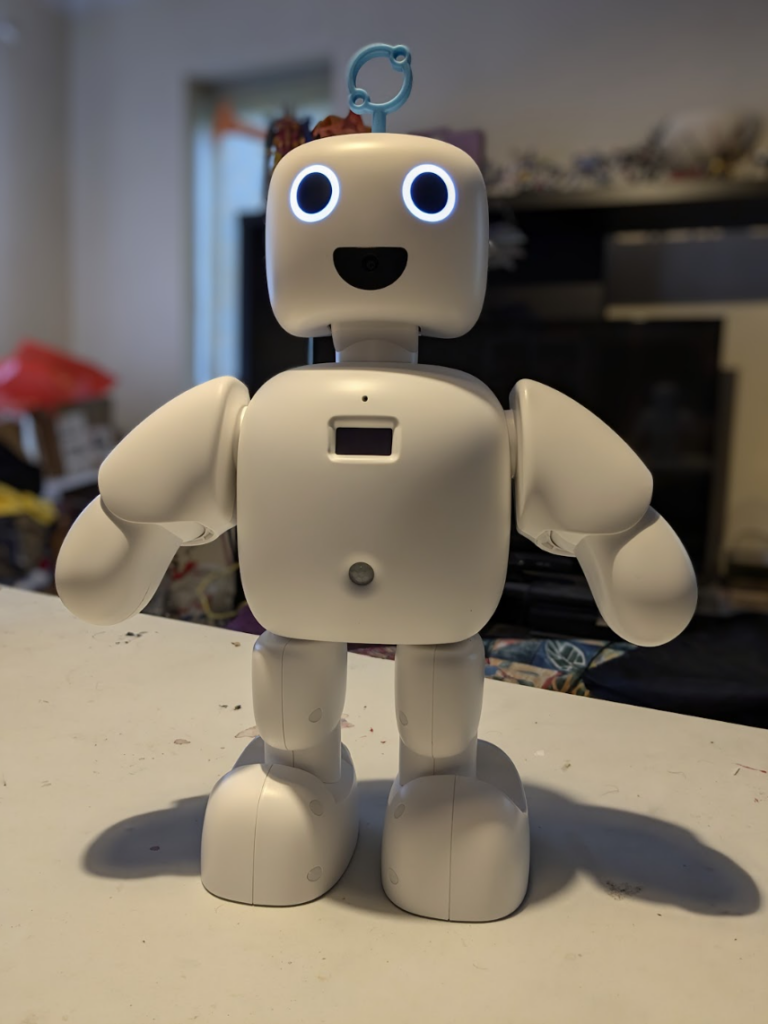
Everyone loves a bipedal robot. Being able to anthropomorphise an automaton so that it looks more friendly, and in this case very cute, can really help with interaction. While Pibo (£851/$1,114) is not the first bipedal Raspberry Pi robot, there aren’t many of them and none as advanced as it.
Pibo comes in two versions – an AI assistant version that you can talk with and interact, and one more suited to education. We received the educational version for review, however both include the same features and hardware – motion sensors, camera, touch sensitive forehead, etc.
Program a robot arm, with Raspberry Pi and Python code
It comes fully assembled, which is very nice as putting together the various motors and other components together correctly has been a pain with similar products in the past. All you need to do is turn it on and get it connected to your Wi-Fi network, either via a wireless access point the robot creates, or via a wired connection if you have a USB to Ethernet adapter handy.
The whole thing is powered by a Raspberry Pi Compute Module 4, so it has plenty of oomph – especially needed for the computer vision and voice recognition tasks.
I have control
The robot itself is made in Korea, and most of the surrounding documentation and such are in Korean as a result. However, the tools and IDE (integrated development environment) can be switched to English just fine, and we didn’t experience any language issues.
The tools allow you to play around with the various functions of the robot. Changing the colours of the eyes (independently if you wish), checking if the motion-sensing and touch inputs are working, recording sounds, playing sounds, moving the various motors – you can get a great feel for what the robot can do. With a solid grasp of this, you can then start programming the robot in the IDE.
There’s a couple of programming methods – one is a block-based flow a little like NODE-Red, which also helps you understand the coding logic and variables of Pibo, and then there’s the Python programming mode which allows for full control.
The functionality is huge, and we were really impressed by the object detection built into the camera. We also like making little messages and images on small LED screens, so having interactive elements that worked with the 128×64 display scratched a specific itch for us.

Learning for all ages
While the whole system may not be useful to teach people on their very first steps into coding, or even maybe robotics, it’s a great next step thanks to its intuitive design that lets you play with its features, and block based programming that can lead into Python. The price is a little hefty, and some English features are still incoming, but we had a great time using Pibo either way – one for the little desk display we think.
Specs
Dimensions: 250(w) × 395(h) × 125(d) mm, 2.2kg
Inputs: Touch sensor, MEMS microphone, PIR sensor, USB 2.0 port
Outputs: 2x speakers, 128×64 OLED display, USB 2.0 port
Verdict
9/10
A cute and very easy to use robot with a ton of functionality that will take some time to fully discover.

Rob is amazing. He’s also the Features Editor of Raspberry Pi Official Magazine, a hobbyist maker, cosplayer, comic book writer, and extremely modest.
Subscribe to Raspberry Pi Official Magazine
Save up to 37% off the cover price and get a FREE Raspberry Pi Pico 2 W with a subscription to Raspberry Pi Official Magazine.
More articles
Kuensa portable music sequencer
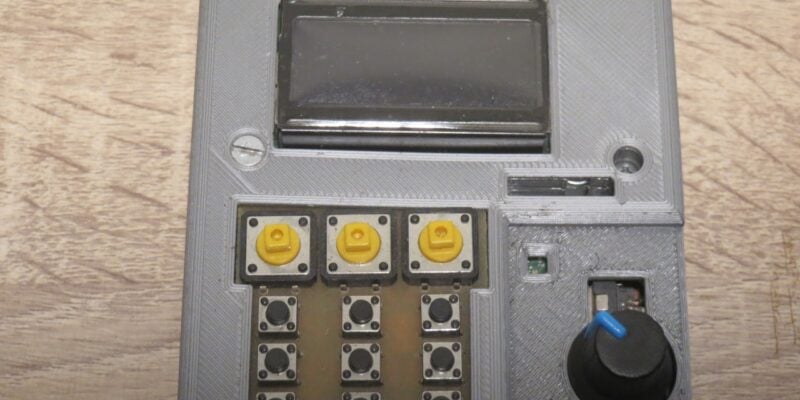
We like the look of where this device is going.
Read more →
Cyberdeck
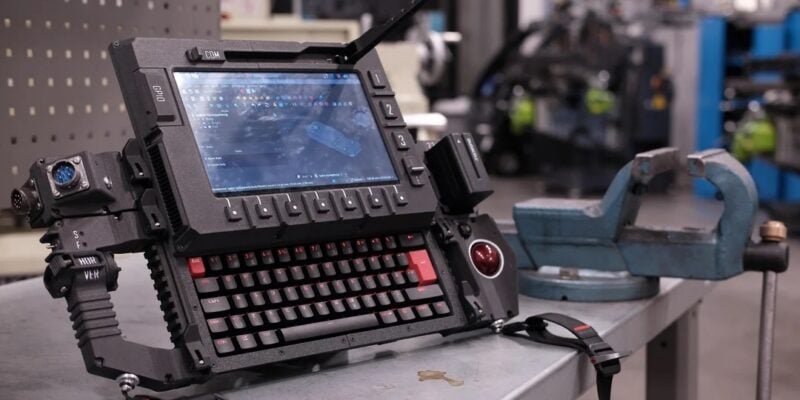
We can’t imagine the looks you’d get using this machine on your daily commute, but apparently the maker of this wonderful machine does just that.
Read more →
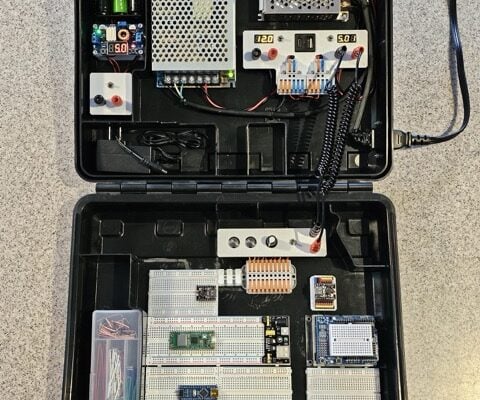
Programming station
Spot the microcontroller: we can see an Arduino Uno, Arduino Nano, a pair of ESP32 boards, and a Raspberry Pi Pico, all waiting to be played with.
Read more →