PIC-20
By Rob Zwetsloot. Posted

Retro enthusiast Adam Sommerfield revives broken computers by allowing their original keyboards to be used in combination with Raspberry Pi.
When Adam Sommerfield was five years old, his parents bought him a Commodore VIC-20 computer. Released in 1981, it was very popular at the time – the first to sell a million units – but Adam’s machine didn’t actually work, so his dad took it back and swapped it for a Commodore Plus/4 instead.
This article first appeared in The MagPi 84 and was written by David Crookes
Ever since that childhood incident, Adam had wondered what that VIC‑20 would have been like to use. He even had a game for it, Crazy Cavey, which he had never played. While online one day, he came across a device that would allow old machines to be used as a USB keyboard, so he hatched a plan involving a broken VIC-20 and Raspberry Pi.
Coming across an inexpensive, non-working VIC-20 on eBay sold for spares or repairs, he sought to bring it back to life by emulating the original computer. Knowing he could do this on Raspberry Pi using the emulation software Combian64, written by Carmelo Maiolino, he got to work.
“I removed all the internal parts from the VIC‑20 other than the keyboard itself,” recalls Adam. “I then stripped the keyboard down and gave it a good clean using an air duster and cleaning fluid. From there, it was a matter of figuring where Raspberry Pi and the necessary cables needed to go.”
Converting the keyboard
A crucial part of the project was a custom USB keyboard adapter – to allow the VIC-20 keyboard to be plugged into Raspberry Pi. Adam had seen that David Curran, of Tynemouth Software, creates and sells a number of these device for various retro computers. “That took care of the hard work,” Adam says. With the adapter attached to the VIC-20 keyboard, it was possible to connect it to Raspberry Pi. “I looked to place its ports as close to the casing’s holes as possible, but these were spread across the back and side of the casing so I used short male-to-female leads instead, giving access to HDMI, USB power, and the microSD card slot,” he explains. “I also used a four-port USB hub to allow components such as joysticks to be inserted.”
The USB adapter, USB hub, and Raspberry Pi were fixed with nylon supports and fasteners to act as legs, giving space between them and the base of the case. Some of the cables were also secured using hot glue. “This can get a bit of a mixed reaction sometimes, but if you’re careful then it can work just fine.”

Installing the software
With everything fitted neatly inside the case, it was a matter of closing up and booting. “Having Combian64 installed on Raspberry Pi helps to recreate the original VIC-20 as closely as possible,” Adam says. The build also required no programming. “By using Combian64, it’s possible to build a Commodore computer that gives near-instant boot. There is no on-screen boot text either so, if you didn’t know better, it could be the original thing.”
The VIC-20 is not his only retro project. Using other emulators and different USB keyboard adapters, he’s converted a Commodore 64 and Commodore 16, as well as an Apple Macintosh, Apple Lisa, Acorn Electron, Sinclair QL, and ZX81. He’s even worked on using Raspberry Pi to revive a broken Commodore Plus/4 – the machine that, inadvertently, became his first computer. “I like to think I’ve saved a micro from heading to the skip.”


Rob is amazing. He’s also the Features Editor of Raspberry Pi Official Magazine, a hobbyist maker, cosplayer, comic book writer, and extremely modest.
Subscribe to Raspberry Pi Official Magazine
Save up to 37% off the cover price and get a FREE Raspberry Pi Pico 2 W with a subscription to Raspberry Pi Official Magazine.
More articles
Make your RAM go further – Raspberry Pi OS memory optimisation tips
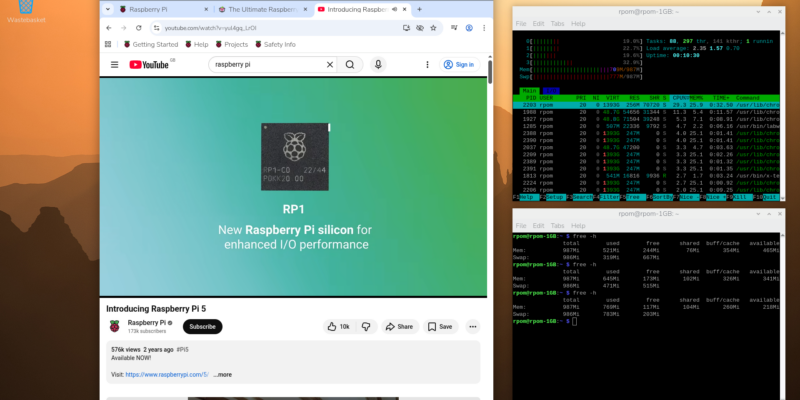
In issue 164 of Raspberry Pi Official Magazine we have been playing around with the new Raspberry Pi 5 1GB RAM. While the RAM shortage caused by the demands of AI infrastructure is annoying beyond belief, this has been a great chance for us to really get to grips with RAM. Generating images in Stable […]
Read more →
Mighty Projects – 1GB Computer in Raspberry Pi Official Magazine 164
It’s normal for computers to get faster and more pwerful, but the new-ish Raspberry Pi 5 1GB is a step in the other direction: it has all the processing power and the same GPIO pins of its more costly siblings, but with only 1GB of RAM it’s at a price that’s friendlier on the wallet […]
Read more →
Win one of five 256GB Raspberry Pi Flash Drives
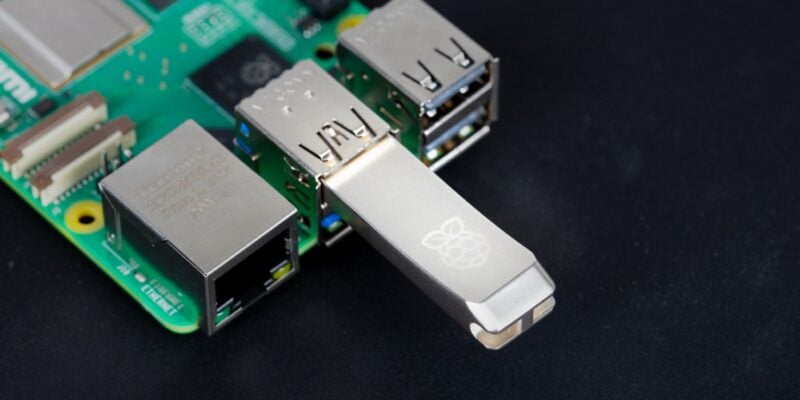
If you’ve been around long enough, you know that every Raspberry Pi accessory is top quality, and the latest Flash Drive is no different. Fancy a big one? We have five up for grabs, and you can enter below… Win 1 of 5 256GB Raspberry Pi Flash Drives
Read more →