Pimoroni Presto review – a classy high-tech touchscreen
By Rob Zwetsloot. Posted
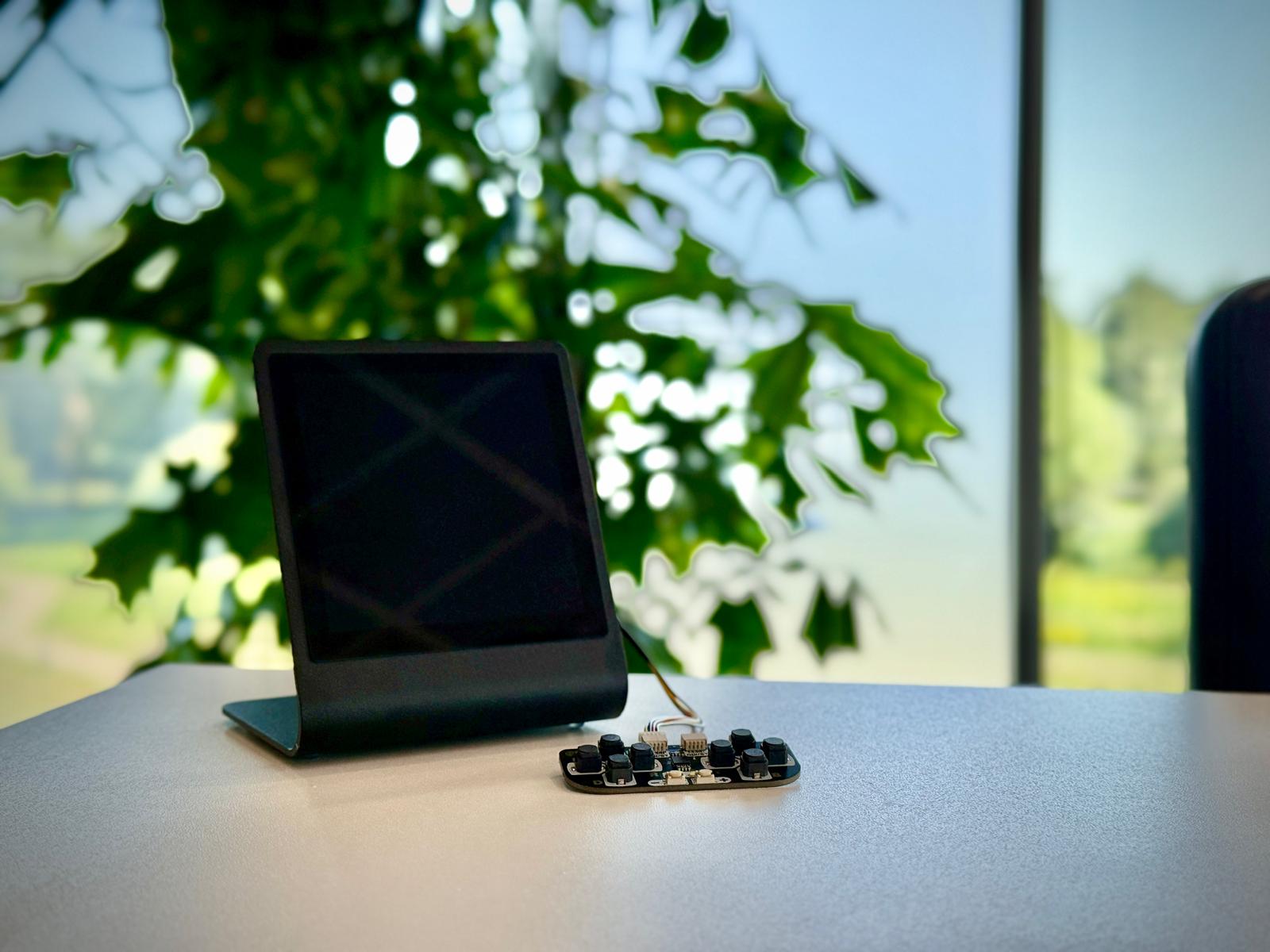
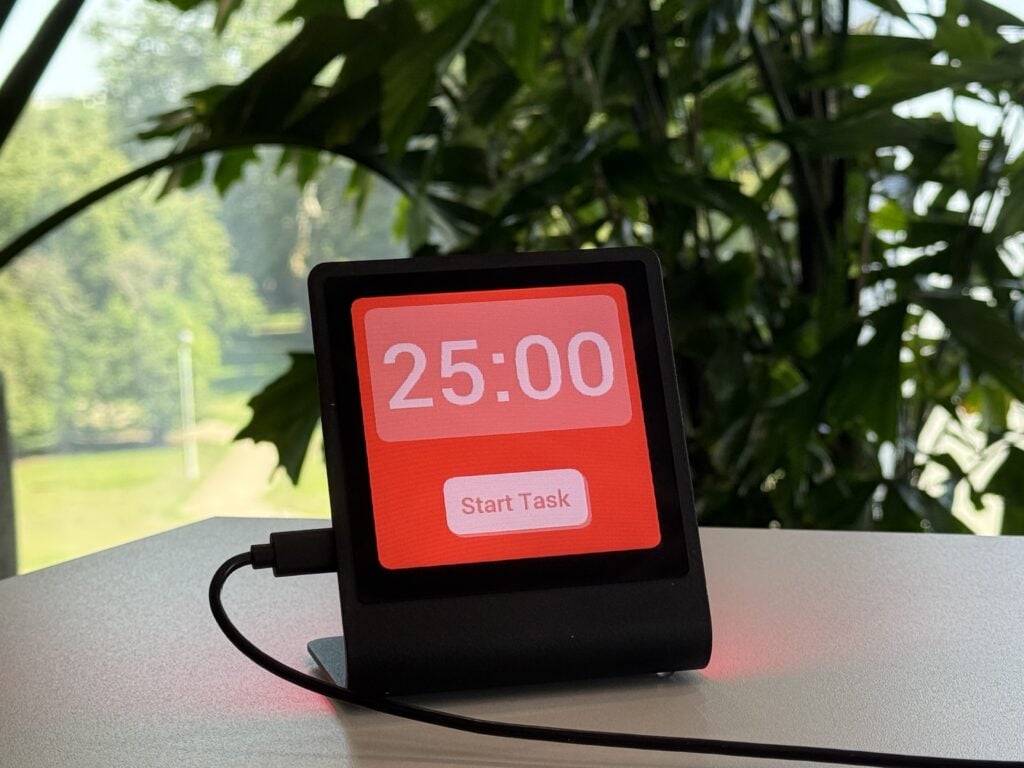
Pimoroni Presto is an RP2350-powered 4-inch touchscreen implemented into a small aluminium stand, with embedded RGB ambient lighting – allowing for a wide variety of programming projects.
Three Raspberry Pi work experience students took it for a spin, trying to code some retro-style games. Their thoughts are here…
Functions and features
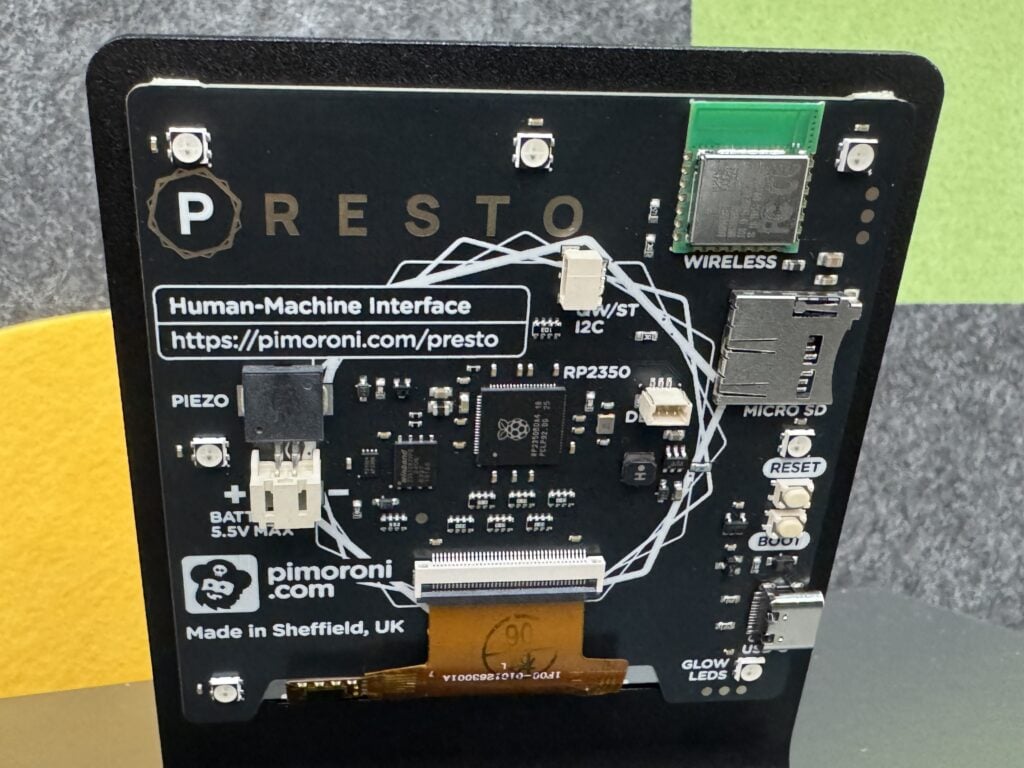
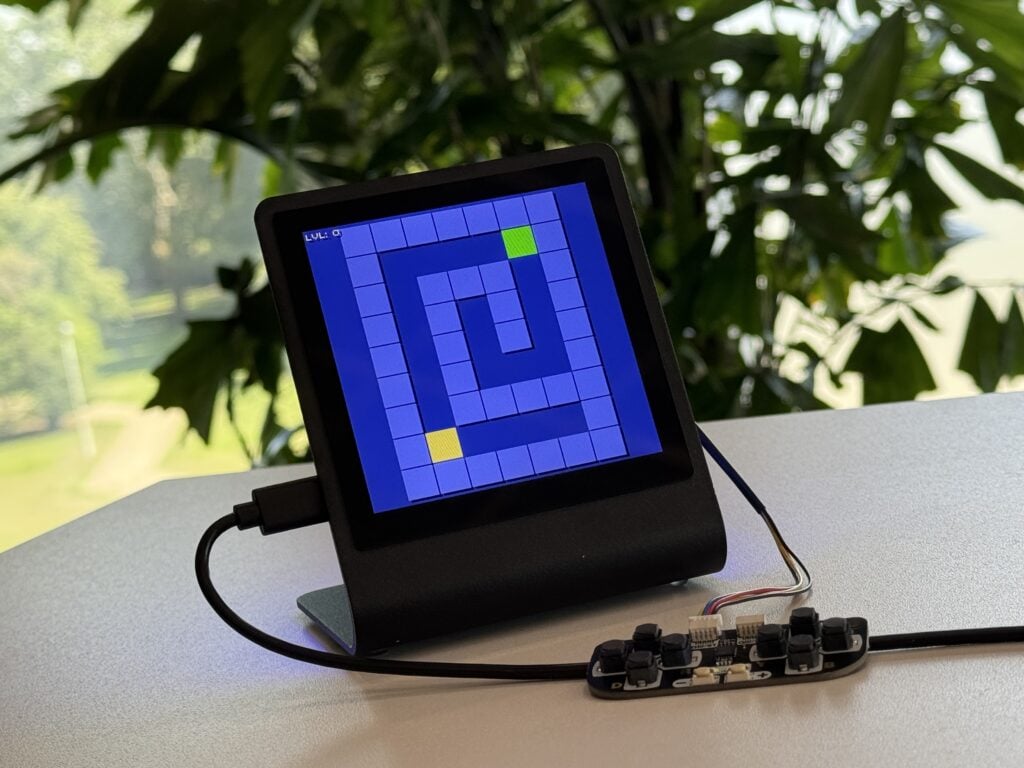
The Presto (from £69 / $76) comes fully assembled, and pre-installed with a wide range of different apps and games – each one showcasing a unique aspect of the device’s software and hardware. However, to use some of the apps, additional hardware, such as controllers or multi-sensor sticks, is required (as included in the starter kit).
Presto features a 4-inch touchscreen with 480 × 480 pixels – allowing the rendering of games and graphics with an enticingly interactive element. You can program Presto with C, C++, or MicroPython to create your own games and apps. As an added bonus, the IPS LCD screen provides bright and dazzling, colours for your programs; this can make coding feel incredibly rewarding due to the vibrant visuals.
The Presto comes with an incredible feature which automatically changes the colour of the rear RGB LEDs, based on what’s showing on the screen – providing ambient lighting and immersing you in the full Presto experience. However, a downside to the vibrant display is that sometimes the colours can be too bright, which one of the testers found to be uncomfortable.
Setup process
The Pimoroni Presto provides a clean, predictable setup that suits a beginner-friendly development environment. Each step of getting code onto the device is simple, and the process feels intentionally streamlined.
Connecting the Presto to a computer via USB-C is immediate, with automatic recognition that removes friction for new users. Presto is so magical to use, you just click run, and presto, the screen lights up.
Thonny remains a practical option for MicroPython work. Switching the interpreter to ‘MicroPython (Raspberry Pi Pico)’ is quick, and the interface keeps everything clear. Stopping the automatically running program on the Presto only requires pressing a button, and it works reliably.
Importing a program into Thonny is straightforward, and running it on the Presto is responsive and consistent. The overall process is efficient, avoids unnecessary steps, and supports quick experimentation, making it suitable for beginners and for those who prefer minimal setup.
Documentation and support
The documentation for the Pimoroni Presto is beginner-friendly and accessible. It provides a step-by-step guide on how to set up and run the Presto, a list of the various components and their functions, as well as providing insight into their MicroPython libraries.
The GitHub repo is informative, with links to many other documents on the Presto, along with other useful links such as the Pico Graphics and PicoVector library docs. It also contains a small, less detailed but nonetheless effective tutorial on how to run and connect the device to Thonny. Pimoroni also provides releases of the firmware, with many versions to choose from.
Support is community dispensed rather than officially provided. Users share guidance and knowledge of bugs they have encountered, with plenty of examples to help understand errors, but detailed trouble-shooting is somewhat limited, especially for complex or project-specific problems.
Verdict – Ed Cox
Plenty of useful online documentation: the GitHub repo provides many resources to support learning and running Pimoroni Presto. Official documentation is sufficient, but a trouble-shooting section would be a great addition. As the community continues to grow, so will the support – 7/10
Verdict – Matan Naamati
The Presto is fun to play with and very rewarding to code on, and its touchscreen makes it more user-interactive; however, I found it slightly uncomfortable to use (especially when showing brighter colours). – 8/10
Verdict – John Lynn
A sleek display featuring a touchscreen and optional Qw/ST game controller integration, perfect for those making their first foray into games development. – 9/10

Rob is amazing. He’s also the Features Editor of Raspberry Pi Official Magazine, a hobbyist maker, cosplayer, comic book writer, and extremely modest.
Subscribe to Raspberry Pi Official Magazine
Save up to 37% off the cover price and get a FREE Raspberry Pi Pico 2 W with a subscription to Raspberry Pi Official Magazine.
More articles
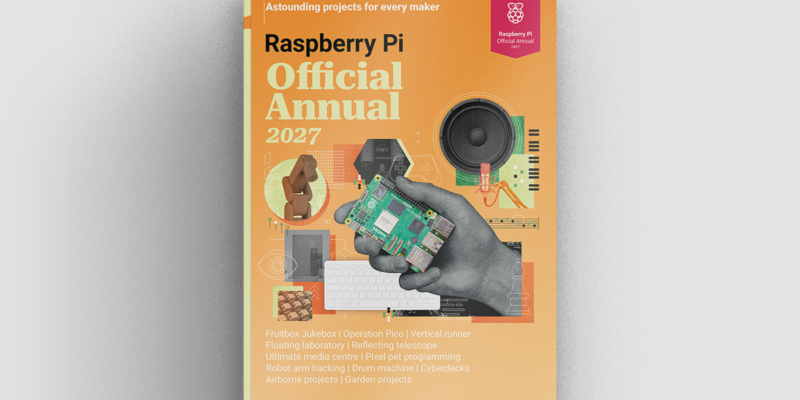
Raspberry Pi Official Annual 2027 is out now!
New name, same fantastic content
Read more →
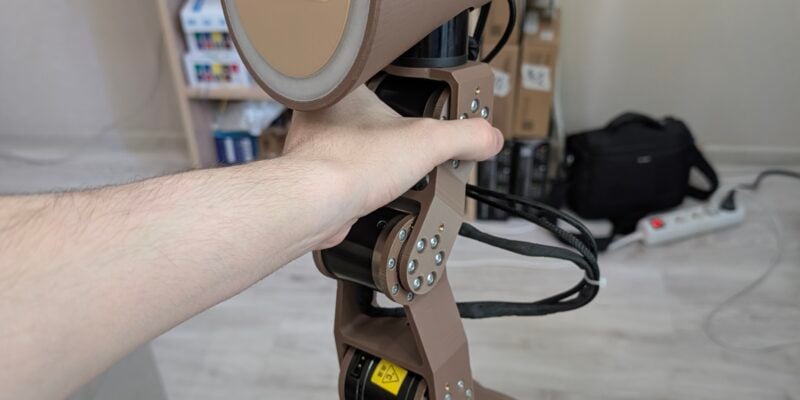
Robot arm lamp
This won’t be jumping on any animation studio logos
Read more →

Sage Cadence interview
An electrical engineering student trying to provide the educational content she would have wanted
Read more →