Shiloh Studios
By Rob Zwetsloot. Posted
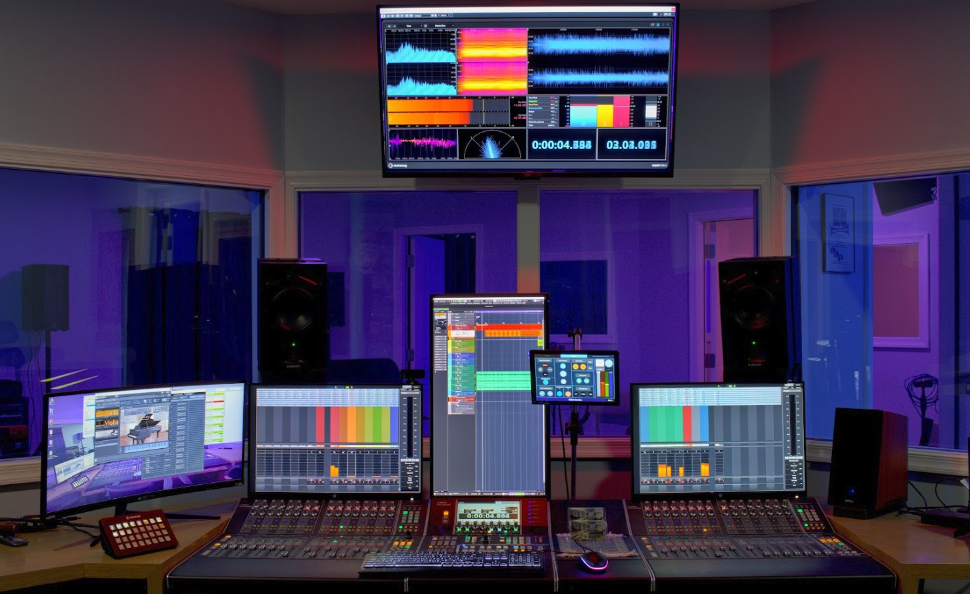
When you need to add remote control and automation that is easily customisable, as readers of The MagPi, you’ll understand the desire to do it with Raspberry Pi, which is what Michael Peters of Shiloh Studios figured out too.
“Shiloh Studios is a Dante-based audio production facility which leverages the latest technology best practices and solutions to ensure the highest-quality experience and outcomes for its clients,” Michael says. “As the studio project design was unfolding, several challenges were encountered. After extensive research and assessment of numerous potential solutions, Raspberry Pi hit all the marks as the answer.”
Take back control of your online data, with Raspberry Pi.
The different Raspberry Pi solutions were pulled off by Darrell Lehman, also of Shiloh Studios, who has been making Raspberry Pi-based projects for over five years, and has been working with electronics for over 25 years.
“I’ve completed a lot of prior projects on Raspberry Pi with touchscreens, [Power over Ethernet], TouchOSC, and Node-RED, so Raspberry Pi was a familiar and easy choice,” Darrell explains. “I gravitate toward Raspberry Pi’s ecosystem when I need to solve problems that aren’t readily addressed by an off-the-shelf hardware solution, or it doesn’t make sense to implement costly proprietary control systems.”
Musical fruit
There’s four main ways that Raspberry Pi is used at Shiloh Studios. First of all, as a lot of things are connected via Ethernet, a Raspberry Pi helps monitor those connections.
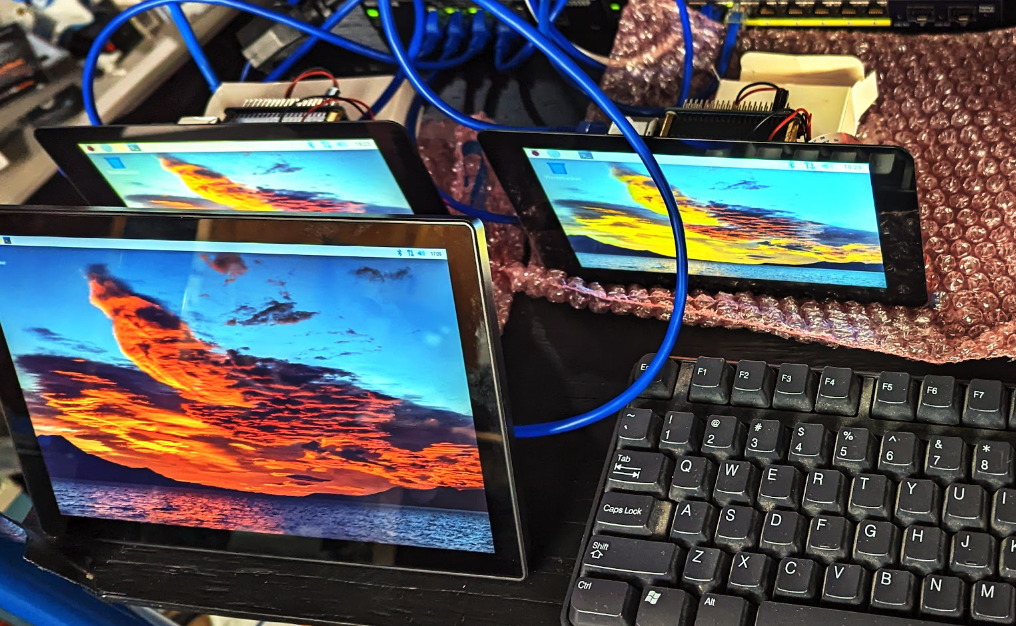
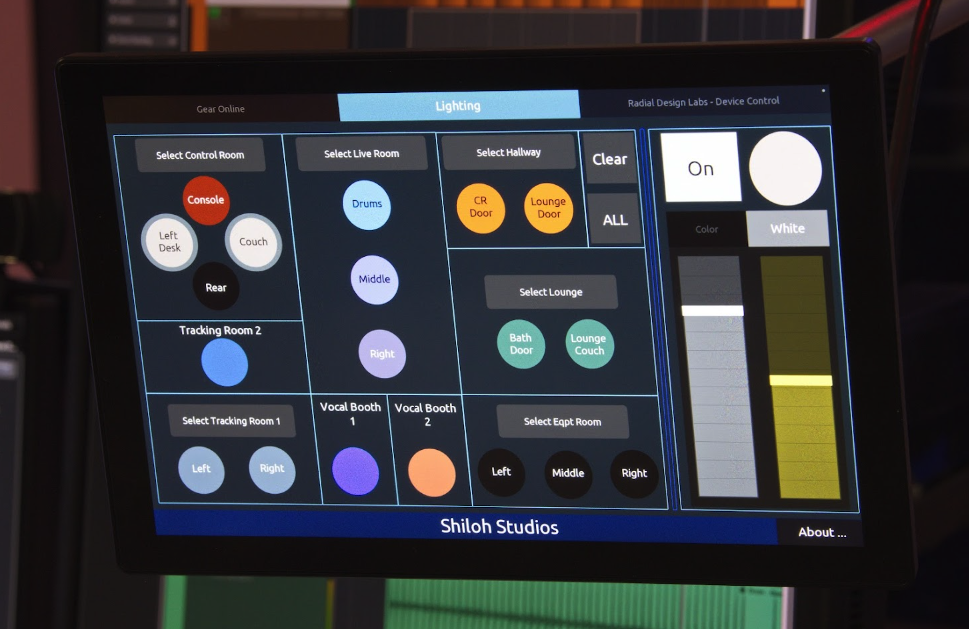
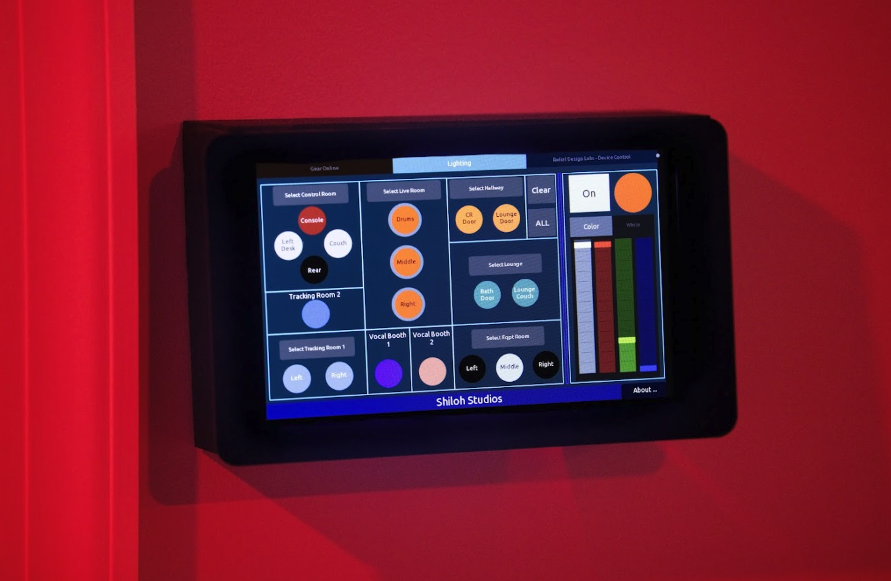
There’s also a system for full remote control over the lighting systems, with remote screens in multiple rooms. Similarly, there’s remote control of RDL devices in various studio rooms so performers can listen to audio live.
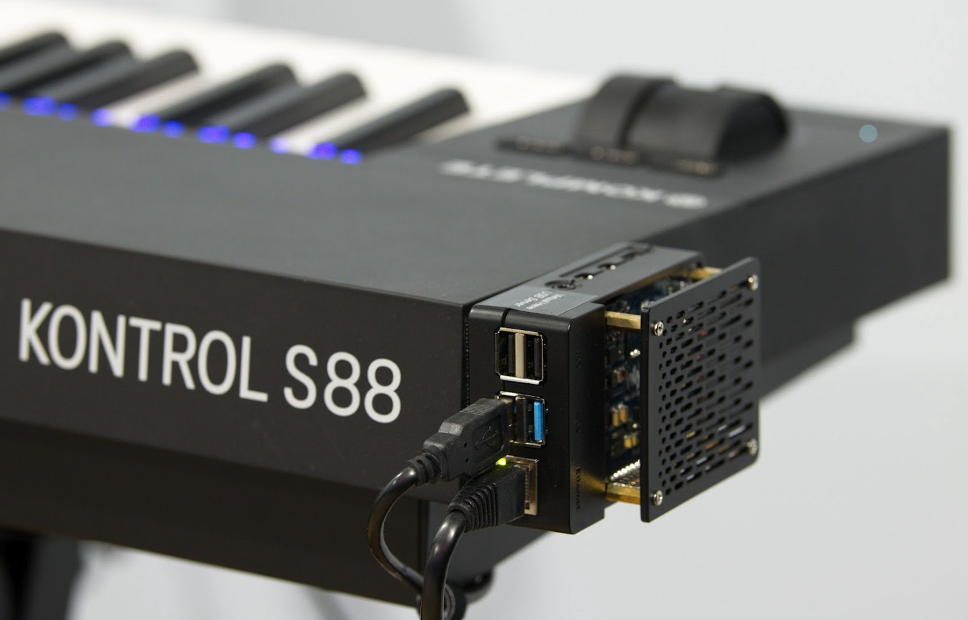
The last main way is a USB to Ethernet connected keyboard, as Michael explains: “to facilitate the composer client’s needs, a Native Instruments S88 keyboard was placed in the control room, but it also needed to be flexibly deployable to allow relocation to other studio spaces as needed. The S88 requires a USB connection to the DAW [Digital Audio Workstation] PC. Twisted pair to USB converters were not reliably sufficient to the cause. Long USB cables posed a similar liability. Raspberry Pi 4 with a PoE HAT provided the right solution by enabling a rock-solid USB to Ethernet connection.”
“I would say construction was probably the easiest part of the project because Raspberry Pi has such a great ecosystem of add-ons available online,” Darrell tells us. “And for each accessory that I needed, I had options to choose from. The most challenging part of the construction was figuring out how I wanted to build the wall brackets.”
On tour
On a digital tour of the studio, the various Raspberry Pi implementations had a great professional finish, and the UI created for the light remote looked and worked just like we’d expect from tablets with apps, or touchscreen products specifically made for that use.

Rob is amazing. He’s also the Features Editor of Raspberry Pi Official Magazine, a hobbyist maker, cosplayer, comic book writer, and extremely modest.
Subscribe to Raspberry Pi Official Magazine
Save up to 37% off the cover price and get a FREE Raspberry Pi Pico 2 W with a subscription to Raspberry Pi Official Magazine.