StackyPi review: An RP2040 microcontroller compatible with standard HATs
By Phil King. Posted

While there are a few dedicated add-ons for Pico, if you’re a Raspberry Pi fan then you probably have some HATs kicking around that you might like to use with it. Due to Pico’s different arrangement of GPIO pins (in two separate rows), however, it’s not possible to simply plug in a HAT.
Step forward StackyPi. Based on the same Raspberry Pi RP2040 microcontroller chip as Pico, it offers the same functionality, but with a pre-soldered 40-pin (2×20) GPIO header. It has a very similar form factor to a Raspberry Pi Zero, including four mounting holes. There’s even a microSD card slot for extra storage, although StackyPi already has 8MB of on-board flash (compared to Pico’s 2MB).
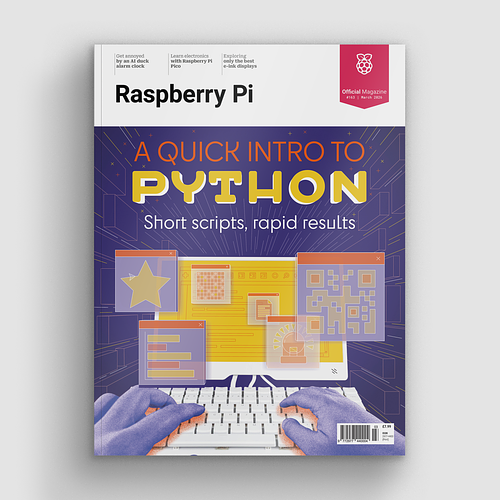
A quick intro to Python – short scripts, rapid results.
Other features include a standard micro-USB port (for 5 V power or connecting to a computer), two tiny push-buttons (including a handy reset), an on-board status LED, and six debug pins.
Plug and play?
That standard 40-pin GPIO header means you can connect any standard Raspberry Pi HAT, pHAT, or other compatible add-on board. The downside is that it’s not a case of plug and play. You will need to adapt any existing software for your HAT to make it work.

SB Components has adapted software for several of its own HATs for StackyPi, available in a GitHub repo (magpi.cc/stackpigh), which also features a handy GPIO pinout comparison chart – it’s very similar to that on a Raspberry Pi, although some GPIO pin numbers are different.
As with Pico, you need to connect the board via micro-USB to a computer to flash the UF2 firmware and program it – using MicroPython, CircuitPython, or C++.
Why use this over a Raspberry Pi Zero? Well, it does offer far lower power consumption and four ADC channels. Alternatively, you could use a Raspberry Pi Pico with a Red Robotics Pico 2 Pi adapter for standard HATs.
Verdict
7/10
Not a plug-and-play solution for HATs, as you’ll need to do some software tinkering, but still a neat little Pico-style board with some bonus features.
Specs
Connectors: 40-pin GPIO header, 6-pin debug header, micro-USB
Storage: 8MB on-board flash, plus microSD card slot
Features: Boot and reset buttons, status LED, 4 × 12-bit ADC channels, PIO, I2C, SPI, UART
Dimensions: 65 × 30 × 10 mm

When not editing books and contributing to The MagPi, Phil enjoys playing the piano (badly), astronomy, and watching classic sitcoms.
Subscribe to Raspberry Pi Official Magazine
Save up to 37% off the cover price and get a FREE Raspberry Pi Pico 2 W with a subscription to Raspberry Pi Official Magazine.
More articles

2.13-inch Flexible E-Paper Display
This flexible screen connects to Pico via an adapter and driver board
Read more →

Orb of radiance
A 3D print of brilliance
Read more →
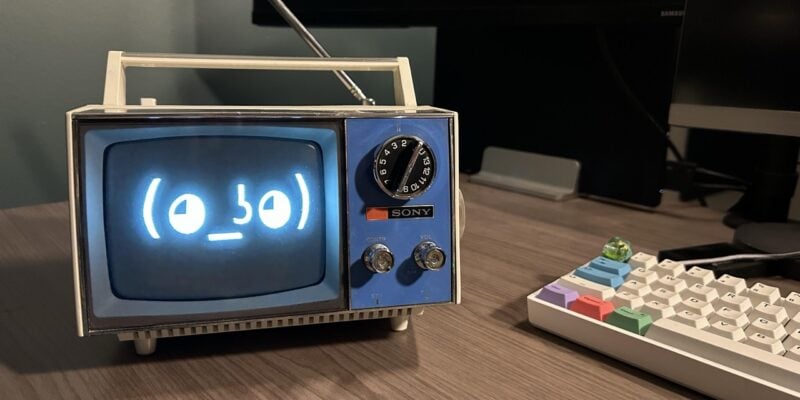
Artie the AI assistant
“Hey Artie” – say the wake phrase, ask your question, and get a useful answer in your ears or sent to your printer
Read more →