Tiny Polapi-Zero
By Lucy Hattersley. Posted

While this a little different from your classic instant camera, it remains functionally the same and it’s honestly a lot cooler as well. A thermal printer – the kind you’d find for printing receipts – prints photos captured by a Raspberry Pi camera. It even has a live view to line up shots.
Program a robot arm, with Raspberry Pi and Python code
01: Print
This project uses a custom 3D-printed camera chassis that works using the exact parts listed. It will fit the classic Raspberry Pi Camera Module, the buttons, and the screen, as well as a Raspberry Pi Zero to power it all.
02: Download and install

The creator, Pierre Muth, has done some great programming and image processing for this build so that the dithering of the black and white pixels looks more coherent on the final printed photo. You’ll need to download the code to make it work this well.
03: Assemble
Once you’re done testing, carefully squeeze everything into the chassis and give it a charge. You’re now ready to go out and take some weird and wonderful photos.

Materials
-
Nano Thermal Receipt Printer – TTL Serial
-
Sharp Memory LCD LS027B7DH01A
-
Raspberry Pi Camera Module
-
6 × buttons
-
3D-printed case
-
5 A 3 A voltage regulator
-
2S 7.2 V battery

Lucy is Editor of Raspberry Pi Official Magazine.
Subscribe to Raspberry Pi Official Magazine
Save up to 37% off the cover price and get a FREE Raspberry Pi Pico 2 W with a subscription to Raspberry Pi Official Magazine.
More articles
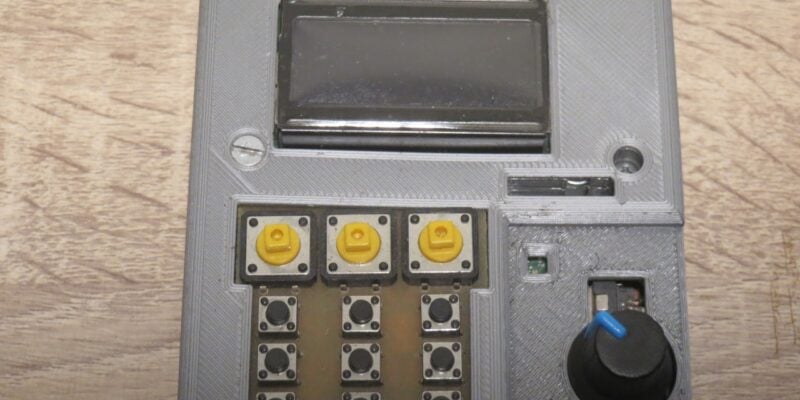
Kuensa portable music sequencer
We like the look of where this device is going.
Read more →
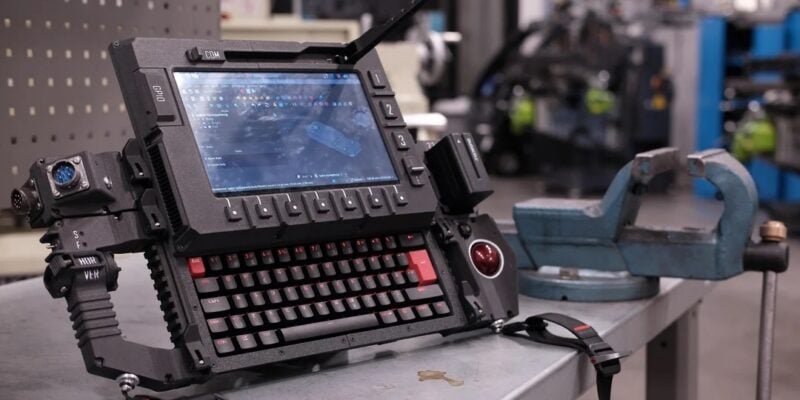
Cyberdeck
We can’t imagine the looks you’d get using this machine on your daily commute, but apparently the maker of this wonderful machine does just that.
Read more →
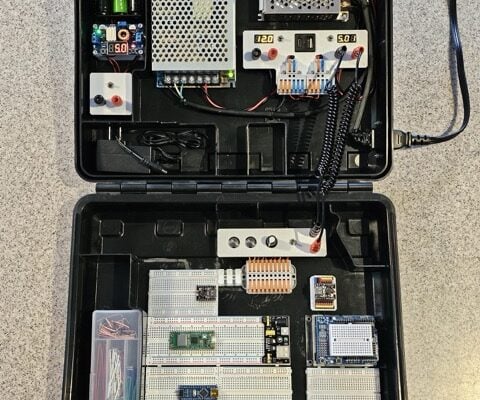
Programming station
Spot the microcontroller: we can see an Arduino Uno, Arduino Nano, a pair of ESP32 boards, and a Raspberry Pi Pico, all waiting to be played with.
Read more →