Introducing our latest video: install an OS for Raspberry Pi
By Russell Barnes. Posted
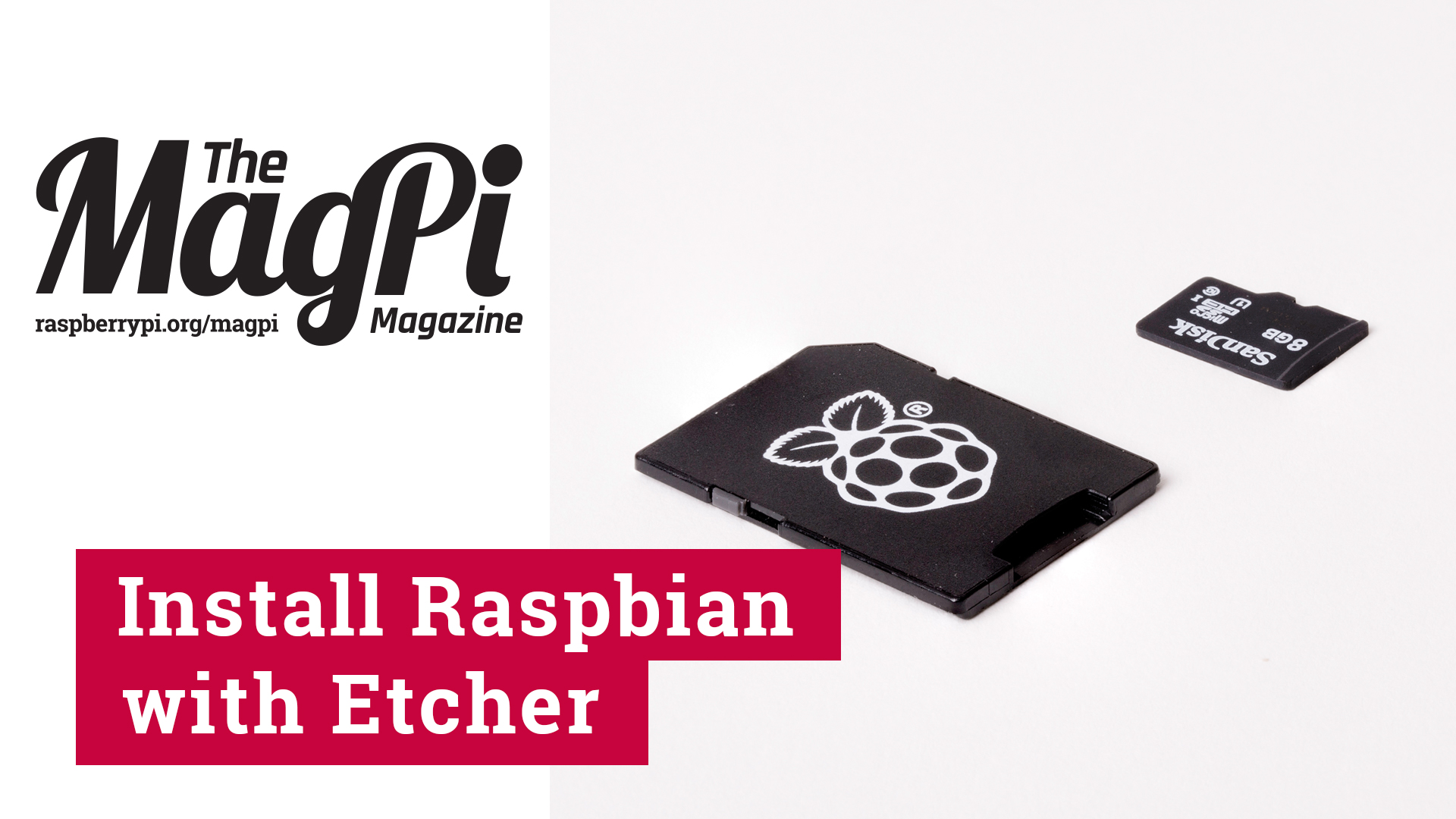
Install Raspbian and other operating systems with our video guide to Etcher
Program a robot arm, with Raspberry Pi and Python code
Hi there MagPi fans! It’s Rob here, Features Editor on the magazine. You may recall that we put a video up a little while ago about the then-new Pi Zero W. It was the first in our new series of videos and our next one is finally here: a beginners guide on how to install an operating system to a Raspberry Pi using the excellent Etcher software.
Lucy will be bringing you other beginners guide videos over the coming months while I’ll be doing some more unboxings, previews, and reviews. If you have any suggestions for tutorials and the like, please let us know! We’d like to hear your thoughts.

Russell runs Raspberry Pi Press, which includes The MagPi, Hello World, HackSpace magazine, and book projects. He’s a massive sci-fi bore.
Subscribe to Raspberry Pi Official Magazine
Save up to 37% off the cover price and get a FREE Raspberry Pi Pico 2 W with a subscription to Raspberry Pi Official Magazine.
More articles
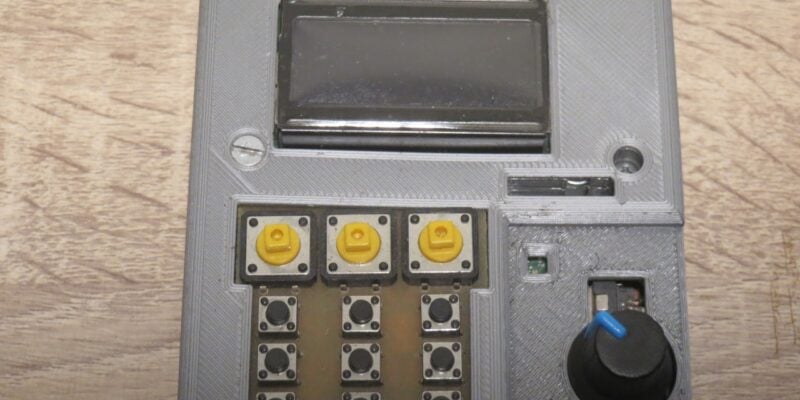
Kuensa portable music sequencer
We like the look of where this device is going.
Read more →
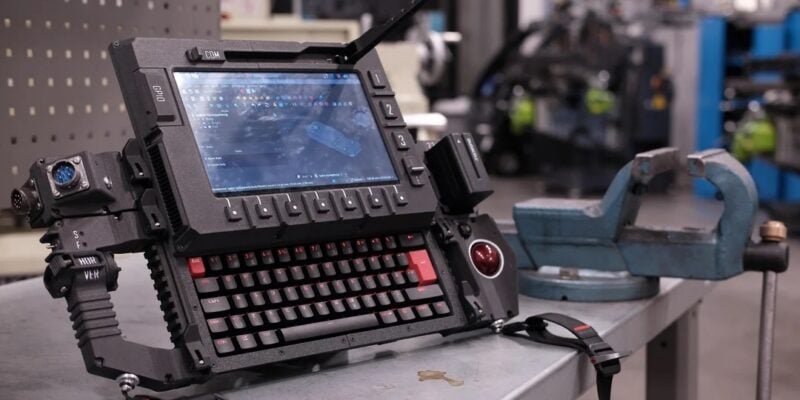
Cyberdeck
We can’t imagine the looks you’d get using this machine on your daily commute, but apparently the maker of this wonderful machine does just that.
Read more →
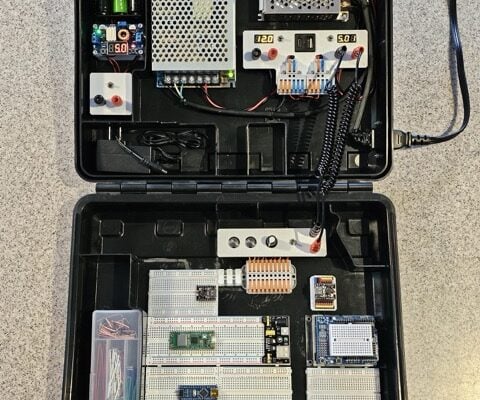
Programming station
Spot the microcontroller: we can see an Arduino Uno, Arduino Nano, a pair of ESP32 boards, and a Raspberry Pi Pico, all waiting to be played with.
Read more →