Desktop Raspberry Pi case
By Andrew Gregory. Posted
This article was originally published as part of HackSpace magazine, which has since been incorporated into Raspberry Pi Official Magazine.
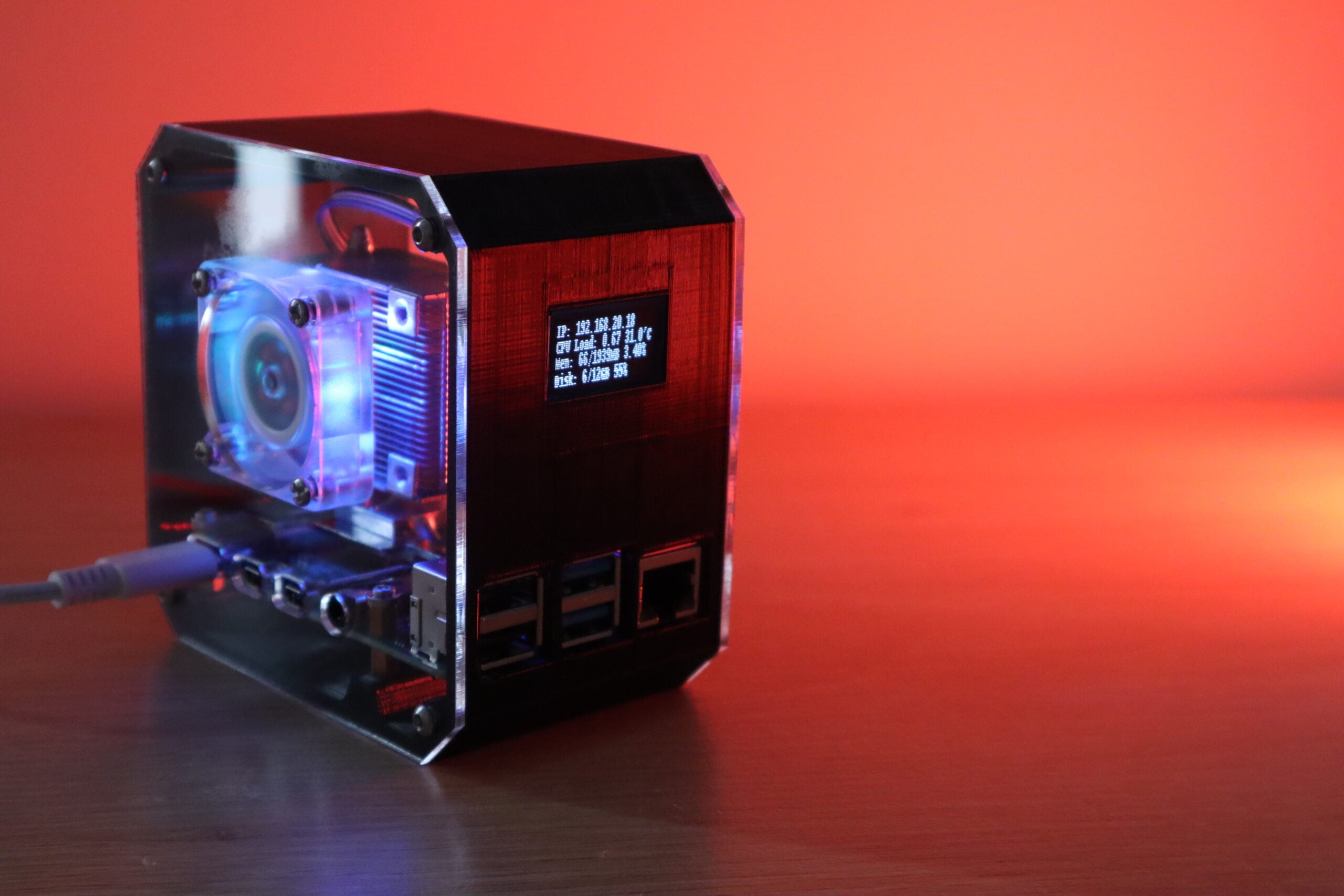
PC aficionados love two things above all else: overclocking and cooling. We looked into cooling a Raspberry Pi with liquid nitrogen way back in the early days of HackSpace magazine, but this solution by Michael Klements is just a smidge more user-friendly.
He’s used an ICE Tower cooling system for Raspberry Pi, an I2C OLED display, various cables and screws, clear laser-cut 2 mm acrylic for the sides, and black PLA filament for the body. Michael designed the case in Tinkercad – he’s also made the design files available so that you can build this case yourself.

A quick intro to Python – short scripts, rapid results.

Features Editor Andrew trawls the internet for Cool Stuff while keeping the magazine running smoothly.
Subscribe to Raspberry Pi Official Magazine
Save up to 37% off the cover price and get a FREE Raspberry Pi Pico 2 W with a subscription to Raspberry Pi Official Magazine.
More articles

2.13-inch Flexible E-Paper Display
This flexible screen connects to Pico via an adapter and driver board
Read more →

Orb of radiance
A 3D print of brilliance
Read more →

Artie the AI assistant
“Hey Artie” – say the wake phrase, ask your question, and get a useful answer in your ears or sent to your printer
Read more →