Earthquake Pi
By Russell Barnes. Posted

This clever box of tricks rumbles to alert you to earthquakes anywhere in the world

Take back control of your online data, with Raspberry Pi.
Russell Grokett has been fascinated by earthquakes and geology ever since he was a child, when his father built him a simple swinging beam seismograph. However, since Russell now lives in Florida, known for hurricanes but not quakes, he’s created the Earthquake Pi to satisfy his interest. Rather than acting as a detector of local tremors, like some Pi-powered projects, it’s a neat alert system that uses real-time open data from the United States Geological Survey (USGS) to detect earthquakes around the globe.
The full article can be found in The MagPi 49 and was written by Phil King.
“I had seen fancy maps and graphs of their data,” explains Russell, “[but] I wanted to ‘feel’ (safely!) when an earthquake occurs. So I came up with the idea of taking their data and building a device that rattles and rumbles when an earthquake occurs. This is different from the typical detection on a chart or graph.”
The Earthquake Pi comprises a wooden box containing the electrical components, including a Raspberry Pi Zero and a vibrating motor recycled from an old battery toothbrush to make the box rattle during an alert: “I found that just loosely taping the motor down worked best, as it bounces around a bit while running.” To complete the effect, an external speaker plays earthquake sounds, while a strip of NeoPixels light up and an LCD display shows details of the seismic event.

“By default, the vibrating motor alerts run for a few seconds per magnitude: about two seconds for mag. 1 and up to about ten seconds for a mag. 9 (never heard that, luckily!).” The LCD display and NeoPixel bar graph then come on, displaying the quake location and magnitude. Lastly, the earthquake audio sound effect plays for a few seconds more. “You just set the box on your desk or table where is sits quietly… until boom! The first few times it goes off will probably scare you, as it’s completely unpredictable!”
Russell’s Python program includes a variable that can be set to the minimum magnitude for alerts. “If you set it to alert on even the smallest (magnitude 1.0 or greater) earthquakes, then it will be going off almost every hour or so.” He tells us his is set to magnitude 3.0 and higher and goes off a few times per day. “When I hear it rattle, I run in to see where the earthquake is located. I especially perk up if I hear it rattle for many seconds, as that means a big one occurred somewhere. After watching it for a while, you do see a pattern of where many earthquakes are occurring. It’s also a good geography lesson, as I’ve never heard of many of the cities or islands where they are, and so I look them up on a map.”
To ensure the Earthquake Pi doesn’t wake him during the night, Russell uses a cron job to only run the program between 8am and 11pm: “You DO NOT want to run it while trying to sleep. It would probably scare everyone in the house!”


Russell runs Raspberry Pi Press, which includes The MagPi, Hello World, HackSpace magazine, and book projects. He’s a massive sci-fi bore.
Subscribe to Raspberry Pi Official Magazine
Save up to 37% off the cover price and get a FREE Raspberry Pi Pico 2 W with a subscription to Raspberry Pi Official Magazine.
More articles
Paper console
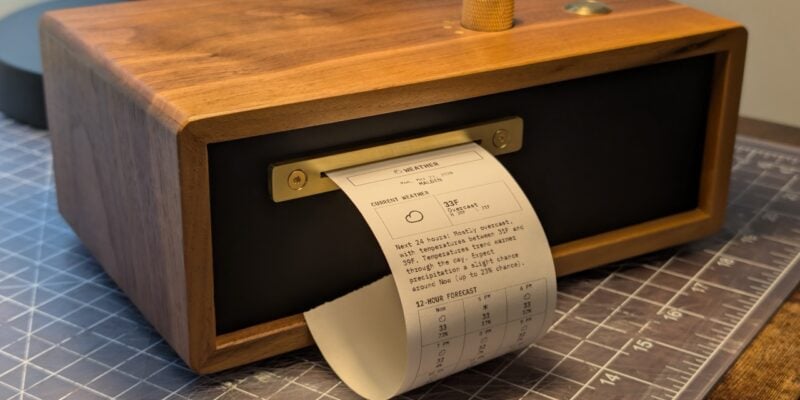
Look at those physical controls! This device is built to be beautiful: it’s made out of walnut and brass.
Read more →

Take Back Your Cloud in Raspberry Pi Official Magazine 165
We’re all-too accustomed to the feling of being watched on the internet. A search for any product leads to adverts, emails, and goodness knows how many bots tracking you. It feels weird and intrusive, and we aren’t being paranoid – they really are watching us. Luckily you don’t have to reply on online services that […]
Read more →
Win one of three Raspberry Pi 4 with 3GB RAM!
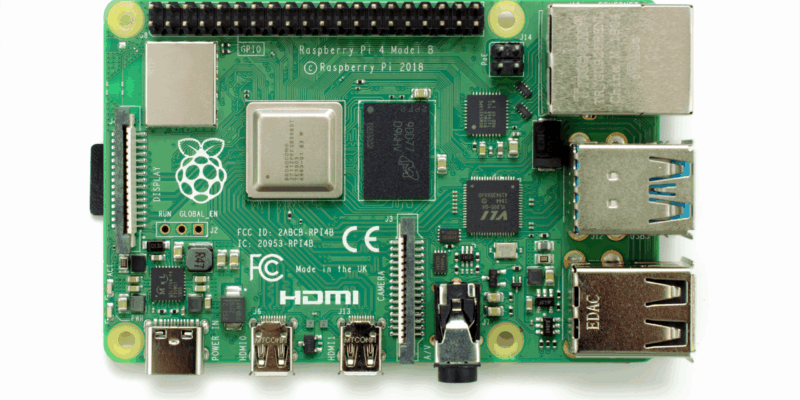
Raspberry Pi 4 is still a powerful piece of kit, and this new 3GB version is great for projects and builds that need slightly more than 2GB of RAM but don’t quite need 4GB. We have three to give away and you can enter below. Win 1 of 3 Raspberry Pi 4 3GB
Read more →