GitHub Universe attendees treated to custom RP2040 Badgers
By Ashley. Posted

We move in the kind of circles where news of the GitHub Universe conference lights up our social feeds each year. This time (well, now it’s last time) we were super excited to see photos of the official conference badges. We noticed they look a lot like a Pimoroni Badger, which is powered by our RP2040 chip, so we took a closer look to see if we were right.

Special custom gift
GitHub’s Martin Woodward made a dedicated repo to help conference attendees learn how to hack their badges. Lo and behold, in it he confirms that the hackable conference badges are indeed a custom version of the Badger 2040 that Pimoroni made especially for GitHub.
An RP2040 is running MicroPython which throws text up on a built-in 2.9-inch E Ink display. All five buttons dotted around the edge of the screen are user-configurable, and there’s also a Stemma QT expansion port so you can connect your own accessories, such as sensors. You can power the badge via its USB-C port, or use either a 2 × AAA battery pack or a standard 3.7V LiPo cell. It’s “extremely low power”, according to Martin, which is what you need when you’re wandering around a conference all day and don’t want to be tied to a power outlet.

Open source ideas
Custom PCB aside, the GitHub Universe Badger is electronically identical to the original Badger 2040. This means conference attendees can make use of all the open-source examples already out there, as people have shared cool things they’ve done with their Badger – the devices aren’t tied to a one-time use as a conference badge. Pre-loaded goodies on the GitHub Universe Badger include an eBook reader, to-do list, and image viewer.

Want cool badges for your event?
Martin’s GitHub repo pointed us towards Badge.team, an open-source community for people who want to create excellent badges for events. There are some magical designs on display in the gallery already. They’re also looking for volunteers to support the project, so join their Telegram group or Discord channel if you think you can help people make next-level event badges.

Subscribe to Raspberry Pi Official Magazine
Save up to 37% off the cover price and get a FREE Raspberry Pi Pico 2 W with a subscription to Raspberry Pi Official Magazine.
More articles

Robot arm lamp
This won’t be jumping on any animation studio logos
Read more →

Sage Cadence interview
An electrical engineering student trying to provide the educational content she would have wanted
Read more →
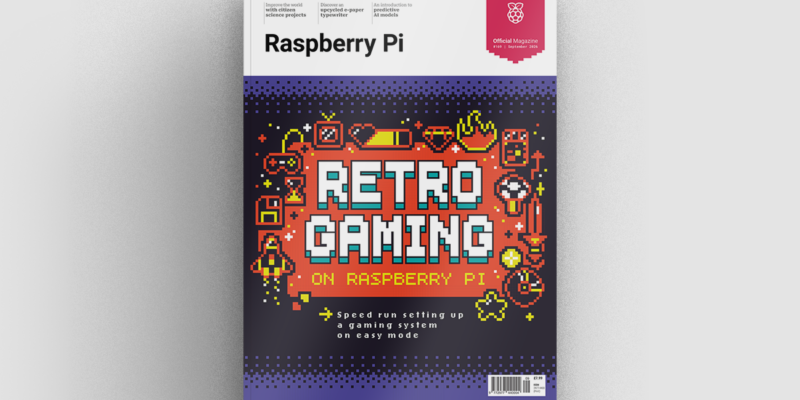
Retro gaming in Raspberry Pi Official Magazine 169
Retro gaming on Raspberry Pi: a chance to relive the games of your youth. Or if you’re too young to remember the Nintendo Entertainment System, Sega Mega Drive and Amiga, relive the games of someone else’s youth instead. Maybe games aren’t your thing; maybe you’d rather settle down and write for hours, coming up for […]
Read more →