HyperPixel review
By Russell Barnes. Posted
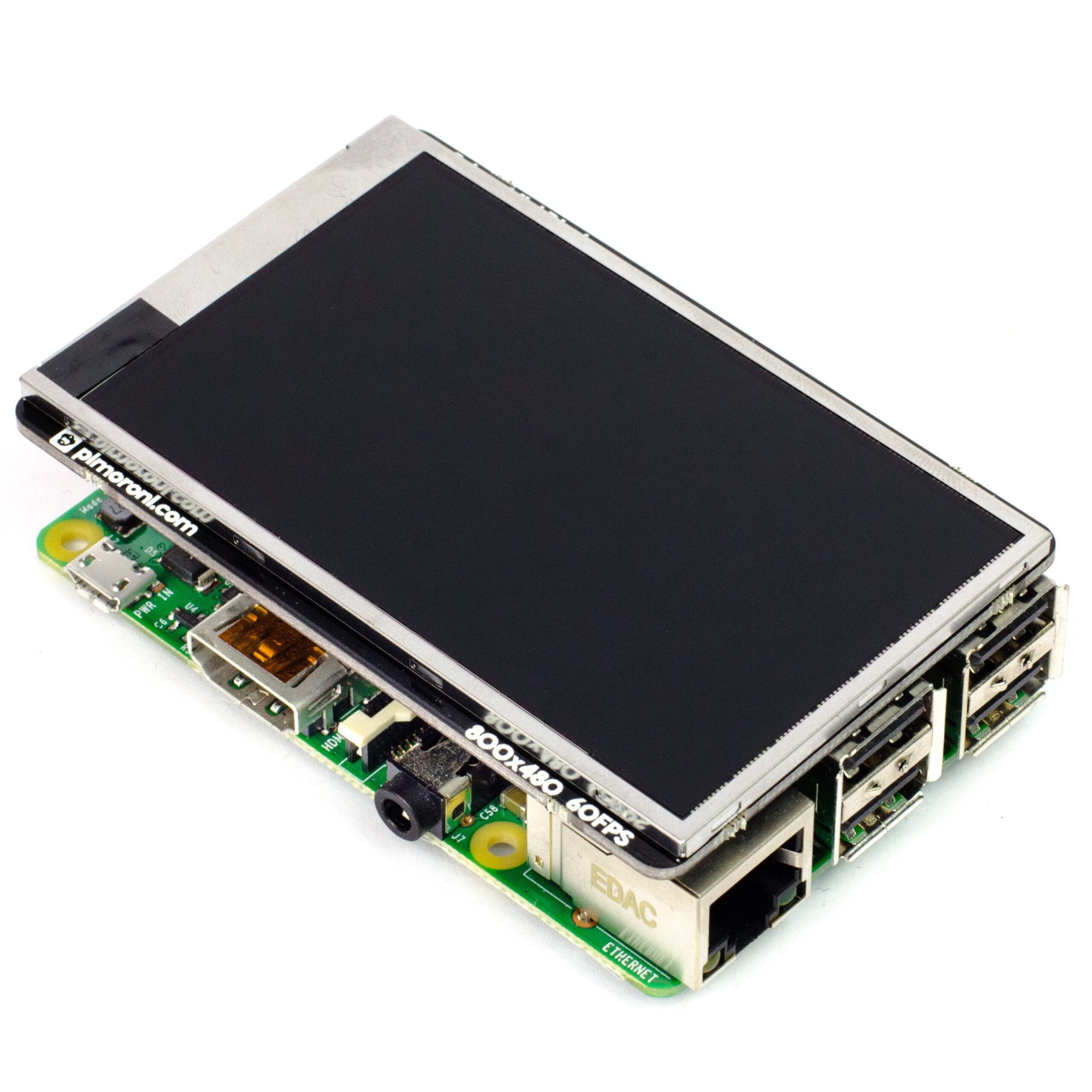
While most small screens connect to the Pi’s HDMI socket, the HyperPixel (£40/$52) is a HAT that plugs onto the GPIO pins. It comes pre-assembled, so no soldering is required. On a Pi Zero, it mounts straight on top for a flush fit. For other Pi models, an extra female header is supplied to raise the HyperPixel so it sits on top of the Pi’s USB ports. A rubber foot (to stick to the top of the Ethernet port) and a support bolt are also supplied to provide extra stability.
The full article can be found in The MagPi 61 and was written by Phil King.
Before you can use the HyperPixel, you’ll need to install some software. Fortunately, as with most Pimoroni products, you can use a one-line installer command in the Terminal. To enter the command you’ll need to hook the Pi up to another monitor, or access it remotely via SSH. When the software has been installed, the Pi will only display to the HyperPixel, unless you revert the config.txt file.
Once it’s all up and running, you’re sure to be impressed by the HyperPixel's performance. The 800×480 resolution matches the official Pi 7-inch touchscreen, and with a pixel density of 270 ppi, the HyperPixel beats its rival 3.5-inch screens. The display looks seriously sharp with vibrant colours (18-bit for 262,144 shades) and good viewing angles. There is some occasional colour banding when displaying fine gradients, but it’s hardly noticeable. With a frame rate of 60 fps, videos look superb – although we noticed a tiny bit of distortion at the right-hand edge when streaming YouTube videos (but not when playing those stored locally).
That frame rate is down to the use of DPI (Display Parallel Interface). The downside to this is that the 18-bit colour uses 18 GPIO pins, while the rest are needed for functions including syncing and two-point capacitive touch. I2C and SPI are also disabled. Naturally, this limits the screen’s usefulness for some projects. In addition, if you want to use PWM for fine control of the backlight brightness, you won’t be able to output audio via the Pi’s 3.5 mm jack.
Last word
4/5
While not suitable for projects requiring GPIO pins, the HyperPixel is ideal for use in a mini media centre, portable retro games console, camcorder, or as a touchscreen interface. Since the Raspbian desktop is too fiddly to control in miniature, you’ll want to create your own custom GUI. Whatever you use it for, this is a stunning screen.

Russell runs Raspberry Pi Press, which includes The MagPi, Hello World, HackSpace magazine, and book projects. He’s a massive sci-fi bore.
Subscribe to Raspberry Pi Official Magazine
Save up to 37% off the cover price and get a FREE Raspberry Pi Pico 2 W with a subscription to Raspberry Pi Official Magazine.
More articles
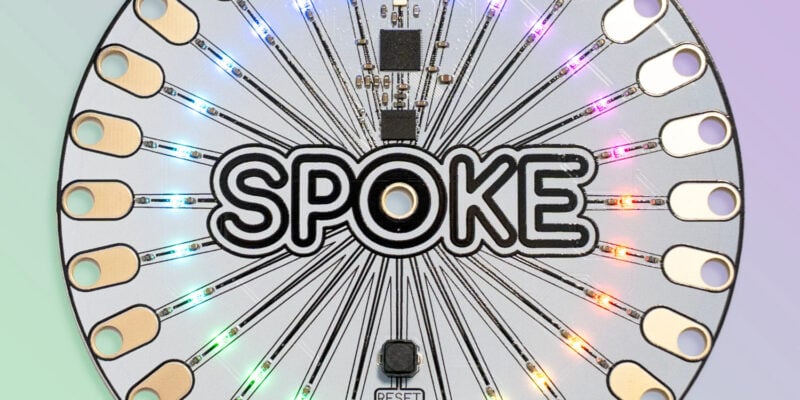
SPOKE review – programmable MIDI controller
An RP2040-powered touch controller for music and a lot more.
Read more →
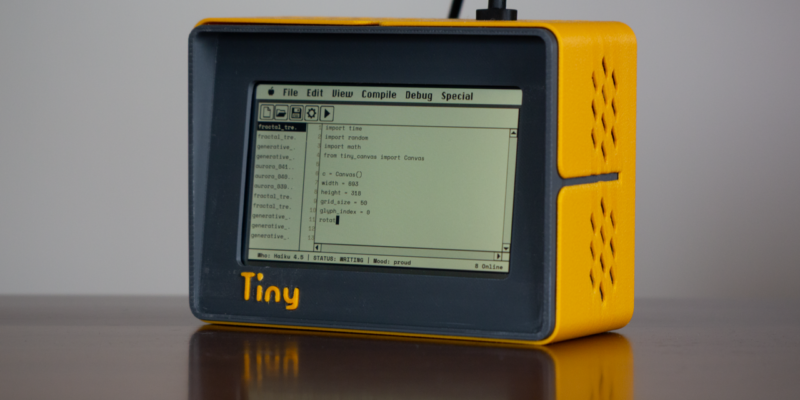
TinyProgrammer
Want a coding companion? TinyProgrammer lets you watch as it tinkers with Python all day. Sean McManus finds out how it works
Read more →
Make a Smart Home in Raspberry Pi Official Magazine issue 167
The dream of smart, connected devices controlling your home automatically, is especialy appealing on a lazy day when we’re trying to get work done in a heatwave. Maybe this will be the year we finally integrate temperature sensors with fans and a drinks dispenser to keep us cool, or maybe not, but we do know […]
Read more →