Learn Sense HAT with Raspberry Pi
By Phil King. Posted

The Sense HAT is an official add-on board that adds a range of motion sensors to
Raspberry Pi, including a gyroscope, accelerometer, and magnetometer, along with
temperature, pressure, and humidity sensors. It also features an 8×8 LED matrix and
five-button joystick.
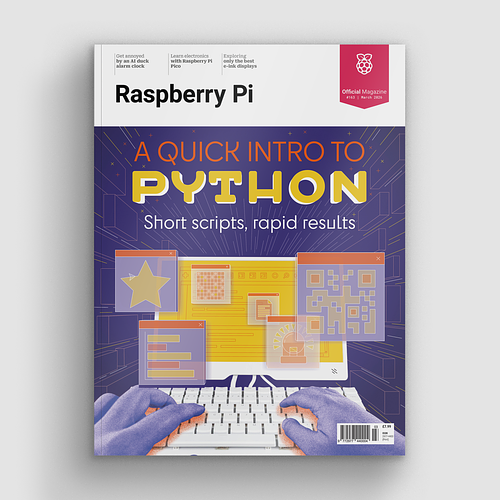
A quick intro to Python – short scripts, rapid results.
Astro Pi resources
This versatile board was designed especially for a space mission. Two Astro Pi units – comprising a Raspberry Pi with Sense HAT in a special case – are currently aboard the International Space Station (ISS), orbiting 408km above the Earth. Astro Pi is an ESA (European Space Agency) project run with the Raspberry Pi Foundation. It enables young people to conduct scientific investigations in space by writing computer programs that run on the Astro Pi devices aboard the ISS. Students up to 19 years old can take part in the Mission Space Lab, while those 14 and under can get involved in the simpler Mission Zero. Even if you don’t want to take part, Astro Pi has a solid set of resources designed to help students set up the Sense HAT and collect data from it.
Experiment with the Sense HAT
While no longer available in print form, this compact book from The MagPi Essentials range can still be downloaded as a free PDF. An extensive feature on the Astro Pi mission details how the units were designed and then launched into space to reach their new home on the International Space Station – to be joined by British ESA astronaut Tim Peake soon after.

The book then launches into some step-by-step tutorials to help you get started with your Sense HAT, demonstrating how to display images on the LED matrix and how to read the various sensors on board, including the gyroscope, accelerometer, and magnetometer. Fun projects to code include a Gravity Simulator, Digital Magic 8 Ball, Interactive Pixel Pet, Astronaut Reaction Times Game, and Data Logger.
Raspberry Pi Projects

The Raspberry Pi Foundation’s learning resources website features several tutorials to help you get started with your Sense HAT and make some fun projects with it using Scratch or Python. Even if you don’t own a Sense HAT yet, you can experiment with writing Python programs in an online emulator to see the effects. Start with a simple Countdown Timer on the board’s LED matrix, before moving on to games such as Flappy Astronaut, Marble Maze, Tightrope, and Pong. More complex projects include an MP3 Music Player and Weather Logger. There's even a tutorial to explore SpaceCRAFT – a winning Astro Pi competition project – in which you can visualise data from the Sense HAT’s sensors in the Minecraft world.

When not editing books and contributing to The MagPi, Phil enjoys playing the piano (badly), astronomy, and watching classic sitcoms.
Subscribe to Raspberry Pi Official Magazine
Save up to 37% off the cover price and get a FREE Raspberry Pi Pico 2 W with a subscription to Raspberry Pi Official Magazine.
More articles

2.13-inch Flexible E-Paper Display
This flexible screen connects to Pico via an adapter and driver board
Read more →
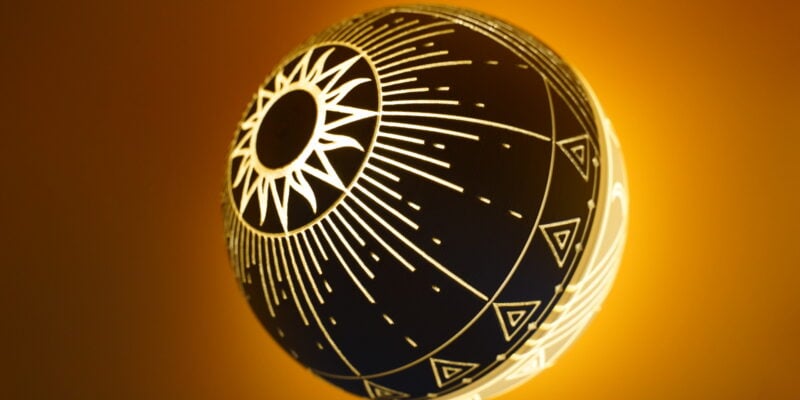
Orb of radiance
A 3D print of brilliance
Read more →
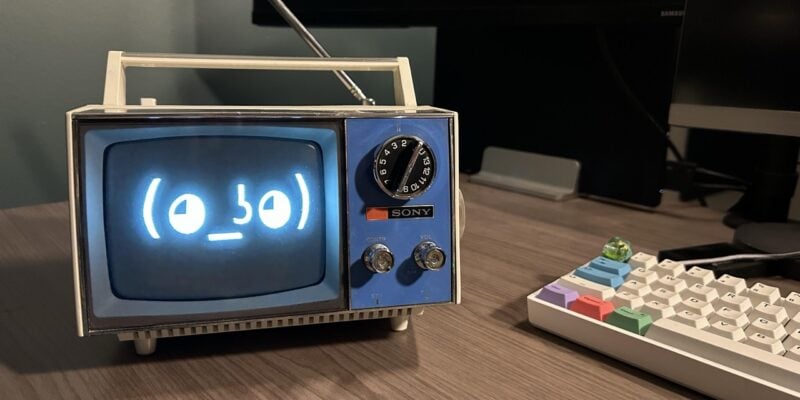
Artie the AI assistant
“Hey Artie” – say the wake phrase, ask your question, and get a useful answer in your ears or sent to your printer
Read more →