Network mapper
By Ashley. Posted

We are, to put it mildly, bored with looking at screen after screen of glowing pixels. We understand that humans are very good at taking in information through their eyes, and that the invention of the alphabet made reading and writing a super-efficient way of transmitting data, but after staring at the TV, our phone, and occasionally our work computers, we sometimes dream of a better way. And here is that better way: a network map showing the status of, and bandwidth between, a series of data centres in Switzerland.
Like many projects, this one began life not out of a need, but out of finding a stash of cool components and wanting to do something with them. In this case, the component haul was a tray of MD0657C2-R displays from a surplus component shop. Add a few MAX6952 chips to drive the displays, and six Raspberry Pi Pico Ws, and you’ve got the guts of a unique visual display that feels like it came from the set of Superman 3.

Maximilien housed these displays and their associated electronics in frames made out of wood and plywood, finished off with painted, laser-cut acrylic panels. It’s backlit with RGB LEDs that are controlled by the main Raspberry Pi Pico W, which also grabs the data to display from the data source and updates it in real time.
As data displays go, it certainly beats a spreadsheet.

Subscribe to Raspberry Pi Official Magazine
Save up to 37% off the cover price and get a FREE Raspberry Pi Pico 2 W with a subscription to Raspberry Pi Official Magazine.
More articles
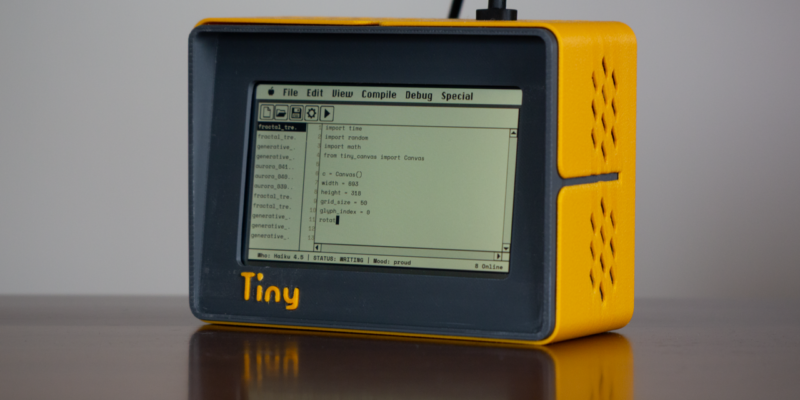
TinyProgrammer
Want a coding companion? TinyProgrammer lets you watch as it tinkers with Python all day. Sean McManus finds out how it works
Read more →

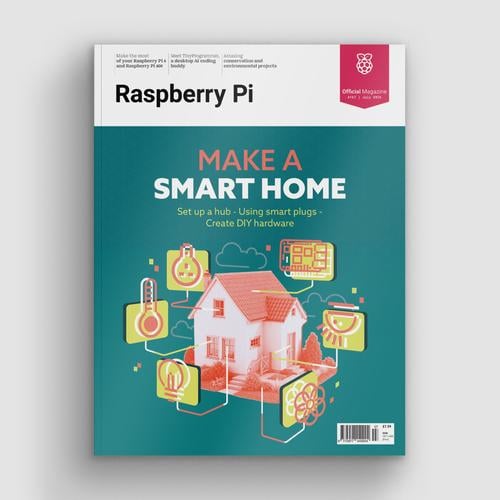
Make a Smart Home in Raspberry Pi Official Magazine issue 167
The dream of smart, connected devices controlling your home automatically, is especialy appealing on a lazy day when we’re trying to get work done in a heatwave. Maybe this will be the year we finally integrate temperature sensors with fans and a drinks dispenser to keep us cool, or maybe not, but we do know […]
Read more →
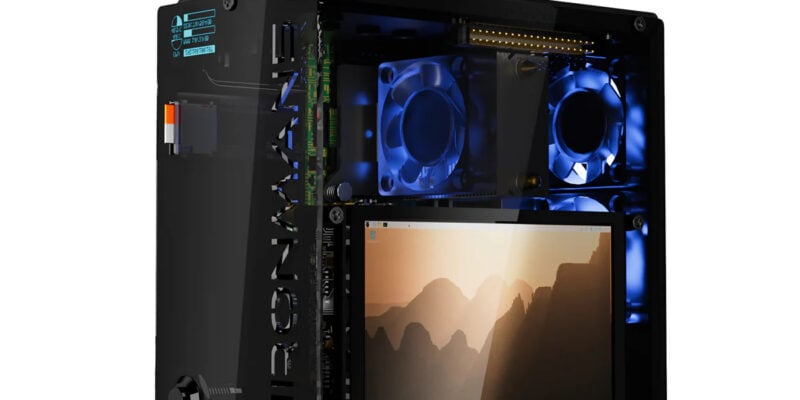
Win 1 of 3 Pironman 5 Pro Max cases!
Transform your Raspberry Pi with this amazing case
Read more →