Pico Unicorn Pack review
By Phil King. Posted
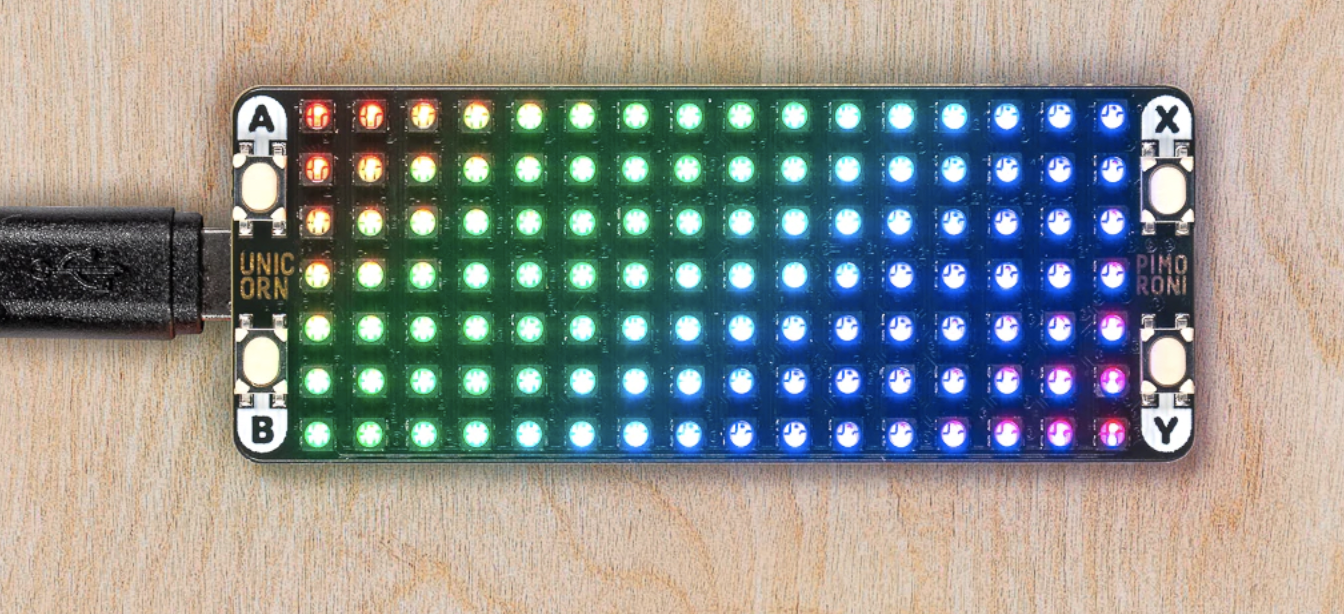
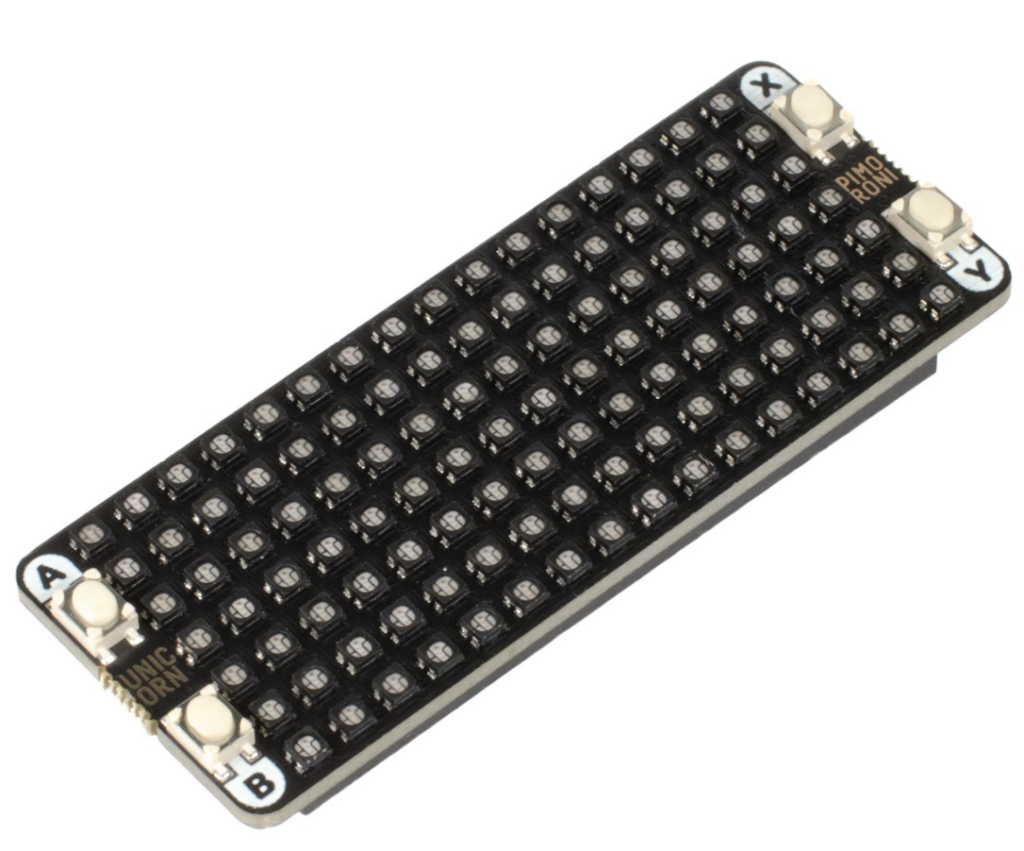
Want to add some sparkle to your Pico project? The Pico Unicorn Pack (£22/$23) offers a 16×7 matrix of bright RGB LEDs – that’s 112 in total – along with four programmable push-buttons. All you need is a Raspberry Pi Pico with soldered male pins and you can plug it into the Pico Unicorn’s dual female headers, found on the rear of the board.
You’ll also need to flash Pico with Pimoroni’s custom MicroPython UF2 firmware. This includes the MicroPython module for the Pico Unicorn, which you can import at the top of your programs. While not as sophisticated as the Python one for Pimoroni’s Unicorn HATs for Raspberry Pi computers, it does enable you to set individual pixels to RGB values (or a single value) and read button presses. Disappointingly, there’s no built-in function for scrolling text, although it can be done with a bit of know-how.
Pico Pong
Only two MicroPython code examples for Pico Unicorn are provided in Pimoroni’s GitHub repo, but doing a search for ‘Pico Unicorn’ on GitHub reveals a wide variety of programs created by the community, giving you an idea of the possibilities. Our favourite is a two-player game of Pong using the buttons as controls (magpi.cc/unicornpong). There’s even a funky plasma generator that enables you to scroll messages using a frame buffer (magpi.cc/unicornplasma). We also found a version of Conway’s Game of Life on the Pimoroni forums.
Those RGB LEDs are bright and very responsive. Controlled using the PIO state machines on Pico’s RP2040 chip, they’re updated in the background with very little CPU usage. In fact, it’s so fast that 14 bits of resolution can be achieved, resulting in smoother brightness transitions using gamma-corrected values. In short, it looks very impressive.
Verdict
9/10
With a matrix of super-responsive RGB LEDs, it’s ideal for animations and even games using the tiny push-buttons.
Specs
Features: 16×7 RGB LED matrix, 4 × programmable push-buttons
Dimensions: 65 × 25 × 10 mm

When not editing books and contributing to The MagPi, Phil enjoys playing the piano (badly), astronomy, and watching classic sitcoms.
Subscribe to Raspberry Pi Official Magazine
Save up to 37% off the cover price and get a FREE Raspberry Pi Pico 2 W with a subscription to Raspberry Pi Official Magazine.
More articles
Make your RAM go further – Raspberry Pi OS memory optimisation tips
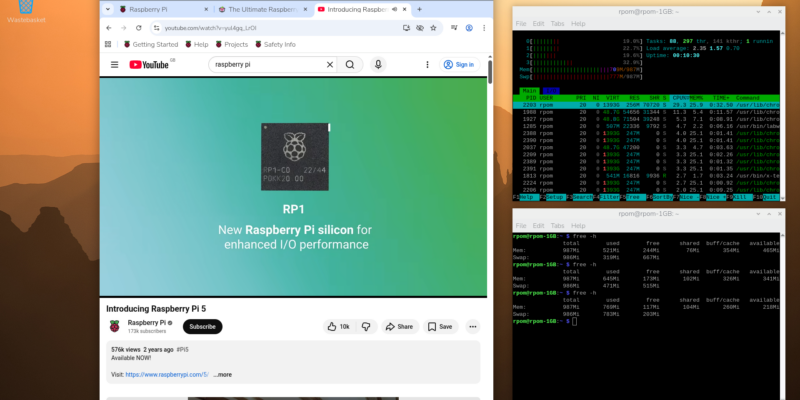
In issue 164 of Raspberry Pi Official Magazine we have been playing around with the new Raspberry Pi 5 1GB RAM. While the RAM shortage caused by the demands of AI infrastructure is annoying beyond belief, this has been a great chance for us to really get to grips with RAM. Generating images in Stable […]
Read more →
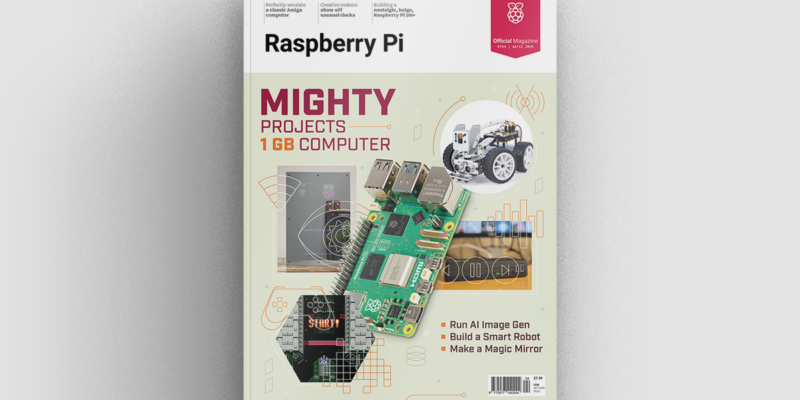
Mighty Projects – 1GB Computer in Raspberry Pi Official Magazine 164
It’s normal for computers to get faster and more pwerful, but the new-ish Raspberry Pi 5 1GB is a step in the other direction: it has all the processing power and the same GPIO pins of its more costly siblings, but with only 1GB of RAM it’s at a price that’s friendlier on the wallet […]
Read more →
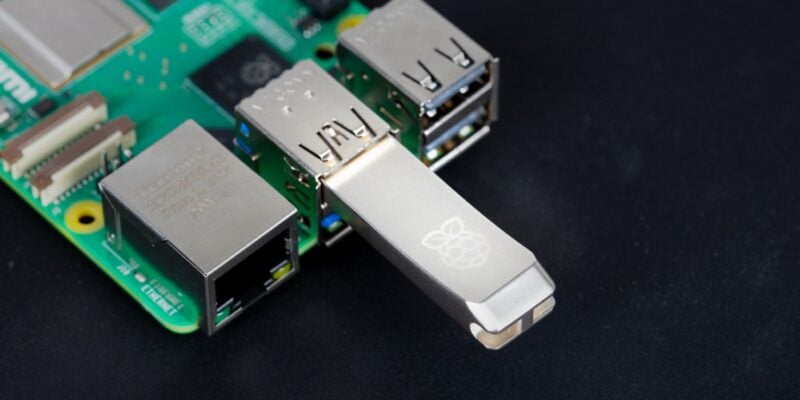
Win one of five 256GB Raspberry Pi Flash Drives
If you’ve been around long enough, you know that every Raspberry Pi accessory is top quality, and the latest Flash Drive is no different. Fancy a big one? We have five up for grabs, and you can enter below… Win 1 of 5 256GB Raspberry Pi Flash Drives
Read more →