Review – Pitower Gen 1 case
By Rob Zwetsloot. Posted
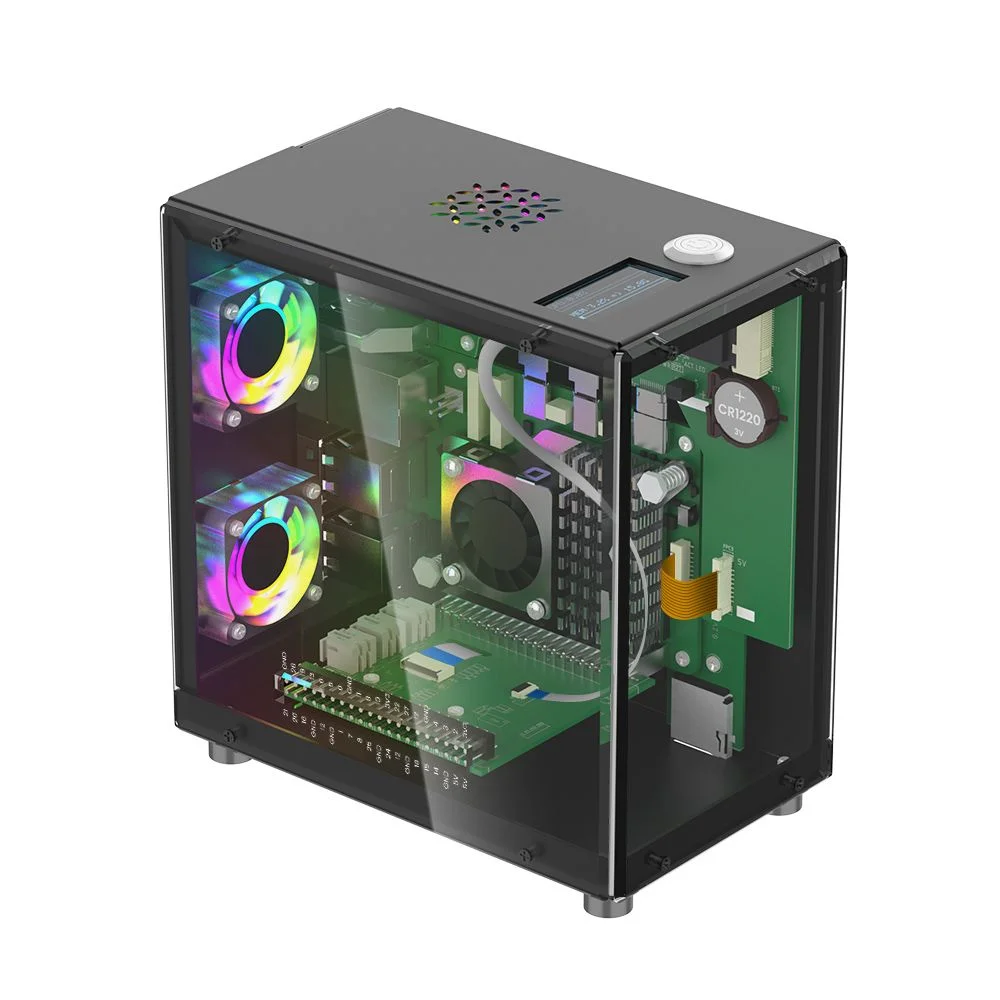
A mini PC case that emulates a full desktop case, but still leaves room for Raspberry Pi-specific features.

It seems quite popular now for folks to make their Raspberry Pi look like a diminutive desktop PC. The Pitower Gen 1 from Elecrow manages to do that while also making sure you can still use your Raspberry Pi as, well, a Raspberry Pi.
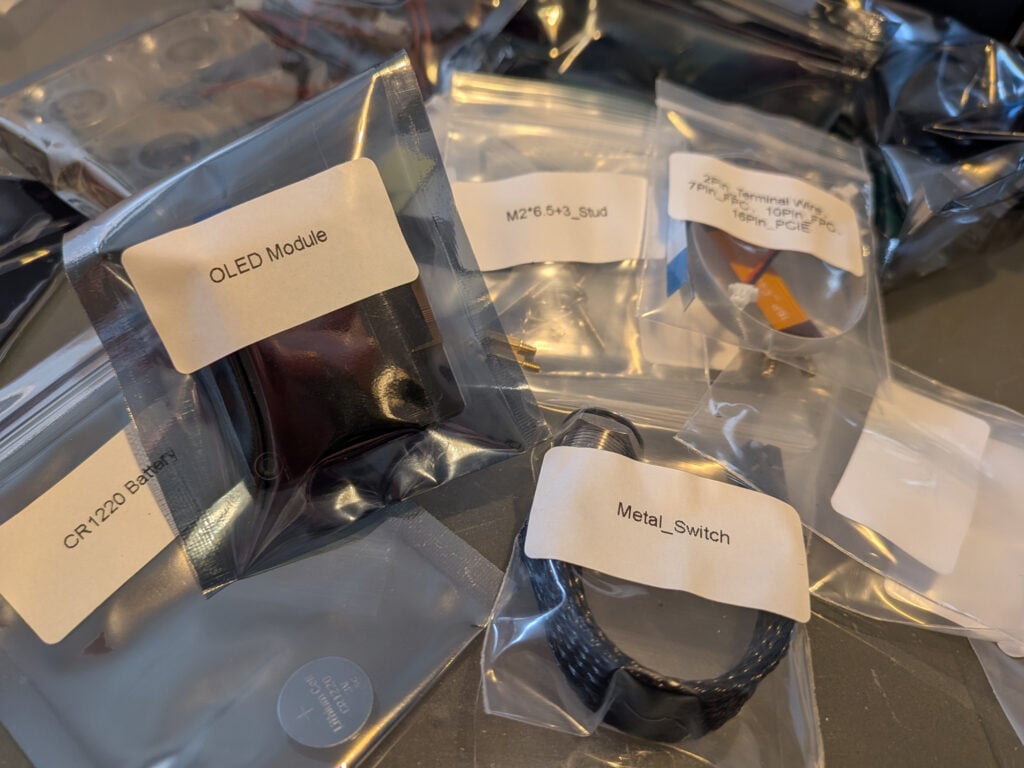
Construction is fairly simple if lengthy – it took the better part of three Red Dwarf episodes to assemble it all physically. For anyone who’s built a full-size PC in the last decade or so, the process will be quite familiar, and with the same level of fiddly bits and awkward screws to boot. All the parts are supplied in separate baggies and are properly labelled, which does make the process seem a little daunting at first but mainly saves you time comparing the length of screws against a diagram. The paper instructions that come with the case are fairly straightforward, but there were a couple of times where we had to go back and do bits we’d missed. Thankfully, the build video can help there.
Practically sturdy
Once finished, you can boot it up and go. Some extra software is required to get it all working (especially the little OLED screen), but after a few terminal commands you’re good to go with your brightly lit and very cool (because of the fans!) case. The aluminium frame is very sturdy and the weight feels good, and the little parcel box for the GPIO pins allows you to still do digital making with it. While it is larger than traditional Raspberry Pi cases, it’s not taking up the whole desk. The OLED screen displays some system info, and all the ports are routed to the rear of the box like on a normal PC case – including switching out micro HDMI to regular HDMI for those who prefer it. It’s fairly quiet too, which is a big plus.
Verdict
If you like the look of a mini PC case but still want to use some Raspberry Pi features like GPIO pins, this might be worth the fiddly build – 8/10

Rob is amazing. He’s also the Features Editor of Raspberry Pi Official Magazine, a hobbyist maker, cosplayer, comic book writer, and extremely modest.
Subscribe to Raspberry Pi Official Magazine
Save up to 37% off the cover price and get a FREE Raspberry Pi Pico 2 W with a subscription to Raspberry Pi Official Magazine.
More articles

Raspberry Pi Official Annual 2027 is out now!
New name, same fantastic content
Read more →

Robot arm lamp
This won’t be jumping on any animation studio logos
Read more →

Sage Cadence interview
An electrical engineering student trying to provide the educational content she would have wanted
Read more →