Tufty 2040 interactive name badge review
By Phil King. Posted

The Tufty 2040 badge (£24) is based on Raspberry Pi’s RP2040 microcontroller chip, as used on Pico. It goes one better than the Badger 2040 (reviewed in issue 116) with the use of a 2.4-inch colour LCD screen in place of a monochrome e-ink display.
With a rapid refresh rate, the LCD enables the Tufty to do a lot more, including showing animated text and graphics. A simple game is even included as one of the preloaded examples, selectable via a menu when you turn it on. Others include wavy scrolling text, Pride and retro badge layouts, and an old-school ‘Sketchy-Sketch’ drawing tool. As on the Badger, control is via five programmable user buttons.
Connecting the Tufty 2040 to a computer via USB enables you to program it in MicroPython or C++. The PicoGraphics library makes it relatively easy to write text and draw shapes. JPEGs can also be rendered, and sprites imported from a sprite sheet.
Wear it well
For portable use, a JST-PH battery connector accepts input from 3 V to 5.5 V. An optional Accessory Kit includes a 3×AAA battery pack, Velcro pad to fix it to the rear, and lanyard. A less bulky alternative is to use a LiPo battery, although the Tufty has no circuitry to charge it. Naturally, power drain is higher than using an e-ink display: around 100 mA in total. The on-board light sensor could be used to auto-dim the display via PWM, however.

A neat bonus feature is the Qwiic/STEMMA QT port which can be used to connect I2C sensors and other add-ons. So you could even use the Tufty 2040 as a data display instead of a badge.
Verdict
9/10
The crisp colour screen makes for a super-cool interactive name badge that is versatile and fairly easy to program.
Specs
Display: 2.4 in colour IPS LCD display, 320×240 pixels
Power: JST-PH battery connector (input range 3–5.5 V), USB-C
Features: 5 × user buttons, LED, Qwiic/STEMMA QT port, breakout edge connector (I2C, UART, SWD), 8MB flash storage

When not editing books and contributing to The MagPi, Phil enjoys playing the piano (badly), astronomy, and watching classic sitcoms.
Subscribe to Raspberry Pi Official Magazine
Save up to 37% off the cover price and get a FREE Raspberry Pi Pico 2 W with a subscription to Raspberry Pi Official Magazine.
More articles
Incredible Weather Projects in Raspberry Pi Official Magazine issue 171
If the planet gets too hot/too cold/too drizzly for human habitation, we’ll probably want to leave Earth in search of a better one. That means we’ll need a flight computer, and maker Michael Newton is one step ahead: he’s built a replica of the DSKY (display keyboard) interface from the Apollo Guidance Computer. Now you […]
Read more →
Win one of five Sense HAT bundles
Get a Sense HAT add-on and book in our latest competition
Read more →
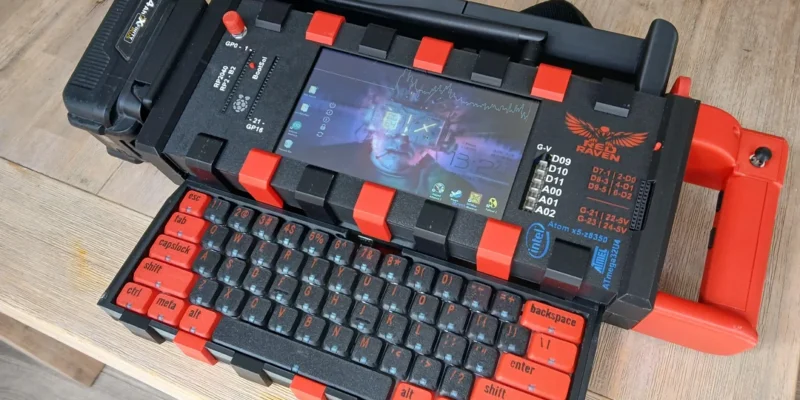
Red Raven cyberdeck
Powered by drills
Read more →