Badger 2040 W (Pico W Aboard) review
By Phil King. Posted

The Badger 2040 W is a mini monochrome e-ink display with wireless connectivity. Unlike the original Badger 2040 (reviewed in issue 116, this new model is based around a Pico W pre-soldered to the rear.
Another improvement is the inclusion of a real-time clock (RTC), enabling it to keep time even when in ‘super deep sleep’ mode, with Pico W powered down – in which it draws a minuscule 20 μA of current.
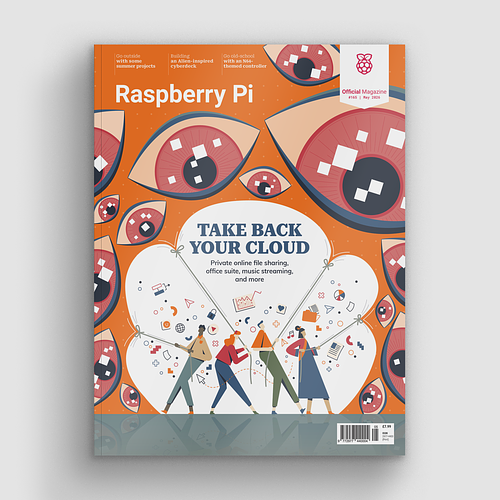
Take back control of your online data, with Raspberry Pi.
Talking of power, you will want a portable way of supplying it. To this end, there’s a JST battery connector on the rear. If you buy the accessory kit version, you get – along with a lanyard – a 2×AA battery pack with a Velcro patch to stick it to the rear of the board.
Alternatively, you could use a standard USB power bank connected to Pico W. Both solutions are a little chunky, though, so you might prefer a slimline LiPo battery pack.

Easy to program
When first powered up, the Badger 2040 W launches into ‘Badger OS’ with a scrollable menu of icons to choose demo programs and tools. These include a badge, digital clock, e-book reader, interactive checklist, news headlines, and weather dashboard.
Naturally, you can connect Pico W to a computer via USB to customise the examples or create new programs – in MicroPython or C/C++. Pimoroni’s standard PicoGraphics library makes it easy to add bitmap images, and several fonts are supported. You’ll need to add your Wi-Fi credentials to try out examples such as news and weather, as well as setting the correct time via NTP.
Verdict
8/10
An interactive badge that doubles as a versatile mini e-ink display with a reasonably quick refresh rate and Wi-Fi connectivity.
Specs
Display: 2.9-inch e-ink, 296×128, monochrome
Features: Pico W, 5 × user buttons, reset button, LEDs, Qwiic/STEMMA QT port
Dimensions: 85.6 × 48.7 × 10 mm

When not editing books and contributing to The MagPi, Phil enjoys playing the piano (badly), astronomy, and watching classic sitcoms.
Subscribe to Raspberry Pi Official Magazine
Save up to 37% off the cover price and get a FREE Raspberry Pi Pico 2 W with a subscription to Raspberry Pi Official Magazine.
More articles
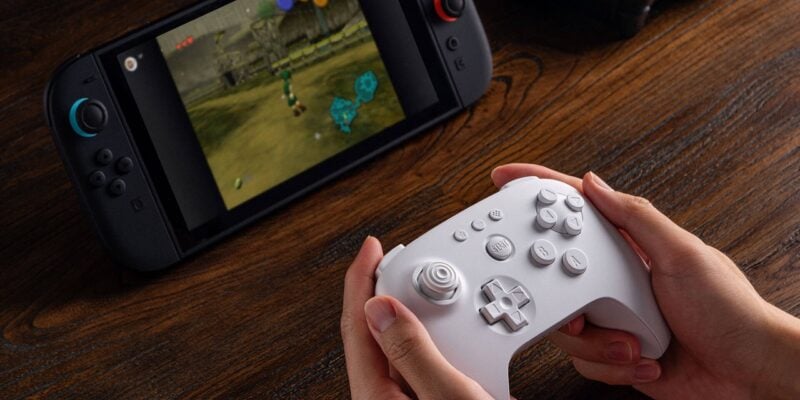
8BitDo 64 Controller review
A near perfect replica of the original N64 controller, but laid out for modern sensibilities and comfort.
Read more →
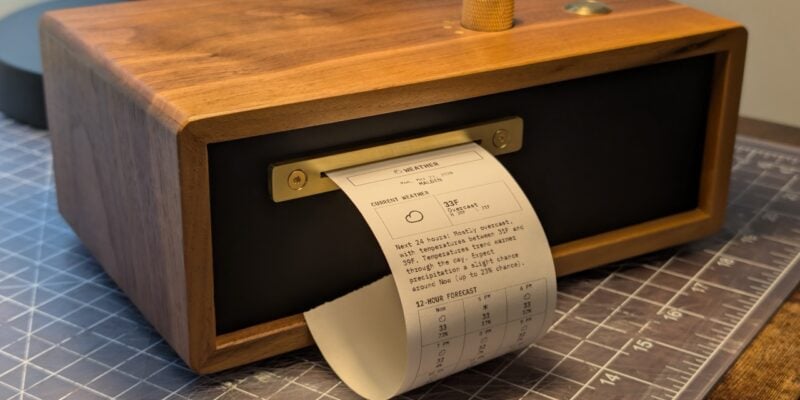
Paper console
Look at those physical controls! This device is built to be beautiful: it’s made out of walnut and brass.
Read more →
Take Back Your Cloud in Raspberry Pi Official Magazine 165
We’re all-too accustomed to the feling of being watched on the internet. A search for any product leads to adverts, emails, and goodness knows how many bots tracking you. It feels weird and intrusive, and we aren’t being paranoid – they really are watching us. Luckily you don’t have to reply on online services that […]
Read more →