Kiwi+ USB review
By Rob Zwetsloot. Posted
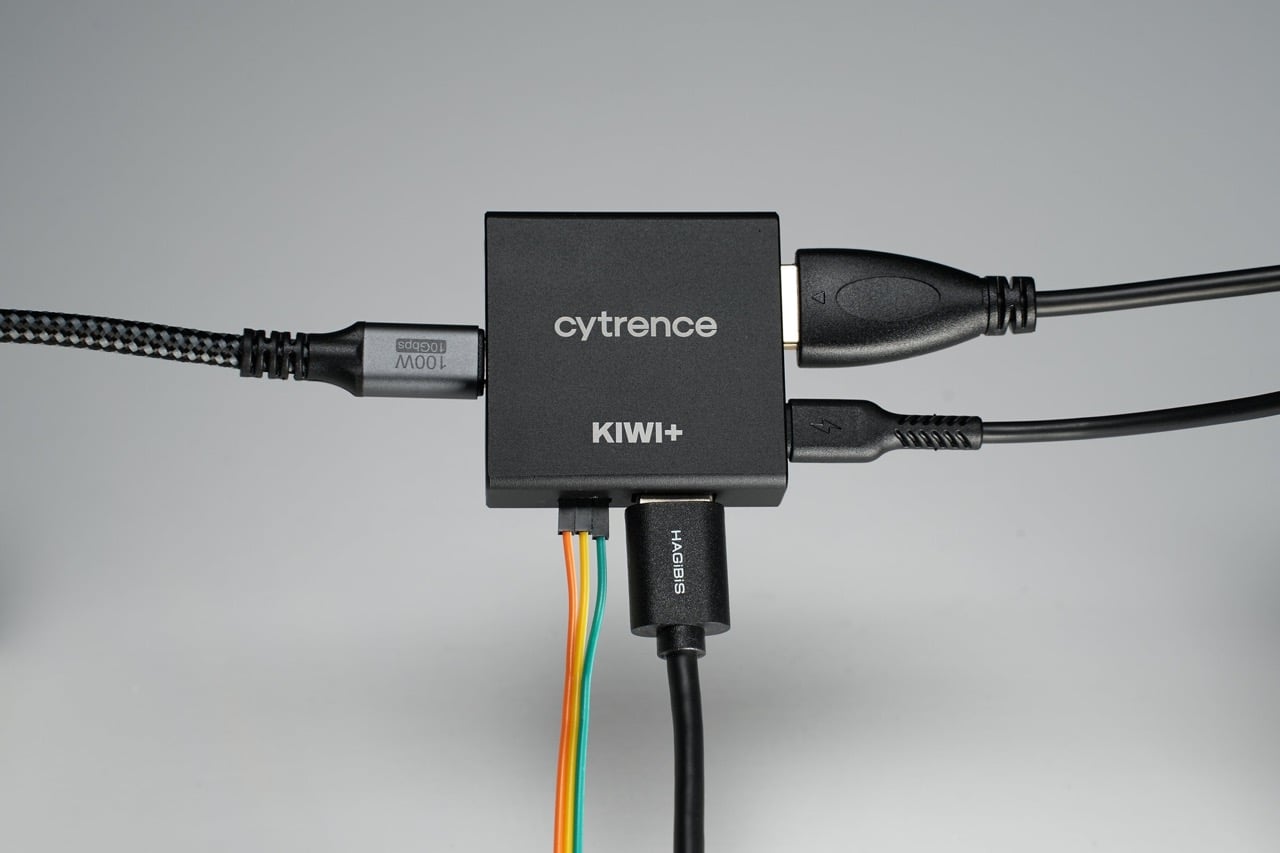
Kiwi’s KVM is not a regular KVM, in that you’re not just sharing a keyboard, video, and mouse between two systems. It also allows you to capture the video from your other computer and display it on a host PC, complete with the ability to send mouse and keyboard commands back to the target. Like a local remote VNC, but with slightly better response times.

We were surprised how well the original version worked, especially compared to expensive game capture cards that don’t even allow for that kind of interactivity between systems. Cytrence has since put out several new versions of Kiwi under a ‘+’ label – one with built-in shared storage, another that creates a local network between both machines, and a third with the simpler concept of a shared USB port.
Plus it
The Kiwi+ USB (£89/$119) retains the same great and very responsive features of the original, along with some of the dev options of the Kiwi Pro, and this new ability to switch a USB port between the host and target machines. Like before, it’s controlled via a dropdown menu on the capture window, allowing you to change which machine is using the USB port. It only works on one system at a time due to the limitations of, well, technology. So if you wanted some dedicated storage on a flash drive for both systems to use, you’re better off choosing the Kiwi+ Drive option. For everything else, and for testing software and hardware, it’s perfect. Switching between systems isn’t really slow and is about as fast as moving a USB device from one port to the neighbouring port, so it is also quite convenient. You are paying for that extra convenience, though, with the ‘+’ range coming in at $40 more than its predecessor – although that still makes it cheaper than a lot of its competition and it has the extra dev features too.
Verdict
9/10
The Kiwi KVM with some nice upgrades that can really streamline development, with a fairly reasonable price point.
Specs
I/O:
USB-C (host connection),
USB-C (input connection),
USB-A (shared connection), HDMI, 6× GPIO
Connectivity: 1080p video, human input devices, virtual serial connection, UART, ATX, USB devices
Dimensions: 46 × 46 × 15mm

Rob is amazing. He’s also the Features Editor of Raspberry Pi Official Magazine, a hobbyist maker, cosplayer, comic book writer, and extremely modest.
Subscribe to Raspberry Pi Official Magazine
Save up to 37% off the cover price and get a FREE Raspberry Pi Pico 2 W with a subscription to Raspberry Pi Official Magazine.
More articles

MirrorBallBot
This trick uses no smoke but it does use mirrors
Read more →

Digital Displays in Raspberry Pi Official Magazine 170
Some projects seem more like magic to us than anything else; here’s one of them. This robot by Italian engineer/magician Andrea Favero uses a mirror to widen the field of vision of a Raspberry Pi Camera Module 3, the input from which is processed by Raspberry Pi 4 and used to control three legs to […]
Read more →

Win a Development Kit for Compute Module 5
Make CM5 development easier with our competition
Read more →