Raspberry Pi 4 as your next desktop PC in The MagPi 85
By Lucy Hattersley. Posted

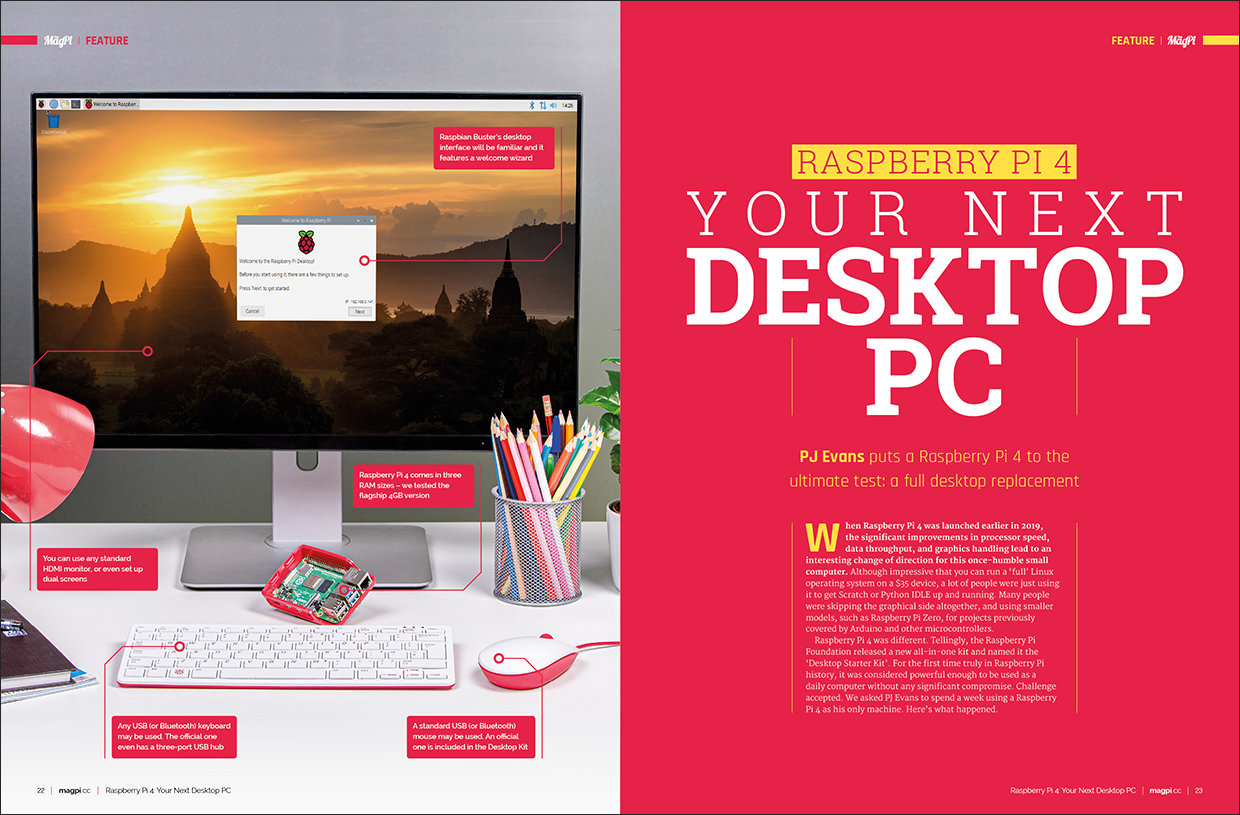
Can you do everything with a $55 computer? We asked PJ Evans to use nothing but a Raspberry Pi 4 for a week and report back. Discover the results in this month’s edition of The MagPi

We’ve been pretty confident about Raspberry Pi 4 for the last couple of months, repeatedly asserting that we think it’s the first Raspberry Pi you could comfortably claim is a desktop PC replacement.
This month, we put that claim to the test. We asked one of our best makers: PJ Evans to use a Raspberry Pi for a week as their main desktop computer, and report back to us!
The result is a fabulous insight into just how far Raspberry Pi has come. The MagPi magazine issue #85 is packed with tips and tricks for using Raspberry Pi 4 as your one-and-only computer.
Click here to buy The MagPi magazine issue #85
Amazing projects: like Pi Fighter and My Pi
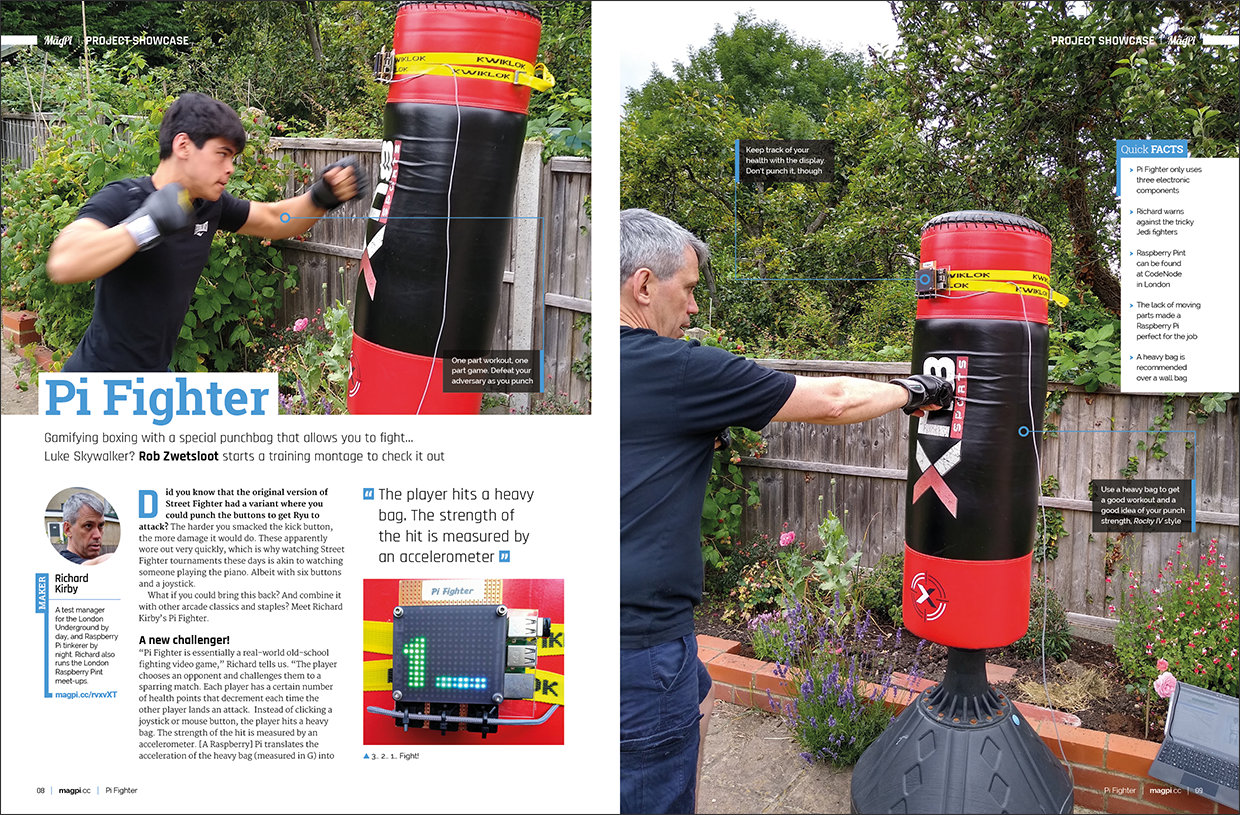
Every month we feature the best projects built with Raspberry Pi. We were stunned by Pi Fighter, a real-world boxing build that gamifies the sport using a Raspberry Pi-powered punchbag. We’ve also got incredible retro-gaming builds like MyPi, and afterwards pour yourself the perfect drink the Immersive Bar – a cocktail-making master.
Build a Bird Feeder
From boxing to bird-watching. For those who want something a little more scientific take a look at this amazing bird-box build by Stephen B Kirby. With a Raspberry Pi, capacitive touch-sensor and camera, Stephen captures amazing pictures from the garden.

Amazing tutorials: like this NAS drive
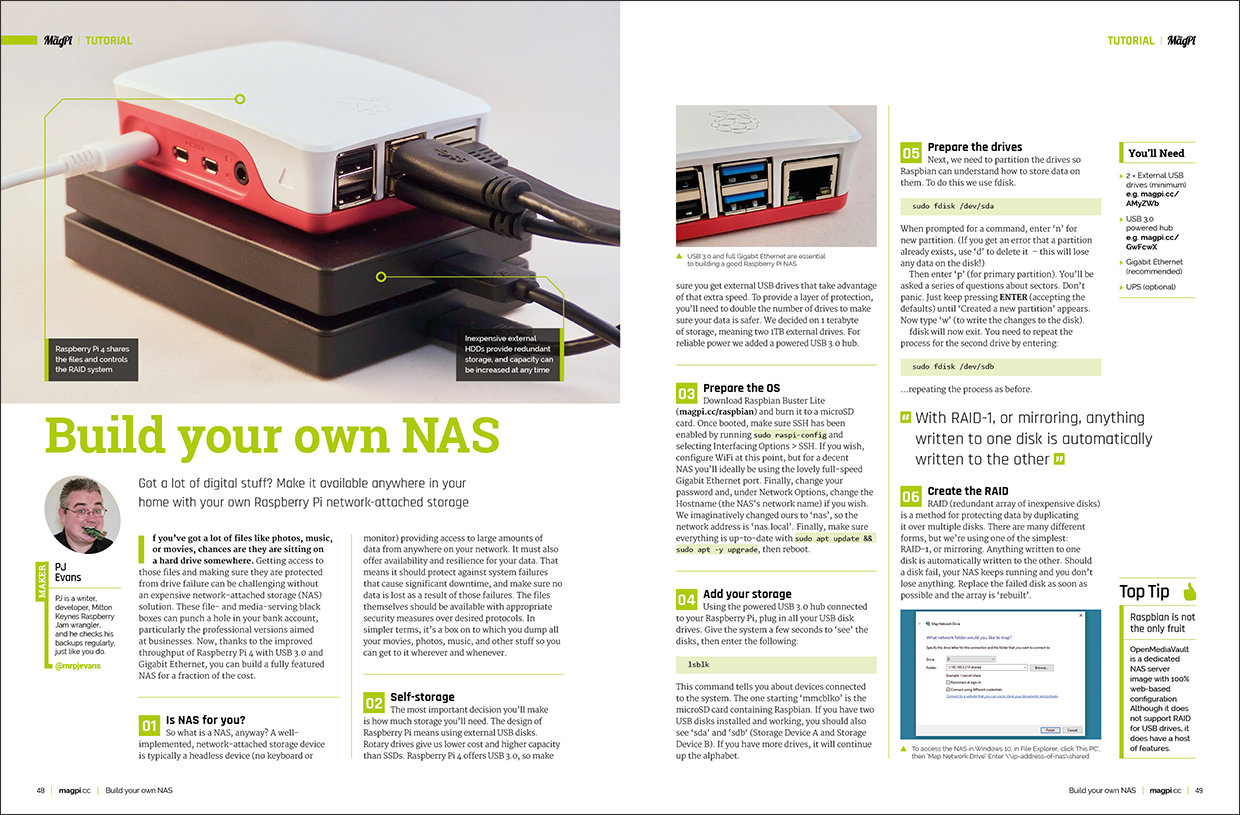
Ever since Raspberry Pi 4 came out with full gigabit Ethernet, our readers have been asking for an updated NAS Drive tutorial. Add an external hard-drive to Raspberry Pi 4 and use it to share files around the house. It’s ideal for media server projects and a low-cost alternative to cloud storage services.
Retro gaming: Make 8-bit graphics in PICO-8
We’ve been falling in love with PICO-8 a little bit more every month. Dan Lambton-Howard continues his sequence of tutorials for this great little retro gaming package. Discover how to make incredible 8-bit sprites using PICO-8’s custom colour palette (that helps ensure all your graphics look great). This month Dan builds a space-shooter to demonstrate PICO-8’s amazing sprite editing tools.

The MagPi is available as a free digital download, or you can purchase a print edition online or in stores.

Lucy is Editor of Raspberry Pi Official Magazine.
Subscribe to Raspberry Pi Official Magazine
Save up to 37% off the cover price and get a FREE Raspberry Pi Pico 2 W with a subscription to Raspberry Pi Official Magazine.
More articles

Raspberry Pi Official Annual 2027 is out now!
New name, same fantastic content
Read more →

Robot arm lamp
This won’t be jumping on any animation studio logos
Read more →

Sage Cadence interview
An electrical engineering student trying to provide the educational content she would have wanted
Read more →