Raspberry Pi 400 Projects & Guides in The MagPi Magazine #101
By Lucy Hattersley. Posted

The Raspberry Pi community is buzzing with the new Raspberry Pi 400. This powerful all-in-one computer is packed with a 1.8GHz ARM processor inside an official Raspberry Pi keyboard with the GPIO pins positioned on the rear. It’s an ultra modern work machine, powerful coding and development tool, and a handy electronics workstation for a myriad of projects.
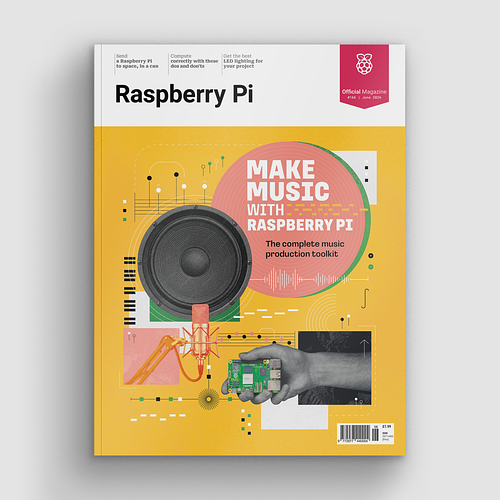
Make beautiful beats with the complete Raspberry Pi music production toolkit.

But where to start? That’s where our lead feature comes in. It’s packed with information and advice for getting the most out of your new Raspberry Pi 400 computer.

Get creative with Raspberry Pi arts & crafts projects
Get out your sticky tape, cardboard and crafting tools with our guide to making things with an electronic angle. Discover a wide range of crafting projects that use lights, sensors, and buttons. We’ve got fashionable wearables, interactive art displays, plus badges and baubles. Everything you need to get inspired by making with Raspberry Pi.

Wire up a retro joystick to Raspberry Pi 400
We love the classic DB9 joysticks, made popular in the 1980s (like the Kempston one we use in this tutorial). Nothing beats playing retro games with an original joystick. In this tutorial you’ll learn how to use a DB9 adaptor and wire it up to the GPIO pins on a Raspberry Pi 400 computer. Then plug in your original joystick and play games in the original way.

Upcycling an old speaker system with ultra-modern innards
We love this BOSEBerry Pi project by David Hunt. He has taken an old BOSE SoundDock from the iPod days and upcycled it with Raspberry Pi. Now it can stream music, internet radio, and keep him updated with the latest news and events.

Upgrade Santa’s Run with Drop and Dash games
Santa’s Run is a great game that uses recycled plastic bottles and arcade buttons as controllers. This month, Mike Cook explains how to use those controllers to make two more games: Santa’s Drop and Santa’s Dash.

pi-top FHD Touch Screen and Bluetooth Keyboard
Fancy turning Raspberry Pi into a Microsoft Surface-style tablet computer? With pi-top’s latest hardware you can add a touch-screen and keyboard cover to Raspberry Pi. The result is the nicest way to work on the move around.
Pick up your copy of The MagPi magazine #101
The MagPi magazine is available as a free digital download, or you can purchase a print edition from our Raspberry Pi Press store.

Lucy is Editor of Raspberry Pi Official Magazine.
Subscribe to Raspberry Pi Official Magazine
Save up to 37% off the cover price and get a FREE Raspberry Pi Pico 2 W with a subscription to Raspberry Pi Official Magazine.
More articles
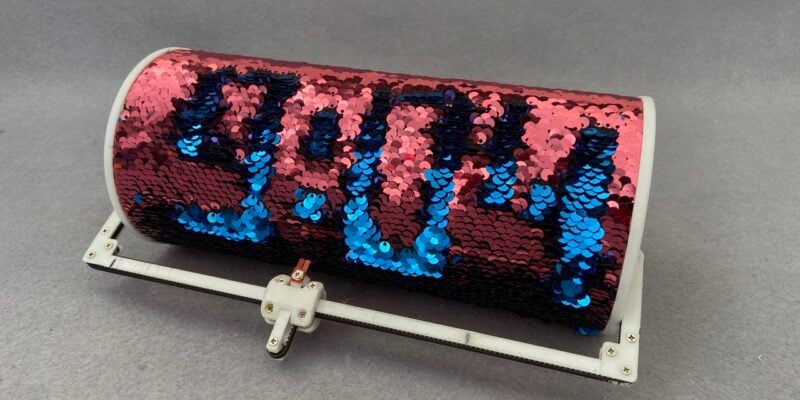
Sequino clock
This tricky build was inspired by a child’s t-shirt
Read more →
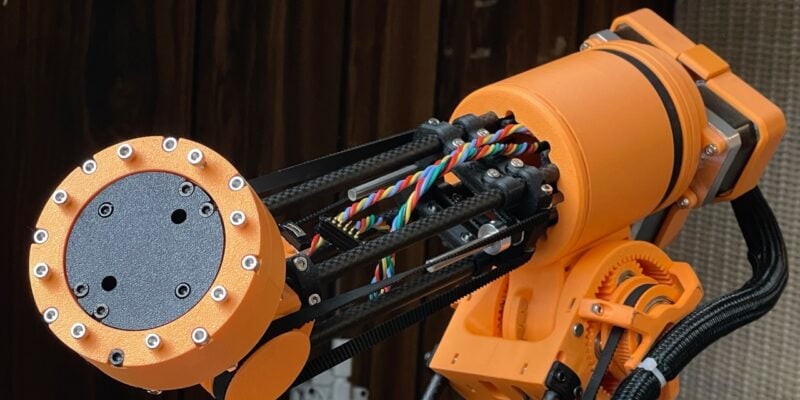
Use a robot to build a robot
This glorious, (mostly) 3D printed robot has six degrees of freedom.
Read more →
Make Music With Raspberry Pi in Official Raspberry Pi Magazine issue 166
Music production is an esoteric world of chin stroking and arguing over what kind of valve makes the best sound in a guitar amplifier – at least, it can be. Load up on software, bring your friends, and record your latest masterpiece on Raspberry Pi. We bring news from the world of 3D printing, where […]
Read more →