Status Board review
By Russell Barnes. Posted

The Status Board from Pi Hut is one of the most fundamentally simple ideas we’ve seen. It has five dry-wipe strips sitting next to controllable LEDs. A smaller (and slightly cheaper) Status Zero board has just three strips.
This article was written by Lucy Hattersley and appears in The MagPi #63.
With the board attached to a Raspberry Pi, you get a simple status notification board. You write the name of the item being monitored on the dry-wipe strip, and use code to light up the LEDs. There are two LEDs next to each strip: one green and the other red (making ten alerts in total).
“It’s such a fine line between stupid and clever,” as a wise man once said. It may well be easy to dismiss such a basic board, but it has many uses and comes with lots of code examples. The Pi Hut suggests using it as a server status, and to monitor WiFi networks or email inboxes. You could also hook it up to weather or transport line information. In fact, anything for which you can imagine a need for a label and a light. And perhaps a button.
To the right of each strip are two pin holes so you can connect a button. The status lights can be programmed to react to button pushes or wait until a button is pressed.
Setup is remarkably simple. You simply affix the board to the GPIO pins on your Raspberry Pi. Of course, with the Pi Zero, you’ll also need to solder the pins onto the board.
The only thing easier than setting up the board is using it, thanks to support from the GPIO Zero library. Simply import the StatusBoard method from GPIO Zero and then create a StatusBoard object (here called sb) to control.
from gpiozero import StatusBoard
sb = StatusBoard()
Then use sb.on() and sb.off() to turn all the lights on or off. Or control each strip and LED individually using sb.one.lights.green.on() and so on. You can blink and pulse the lights, and rename the ‘one,’ ‘two,’ ‘three’ labels to something more meaningful for your code, such as ‘London’ and ‘Cambridge.’
The Pi Hut has a comprehensive tutorial on GitHub along with a whole bunch of code examples, including a London Tube Line status board and a Donald Trump news alert.
Last word
4/5
It’s incredibly basic, but the Status Board has charm and is very easy to use. It’s a good device for learning about various online data service APIs and how to respond to data points with a board.

Russell runs Raspberry Pi Press, which includes The MagPi, Hello World, HackSpace magazine, and book projects. He’s a massive sci-fi bore.
Subscribe to Raspberry Pi Official Magazine
Save up to 37% off the cover price and get a FREE Raspberry Pi Pico 2 W with a subscription to Raspberry Pi Official Magazine.
More articles
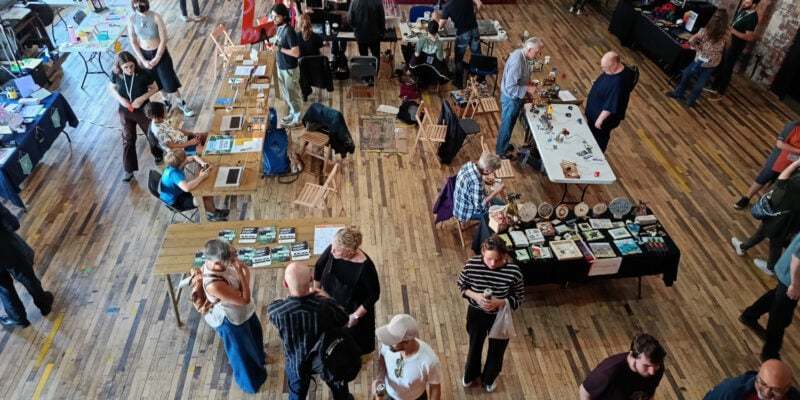
Liverpool MakeFest 2026 report
The UK’s largest free maker event celebrates creativity, arts, science, and technology
Read more →
D&D Book
A near magical book with ever-changing pages.
Read more →
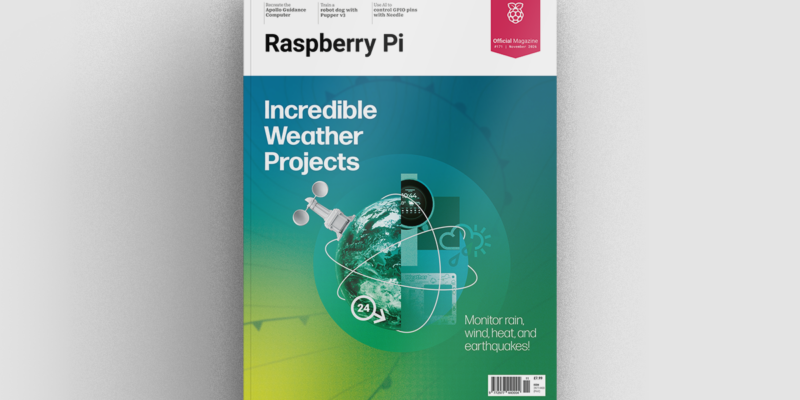
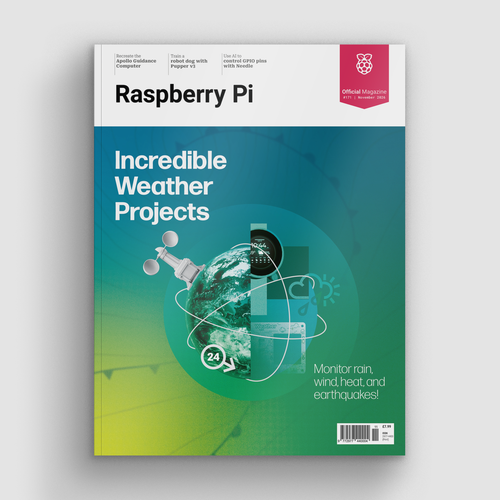
Incredible Weather Projects in Raspberry Pi Official Magazine issue 171
If the planet gets too hot/too cold/too drizzly for human habitation, we’ll probably want to leave Earth in search of a better one. That means we’ll need a flight computer, and maker Michael Newton is one step ahead: he’s built a replica of the DSKY (display keyboard) interface from the Apollo Guidance Computer. Now you […]
Read more →