Make with Windows 10 IoT Core in The MagPi 48
By Russell Barnes. Posted

A new Windows 10 kit is on the horizon for the Raspberry Pi 3, here's how to get a headstart in using Windows 10 on Pi
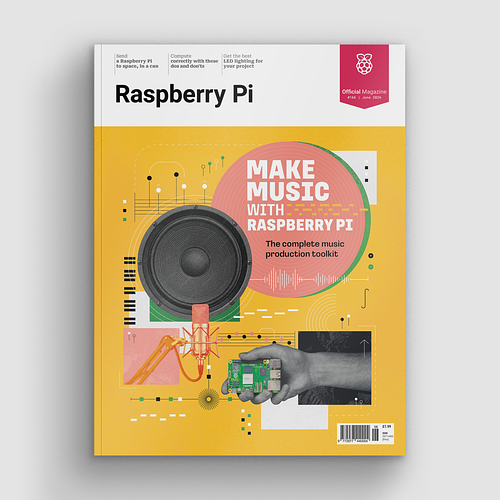
Make beautiful beats with the complete Raspberry Pi music production toolkit.
Whenever a new piece of hardware comes out, there's always people trying to port or emulate different operating systems onto them. The Raspberry Pi was no different, with several attempts at differing OSs when it was first launched. For over a year now though, Microsoft has officially supported Windows on the Raspberry Pi through Windows 10 IoT Core.
In The MagPi 48 we cover the latest developments in Windows 10 IoT Core that have come about since the Raspberry Pi 3 was launched, and how to maker use of them in your own projects. We've also got exclusive news on an upcoming kit specifically for the Raspberry Pi 3 that lets you create amazing projects right out of the box.

As well as all the Windows talk, we invite you to take part in the Scratch Olympics, continue building the arcade machine of your dreams, learn about Twitch-controlled robots, and read a review on the long-awaited NatureBytes wildlife camera.
The MagPi 48 is out today in WH Smith, Tesco, Asda, and Sainsburys in the UK and will be in Microcenters and selected Barnes & Nobles when it comes to America. You can also buy a copy online from our store, or get it digitally on our app that's available for iOS and Android.
We hope you enjoy the issue!

Russell runs Raspberry Pi Press, which includes The MagPi, Hello World, HackSpace magazine, and book projects. He’s a massive sci-fi bore.
Subscribe to Raspberry Pi Official Magazine
Save up to 37% off the cover price and get a FREE Raspberry Pi Pico 2 W with a subscription to Raspberry Pi Official Magazine.
More articles

Raspberrarium terrarium
Control the seasons and phases of the moon with your own tiny ecosystem
Read more →

Meet the new member of the documentation team at Raspberry Pi
Welcome to the team Steve Davies!
Read more →
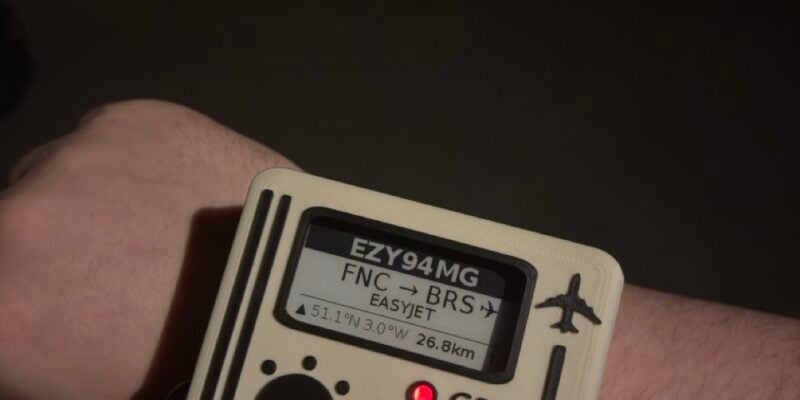
Flight watch
Using Raspberry Pi Zero to figure out what’s flying overhead
Read more →