WuKong 2040 breakout board review
By Rob Zwetsloot. Posted

One of the more popular type of Raspberry Pi Pico add-ons that we hadn’t quite foreseen was the educational breakout board. Pop your Pico onto a board and start coding it to control different components and read various sensors – it’s a great educational tool for people of all ages, and usually dirt-cheap too.
At under £10, the WuKong 2040 certainly keeps prices low while still packing a huge array of features on a small board. Buzzers, buttons, LEDs, motor controllers, a traditional GPIO breakout to hook up more, and the ability to power it all with a rechargeable battery so you can take it anywhere.
Code by numbers
Programming a Pico attached to the board is quite simple, making use of standard MicroPython, CircuitPython, and C libraries to work, and each pin and component labelled with the corresponding GPIO to which it’s connected. Examples are given in CircuitPython on the website, which can be fairly easy to translate to MicroPython if needed, and give you a nice little overview of what you can do with the board.

For those wanting a more practical application of the board, it also comes with a little add-on that makes the base compatible with many kind of brick building systems like LEGO – a good way to create a fun robot completely powered by custom code you made yourself.
Verdict
9/10
Small, reasonably priced, and packed with functionality, this board is a fun way to learn and grow with Pico.
Specs
Size: 55.8 × 87.8 × 36.3 mm, 50 g (without Pico or battery)
Power: 18650 lithium battery
60-minute battery life
2.8 V ~ 4.2 V
Interfaces: 2 × buttons, 2 × LEDs, 1 × buzzer, motor interface, GPIO interface, I2C interface

Rob is amazing. He’s also the Features Editor of Raspberry Pi Official Magazine, a hobbyist maker, cosplayer, comic book writer, and extremely modest.
Subscribe to Raspberry Pi Official Magazine
Save up to 37% off the cover price and get a FREE Raspberry Pi Pico 2 W with a subscription to Raspberry Pi Official Magazine.
More articles
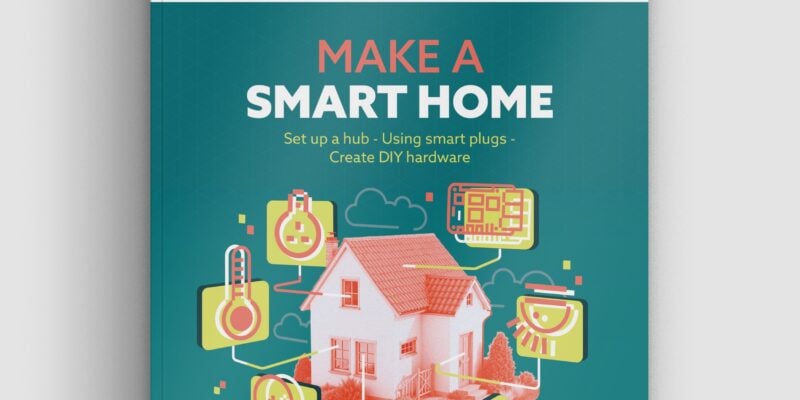
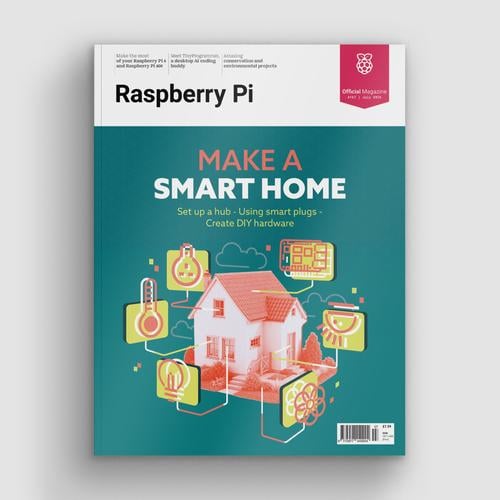
Make a Smart Home in Raspberry Pi Official Magazine issue 167
The dream of smart, connected devices controlling your home automatically, is especialy appealing on a lazy day when we’re trying to get work done in a heatwave. Maybe this will be the year we finally integrate temperature sensors with fans and a drinks dispenser to keep us cool, or maybe not, but we do know […]
Read more →

Win 1 of 3 Pironman 5 Pro Max cases!
Transform your Raspberry Pi with this amazing case
Read more →

Learning to code in an AI age
A new Raspberry Pi Foundation course helps young people learn to code.
Read more →